주요 콘텐츠로 건너뛰기

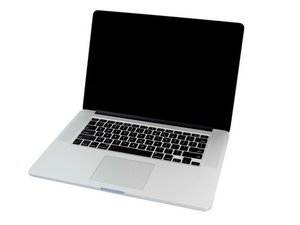
6MB 공유 L3 캐시 2.4GHz, 2.7GHz, 또는 2.8GHz 쿼드-코어 Intel Core i7 프로세서 (Turbo Boost 최대 3.8GHz).

How to reconnect left hinge to the rest of the hinge?

The display from my Mac has a broken hinge. The left part of the hinge is disconnected from the rest of the hinge. How would I reconnect it? I don't care about the cosmetic appearance of the hinge.

Block Image
이 질문에 답하기 저도 같은 문제가 있습니다

좋은 질문입니까?

점수 0
댓글 달기

답변 1개

It's hard to tell from the picture how exactly the hinge has broken or if it would be repairable. If the screws have come loose but all of the actual hardware is still in tact then you make be able to use it. Otherwise, you might have to remove the display, remove the display hinge, and fully replace that particular broken hinge (which I believe also includes the display cable). Here's a guide for how to do that on the 13-inch model, which I think is a similar procedure for the 15-inch. Good luck!

이 답변이 도움이 되었나요?

점수 0
댓글 달기

답변을 추가하세요

Peap Wu 영원히 감사할 것입니다.
조회 통계:

지난 24시간: 0

지난 7일: 0

지난 30일: 4

전체 시간: 103