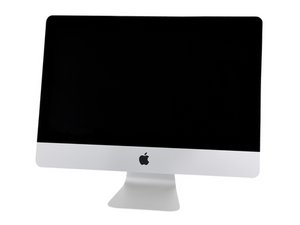
Where is the hard drive?
2017 21.5" iMac where is the hard drive?
좋은 질문입니까?
점수
0

평판: 1
 1
1
2017 21.5" iMac where is the hard drive?
좋은 질문입니까?

평판: 495.7k
35
 338
338
 974
974
There are two possible locations as seen in this guide accessing the SATA bay iMac Intel 21.5" Retina 4K Display (2017) 하드 드라이브 교체 the second location which is on the back side of the logic board. This is a custom to Apple PCIe/NVMe blade drive iMac Intel 21.5" Retina 4K Display (2017) Blade SSD Replacement.
Depending on what you bought (have) you could have one or the other. In addition, Apple sold some systems with both present calling this configuration a Fusion Drive. This is where the blade drive acts as a caching drive as it’s quicker than sending the data to the SATA HDD. At the time SSD’s were still quite expensive, this offered a cheaper option than a large SSD drive option. Today, we replace the blade SSD with a larger one making it the boot drive hosting the OS and Apps and using a good portion of the drive for Virtual RAM as well as Application scratch space. Some also use this space for their current project, moving it over to the SATA HDD. Here the HDD is your deeper storage space for your bought media (music & vids) as well as your work creation.

안내서
난이도:
조정
—
1 - 2 hours

안내서
난이도:
조정
—
1 - 3 hours
이 답변이 도움이 되었나요?
지난 24시간: 0
지난 7일: 0
지난 30일: 2
전체 시간: 80
