주요 콘텐츠로 건너뛰기
수리 커뮤니티 가입 - 계정 만들기
Alldaymall A88X Camera Replacement

필요한 것

  1. Alldaymall A88X Camera Replacement, Alldaymall A88X Back Cover: 1 단계, 이미지 3개 중 1개 Alldaymall A88X Camera Replacement, Alldaymall A88X Back Cover: 1 단계, 이미지 3개 중 2개 Alldaymall A88X Camera Replacement, Alldaymall A88X Back Cover: 1 단계, 이미지 3개 중 3개
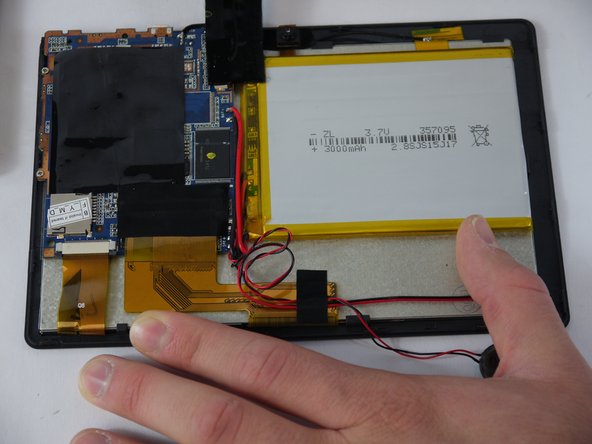
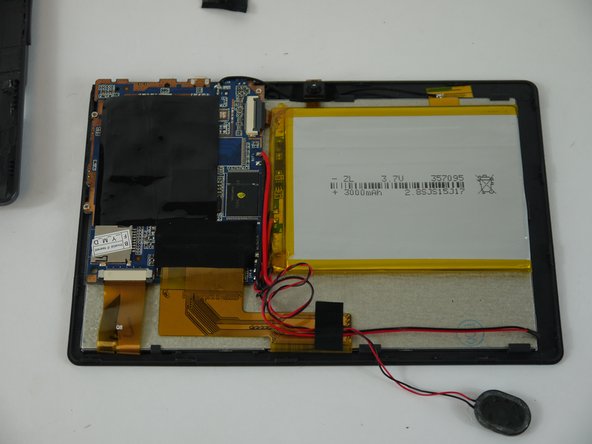
    • Using a plastic opening tool, carefully pry the device apart. Make your way around the entire perimeter of the device and carefully place the two panels next to each other.

    • After the panels are separated, watch out for the speaker on the rear panel as it's wire is rather short.

    • When separating the panels keep an eye out for the power button and volume rocker as they can be dislodged.

  2. Alldaymall A88X Camera Replacement: 2 단계, 이미지 1개 중 1개
    이 단계에 사용된 도구:
    Tweezers
    $4.99
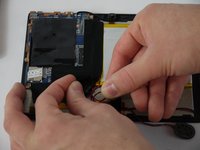
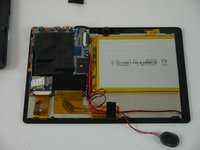
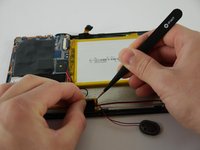
    • Grip the speaker from the sides with your fingers or a pair of tweezers and slowly begin to remove it from the rear panel.

    • When removing the speaker, make sure not to disconnect the wires in any way.

    • After the speaker has been removed, place the rear panel aside.

  3. Alldaymall A88X Camera Replacement, Speaker: 3 단계, 이미지 3개 중 1개 Alldaymall A88X Camera Replacement, Speaker: 3 단계, 이미지 3개 중 2개 Alldaymall A88X Camera Replacement, Speaker: 3 단계, 이미지 3개 중 3개
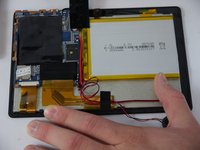
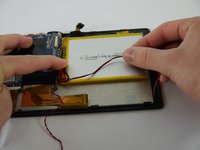
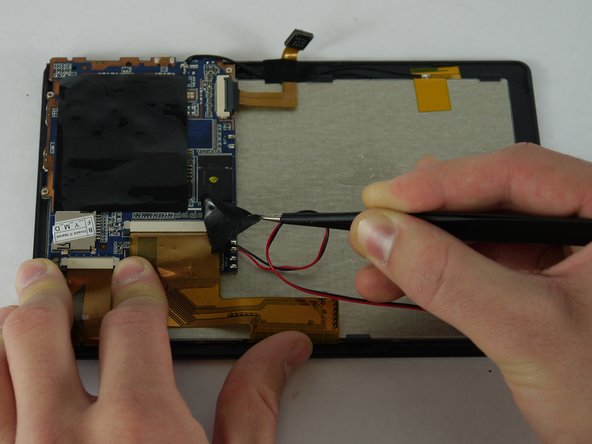
    • Carefully separate the speaker wire from the tape and proceed to peel the tape off in an upwards direction.

    • The tape we are removing covers a number of connections on the motherboard. Be extra careful not to sever any of these.

  4. Alldaymall A88X Camera Replacement: 4 단계, 이미지 3개 중 1개 Alldaymall A88X Camera Replacement: 4 단계, 이미지 3개 중 2개 Alldaymall A88X Camera Replacement: 4 단계, 이미지 3개 중 3개
    이 단계에 사용된 도구:
    Tweezers
    $4.99
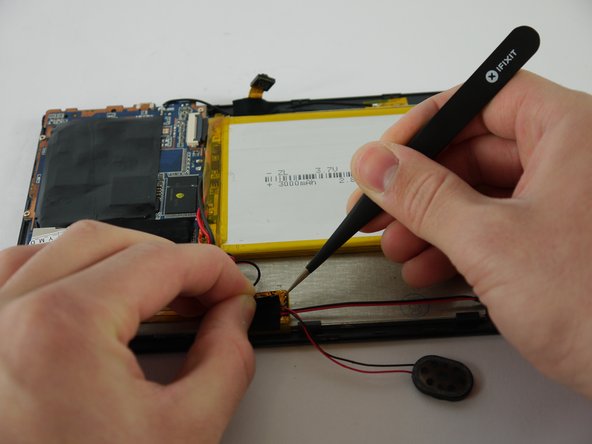
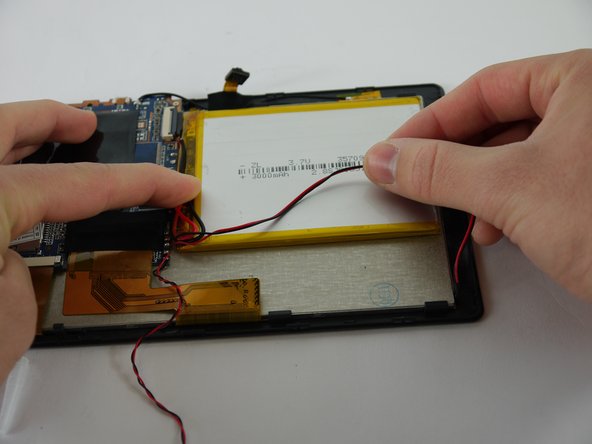
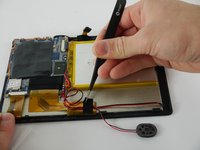
    • Using a pair of tweezers, begin separating the tape downwards from the back panel.

    • Pull the tape away from the wire bundle beneath.

    • Isolate the wire running from the speaker to the motherboard.

  5. Alldaymall A88X Camera Replacement: 5 단계, 이미지 3개 중 1개 Alldaymall A88X Camera Replacement: 5 단계, 이미지 3개 중 2개 Alldaymall A88X Camera Replacement: 5 단계, 이미지 3개 중 3개
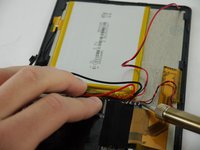
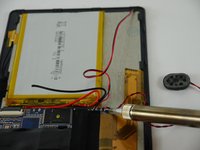
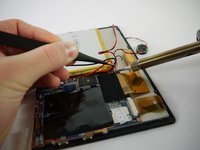
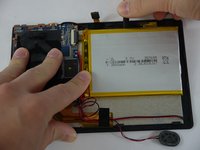
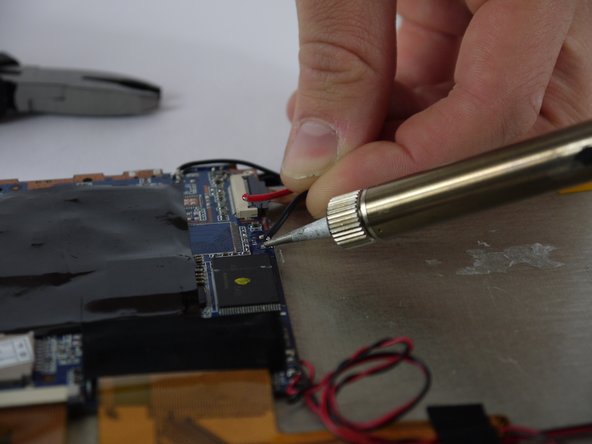
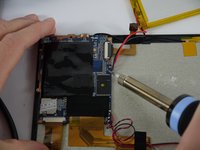
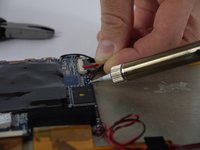
    • Desolder the speaker wires from the motherboard.

  6. Alldaymall A88X Camera Replacement, Camera: 6 단계, 이미지 3개 중 1개 Alldaymall A88X Camera Replacement, Camera: 6 단계, 이미지 3개 중 2개 Alldaymall A88X Camera Replacement, Camera: 6 단계, 이미지 3개 중 3개
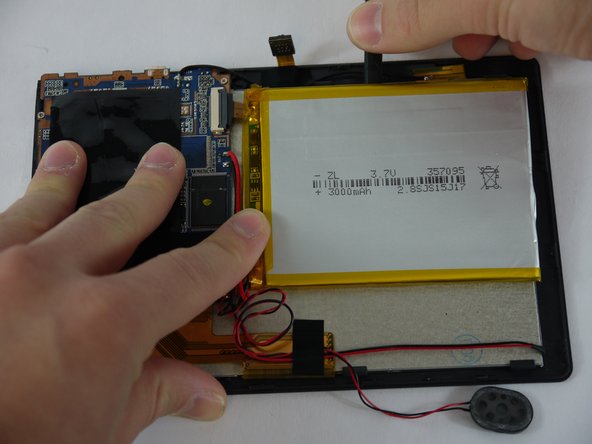
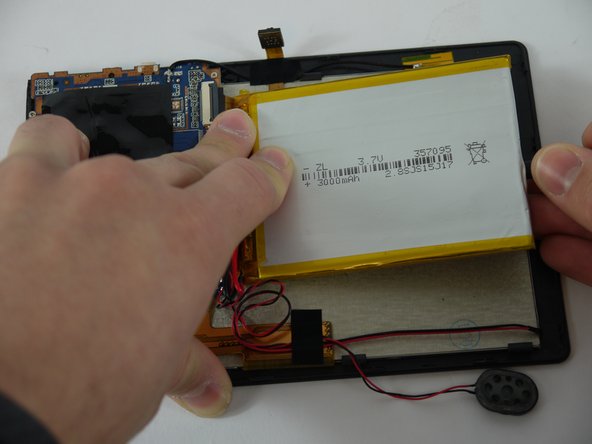
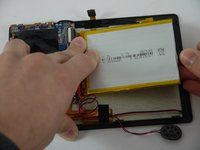
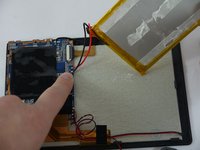
    • Using a nylon spudger, slowly work your way underneath the battery separating it from the panel beneath.

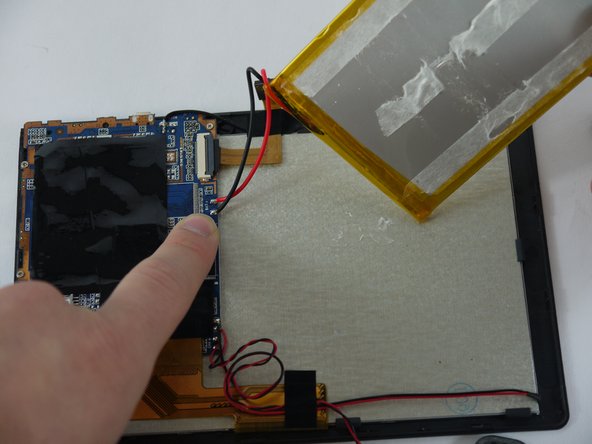
    • After the battery is separated from the panel make sure to place it face down above the tablet itself.

    • Throughout the removal process keep an eye on the battery's wires and make sure they do not break.

  7. Alldaymall A88X Camera Replacement: 7 단계, 이미지 2개 중 1개 Alldaymall A88X Camera Replacement: 7 단계, 이미지 2개 중 2개
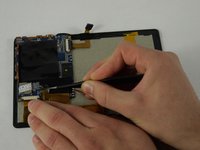
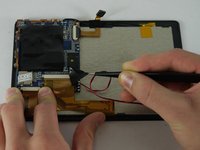
    • Desolder the wires that connect the battery to the motherboard.

  8. Alldaymall A88X Camera Replacement: 8 단계, 이미지 2개 중 1개 Alldaymall A88X Camera Replacement: 8 단계, 이미지 2개 중 2개
    이 단계에 사용된 도구:
    Tweezers
    $4.99
    • Using a pair of tweezers begin to peel the tape covering the ribbon cable on the motherboard.

  9. Alldaymall A88X Camera Replacement: 9 단계, 이미지 3개 중 1개 Alldaymall A88X Camera Replacement: 9 단계, 이미지 3개 중 2개 Alldaymall A88X Camera Replacement: 9 단계, 이미지 3개 중 3개
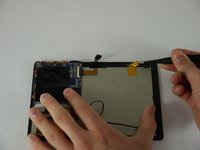
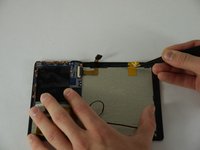
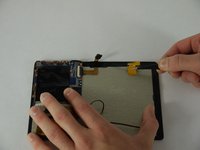
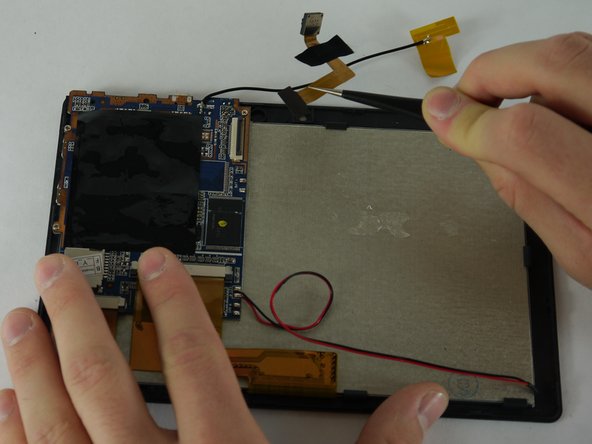
    • Using a pair of tweezers begin to peel the antenna from the metal panel.

    • Work your way down until the antenna is completely removed.

    • Be careful not deform the antenna or sever its connection.

  10. Alldaymall A88X Camera Replacement: 10 단계, 이미지 1개 중 1개
    • Using a pair of tweezers remove the tape securing the cameras to the back panel.

  11. Alldaymall A88X Camera Replacement: 11 단계, 이미지 1개 중 1개
    • Using a plastic opening tool lift up the flap on the ribbon cable receptacle.

  12. Alldaymall A88X Camera Replacement: 12 단계, 이미지 2개 중 1개 Alldaymall A88X Camera Replacement: 12 단계, 이미지 2개 중 2개
    • Using a pair of tweezers remove the camera assembly from its housing and its receptacles.

결론

To reassemble your device, follow these instructions in reverse order.

작성자

3다른 기여자 명과 함께

Drhaber

회원 가입일: 02/10/16

985 평판

안내서 7개를 작성함

USF Tampa, Team 4-1, Lacy Spring 2016 USF Tampa, Team 4-1, Lacy Spring 2016 회원

USFT-LACY-S16S4G1

4 회원들

안내서 16개를 작성함

0가이드 댓글

댓글 쓰기

조회 통계:

지난 24시간: 0

지난 7일: 7

지난 30일: 30

전체 시간: 426