주요 콘텐츠로 건너뛰기

Beats Studio3 Wireless Left Driver Assembly Replacement

필요한 것

  1. Beats Studio3 Wireless Left Driver Assembly Replacement, Ear Pad: 1 단계, 이미지 2개 중 1개 Beats Studio3 Wireless Left Driver Assembly Replacement, Ear Pad: 1 단계, 이미지 2개 중 2개
    • Find the separation between the headset and ear cushion.

    • Use an opening tool to go underneath the separation site and split the pieces apart.

  2. Beats Studio3 Wireless Left Driver Assembly Replacement: 2 단계, 이미지 3개 중 1개 Beats Studio3 Wireless Left Driver Assembly Replacement: 2 단계, 이미지 3개 중 2개 Beats Studio3 Wireless Left Driver Assembly Replacement: 2 단계, 이미지 3개 중 3개
    • You can also use your hands to remove it completely.

    • Pulling it off can be challenging; make sure to apply enough pressure.

  3. Beats Studio3 Wireless Left Driver Assembly Replacement, Left Driver Assembly: 3 단계, 이미지 2개 중 1개 Beats Studio3 Wireless Left Driver Assembly Replacement, Left Driver Assembly: 3 단계, 이미지 2개 중 2개
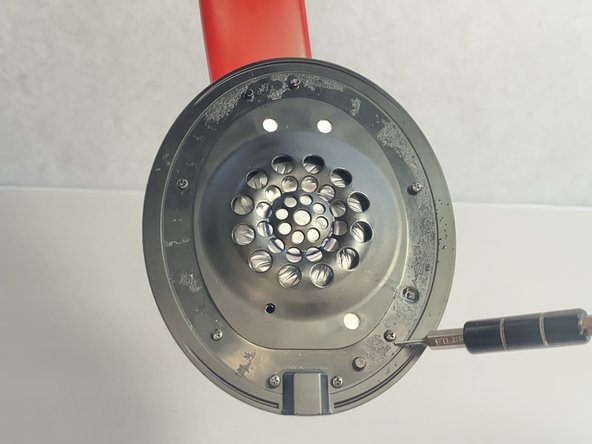
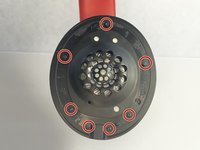
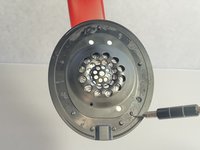
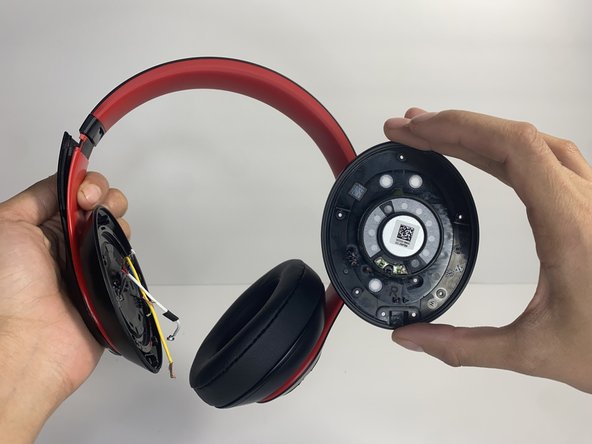
    • Remove seven 3.6 mm screws holding the speaker assembly in place using a Phillips #0 screwdriver.

    • Make sure the screws aren't close to the speaker; due to it being a magnet, the screws could get stuck and damage the speaker.

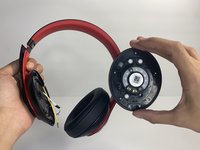
    • Open the speaker by pulling the top layer of the speaker.

  4. Beats Studio3 Wireless Left Driver Assembly Replacement: 4 단계, 이미지 3개 중 1개 Beats Studio3 Wireless Left Driver Assembly Replacement: 4 단계, 이미지 3개 중 2개 Beats Studio3 Wireless Left Driver Assembly Replacement: 4 단계, 이미지 3개 중 3개
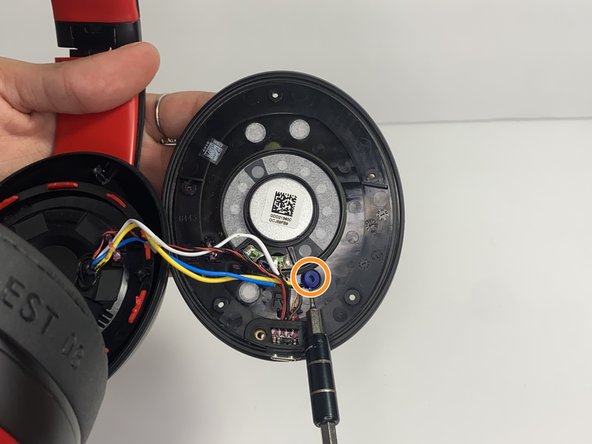
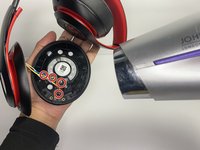
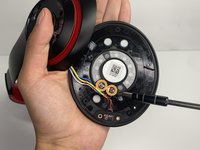
    • With a heat gun or hair dryer, heat the glue that is sticking the wires down until the glue softens.

    • Use a nylon spudger to remove the glue.

    • Pull on the wire to remove it while also removing the blue rubber band.

  5. Beats Studio3 Wireless Left Driver Assembly Replacement: 5 단계, 이미지 3개 중 1개 Beats Studio3 Wireless Left Driver Assembly Replacement: 5 단계, 이미지 3개 중 2개 Beats Studio3 Wireless Left Driver Assembly Replacement: 5 단계, 이미지 3개 중 3개
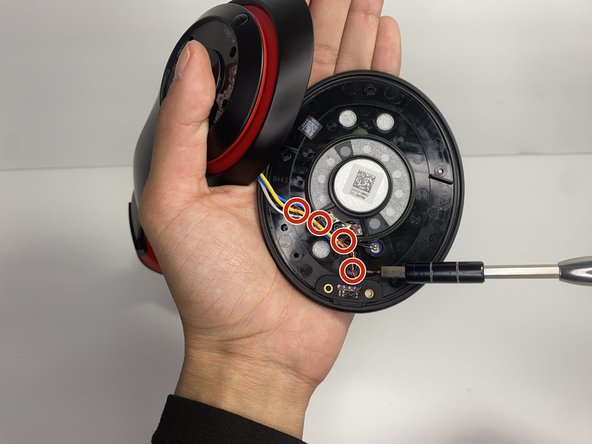
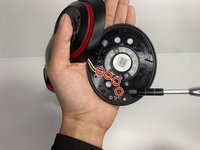
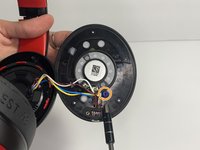
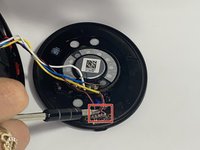
    • Using a soldering iron to remove the cables on the charger port.

    • For help with soldering, check out the How to Solder and Desolder Connections guide.

    • Remove the two wires connected in the middle of the speaker using a soldering iron.

    • Remove the speaker from the headset.

결론

To reassemble your device, follow these instructions in reverse order.

다른 한 분이 해당 안내서를 완성하였습니다.

작성자

4다른 기여자 명과 함께

Nayeli watts

회원 가입일: 03/16/23

528 평판

안내서 3개를 작성함

UMass Dartmouth, Team 7-4, Ryckebusch Spring 2023 UMass Dartmouth, Team 7-4, Ryckebusch Spring 2023 회원

UMASSD-RYCKEBUSCH-S23S7G4

3 회원들

안내서 9개를 작성함

0가이드 댓글

댓글 쓰기

조회 통계:

지난 24시간: 4

지난 7일: 26

지난 30일: 77

전체 시간: 2,223