주요 콘텐츠로 건너뛰기

Canon Selphy CP910 Buttons Replacement

필요한 것
  1. Canon Selphy CP910 Buttons Replacement, Body: 1 단계, 이미지 2개 중 1개 Canon Selphy CP910 Buttons Replacement, Body: 1 단계, 이미지 2개 중 2개
    • Turn the printer over.

    • Use the PH1 screw bit to remove the three 8 mm screws in the middle of the back plate.

    • Keep track of these screws because you will need them to reassemble the printer.

  2. Canon Selphy CP910 Buttons Replacement: 2 단계, 이미지 3개 중 1개 Canon Selphy CP910 Buttons Replacement: 2 단계, 이미지 3개 중 2개 Canon Selphy CP910 Buttons Replacement: 2 단계, 이미지 3개 중 3개
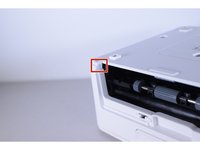
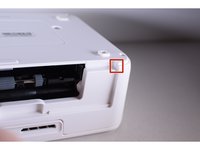
    • Loosen up the four 10 mm corner screws.

    • A screwdriver with a long shaft approximately 7mm in diameter will make it easier to reach these screws.

  3. Canon Selphy CP910 Buttons Replacement: 3 단계, 이미지 3개 중 1개 Canon Selphy CP910 Buttons Replacement: 3 단계, 이미지 3개 중 2개 Canon Selphy CP910 Buttons Replacement: 3 단계, 이미지 3개 중 3개
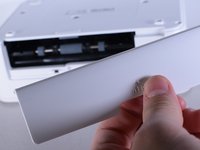
    • Turn the device around and remove the "open" lid.

    • This lid needs to be removed in order to take the printer apart.

    • Gently bend the lid and remove it from its hinges.

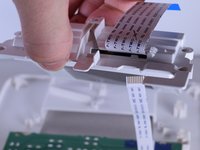
  4. Canon Selphy CP910 Buttons Replacement: 4 단계, 이미지 3개 중 1개 Canon Selphy CP910 Buttons Replacement: 4 단계, 이미지 3개 중 2개 Canon Selphy CP910 Buttons Replacement: 4 단계, 이미지 3개 중 3개
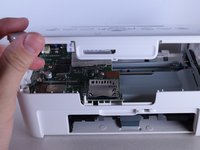
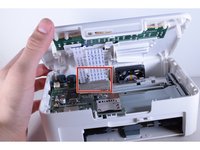
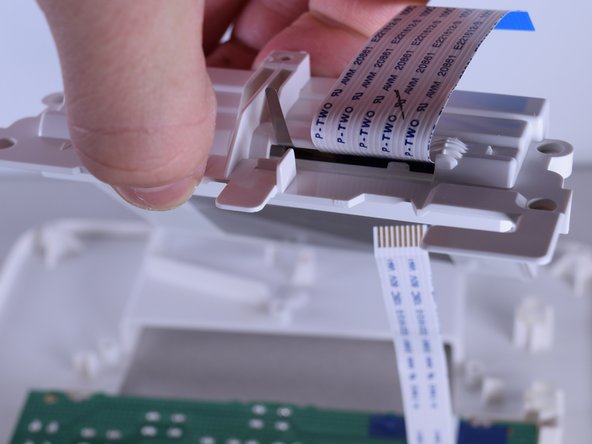
    • Turn the device back over and lift the top panel up.

    • Disconnect the ribbon cables leading to the LCD screen.

    • Pull the top panel off.

  5. Canon Selphy CP910 Buttons Replacement, Buttons: 5 단계, 이미지 2개 중 1개 Canon Selphy CP910 Buttons Replacement, Buttons: 5 단계, 이미지 2개 중 2개
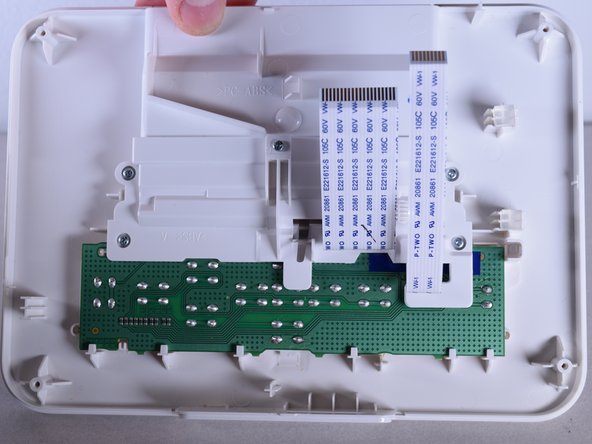
    • Turn the top panel over so the inside faces toward you.

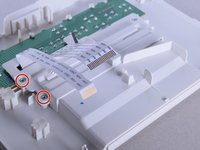
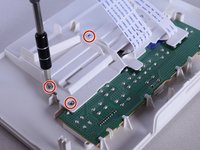
  6. Canon Selphy CP910 Buttons Replacement: 6 단계, 이미지 3개 중 1개 Canon Selphy CP910 Buttons Replacement: 6 단계, 이미지 3개 중 2개 Canon Selphy CP910 Buttons Replacement: 6 단계, 이미지 3개 중 3개
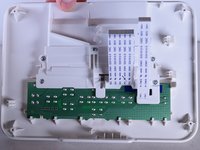
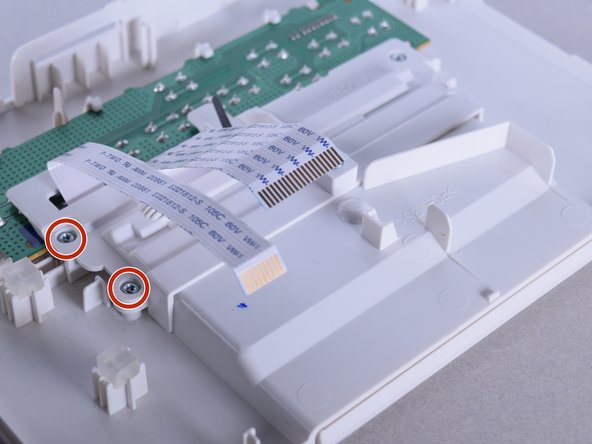
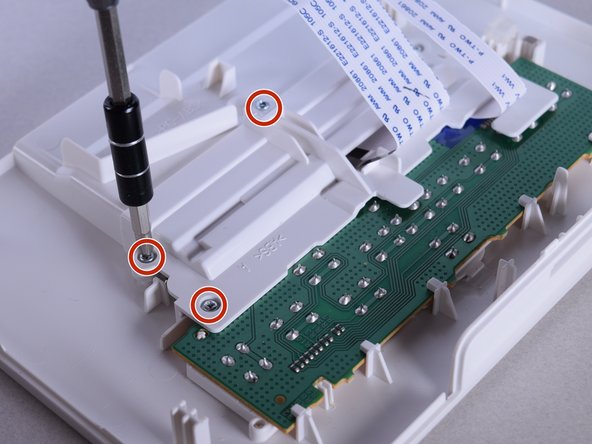
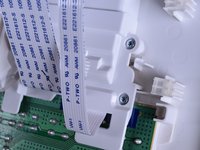
    • Use the PH0 screw bit to remove the five 10 mm screws located above the circuit board.

  7. Canon Selphy CP910 Buttons Replacement: 7 단계, 이미지 2개 중 1개 Canon Selphy CP910 Buttons Replacement: 7 단계, 이미지 2개 중 2개
    • Carefully remove the frame attached to the screen.

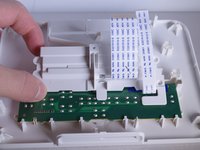
  8. Canon Selphy CP910 Buttons Replacement: 8 단계, 이미지 3개 중 1개 Canon Selphy CP910 Buttons Replacement: 8 단계, 이미지 3개 중 2개 Canon Selphy CP910 Buttons Replacement: 8 단계, 이미지 3개 중 3개
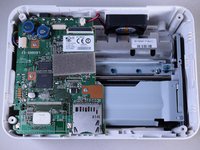
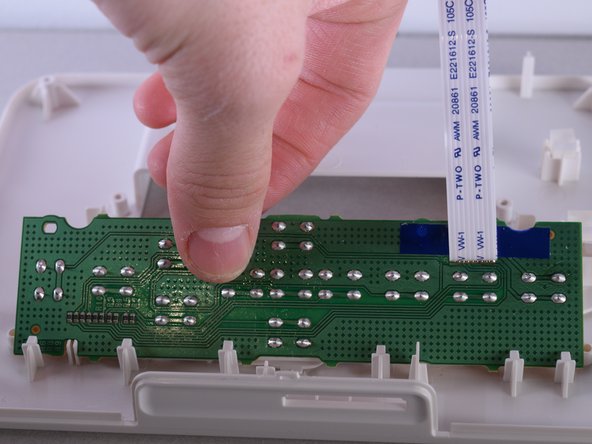
    • Take out the circuit board.

    • Once you take out the circuit board, you should be left with just the case.

  9. Canon Selphy CP910 Buttons Replacement: 9 단계, 이미지 2개 중 1개 Canon Selphy CP910 Buttons Replacement: 9 단계, 이미지 2개 중 2개
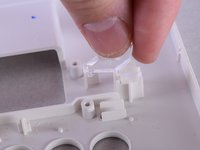
    • There is a clear plastic “L” shaped piece that acts as the power light for the printer. The piece is not attached to the printer so take care not to lose it.

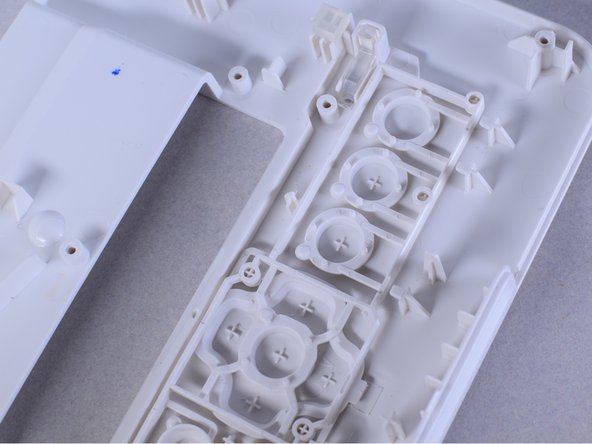
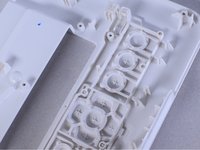
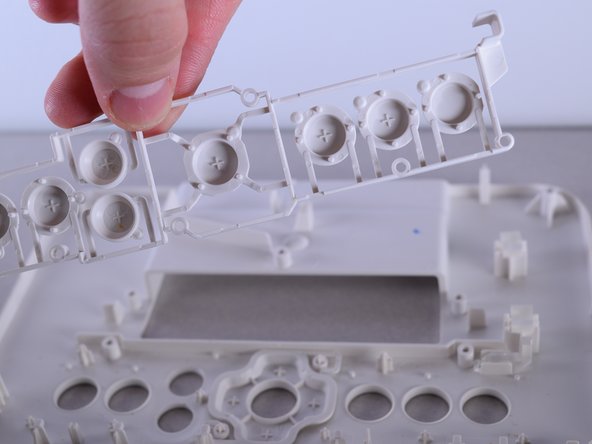
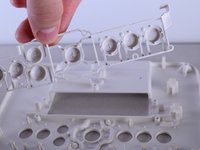
    • Remove the button framework and replace it with new one.

결론

To reassemble your device, follow these instructions in reverse order.

다른 한 분이 해당 안내서를 완성하였습니다.

작성자

7다른 기여자 명과 함께

Christie Peralta

회원 가입일: 02/01/16

751 평판

안내서 5개를 작성함

UW Tacoma, Team 1-6, Rose Winter 2016 UW Tacoma, Team 1-6, Rose Winter 2016 회원

UWT-ROSE-W16S1G6

4 회원들

안내서 10개를 작성함

0가이드 댓글

댓글 쓰기

조회 통계:

지난 24시간: 1

지난 7일: 6

지난 30일: 11

전체 시간: 1,047