주요 콘텐츠로 건너뛰기

DMC-GF3 LCD Display Replacement

필요한 것

  1. DMC-GF3 LCD Display Replacement, LCD Display: 1 단계, 이미지 1개 중 1개
    • Remove the battery and memory card from the device.

  2. DMC-GF3 LCD Display Replacement: 2 단계, 이미지 2개 중 1개 DMC-GF3 LCD Display Replacement: 2 단계, 이미지 2개 중 2개
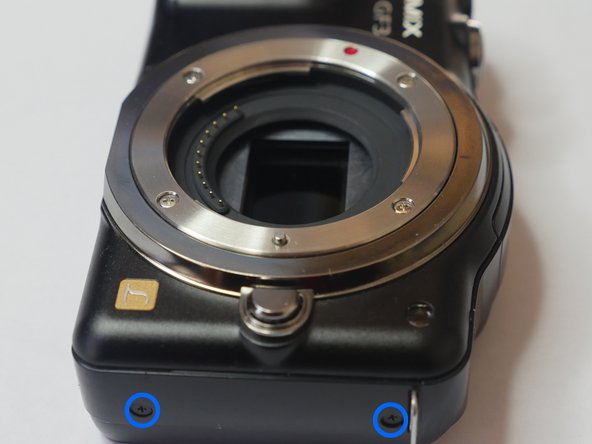
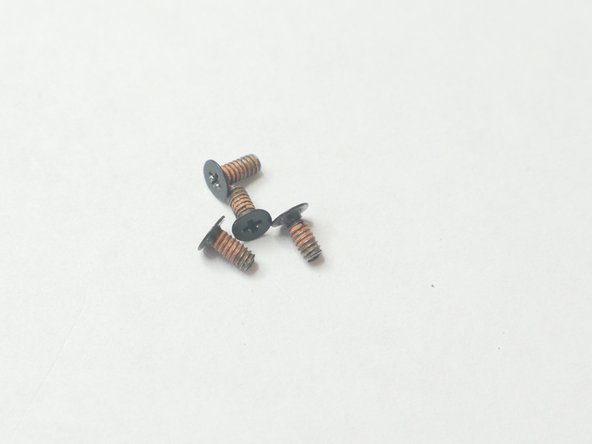
    • Remove 4 (2mm) screws from the bottom of the unit.

  3. DMC-GF3 LCD Display Replacement: 3 단계, 이미지 3개 중 1개 DMC-GF3 LCD Display Replacement: 3 단계, 이미지 3개 중 2개 DMC-GF3 LCD Display Replacement: 3 단계, 이미지 3개 중 3개
    • Remove 4 (4mm) screws from the sides of the unit. You are removing screws from both the right and left sides of the unit (4 screws total)

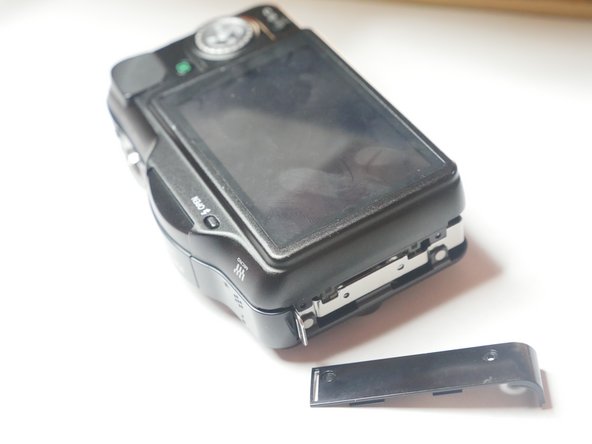
  4. DMC-GF3 LCD Display Replacement: 4 단계, 이미지 2개 중 1개 DMC-GF3 LCD Display Replacement: 4 단계, 이미지 2개 중 2개
    • Slightly lift up the left side of unit to remove the side panel. Do not remove the rear chassis. Just lift up enough to remove side panel.

    • Caution. The rear Chassis is attached to two ribbon panels so please do not remove the chassis in this step.

  5. DMC-GF3 LCD Display Replacement: 5 단계, 이미지 1개 중 1개
    • When opening the rear casing be careful not to pull on the flex cables. There are 2 flex cables on each side of the rear casing.

    • Slightly lift the rear casing. Do not completely remove it. Just lift just enough so the right flex clamp is visible. Keep in mind the left side of the rear casing is also attached to a flex clamp. Use a spudger or other method to release the cable. Do not remove the rear casing yet.

  6. DMC-GF3 LCD Display Replacement: 6 단계, 이미지 1개 중 1개
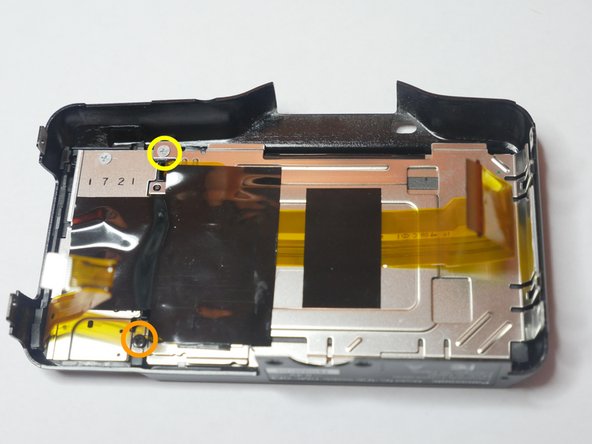
    • Remove flex cable using a spudger or other method. Remove rear casing.

    • These plastic clamps are fragile and break easily. Use caution when releasing the cable. Use equal pressure throughout entire clamp or risk breaking the clamp.

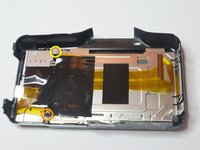
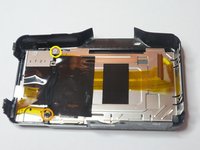
  7. DMC-GF3 LCD Display Replacement: 7 단계, 이미지 2개 중 1개 DMC-GF3 LCD Display Replacement: 7 단계, 이미지 2개 중 2개
    • Insert wisdom here.

결론

To reassemble your device, follow these instructions in reverse order.

다른 2명이 해당 안내서를 완성하였습니다.

작성자

3다른 기여자 명과 함께

Sales Cameraparts4you

회원 가입일: 07/01/16

3,291 평판

안내서 21개를 작성함

0가이드 댓글

댓글 쓰기

조회 통계:

지난 24시간: 1

지난 7일: 8

지난 30일: 29

전체 시간: 1,147