주요 콘텐츠로 건너뛰기

Google Pixel 3 Back Cover Adhesive Installation

필요한 것

  1. Google Pixel 3 Back Cover Adhesive Installation, Remove adhesive residue from the frame: 1 단계, 이미지 3개 중 1개 Google Pixel 3 Back Cover Adhesive Installation, Remove adhesive residue from the frame: 1 단계, 이미지 3개 중 2개 Google Pixel 3 Back Cover Adhesive Installation, Remove adhesive residue from the frame: 1 단계, 이미지 3개 중 3개
    • Pick and scrape away the old adhesive from the frame.

    • Use a spudger to scrape away any lingering adhesive.

    • Don't use metal tools to scrape away adhesive as this will damage the frame.

    • For best results, clean the area underneath the removed adhesive with 90% or greater isopropyl alcohol to prep the surface for the new adhesive.

  2. Google Pixel 3 Back Cover Adhesive Installation, Remove adhesive residue from the back cover: 2 단계, 이미지 3개 중 1개 Google Pixel 3 Back Cover Adhesive Installation, Remove adhesive residue from the back cover: 2 단계, 이미지 3개 중 2개 Google Pixel 3 Back Cover Adhesive Installation, Remove adhesive residue from the back cover: 2 단계, 이미지 3개 중 3개
    • Repeat the previous step for the back cover adhesive.

    • Don't use metal tools to scrape away adhesive as this will damage the back cover coating.

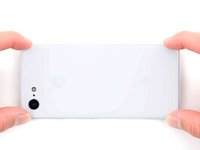
    • Don't use isopropyl alcohol near the rear camera bracket as it will damage its adhesive and foam.

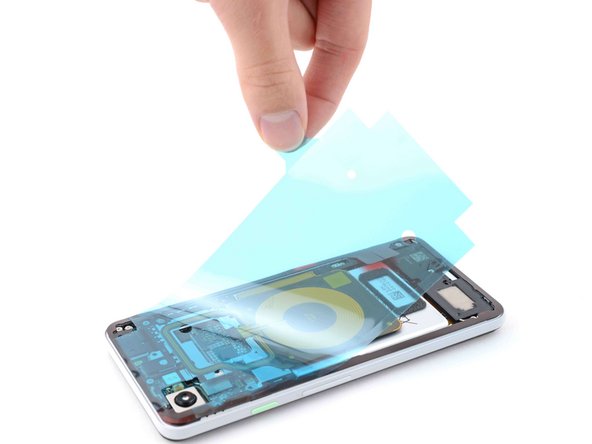
  3. Google Pixel 3 Back Cover Adhesive Installation, Prepare the replacement adhesive: 3 단계, 이미지 1개 중 1개
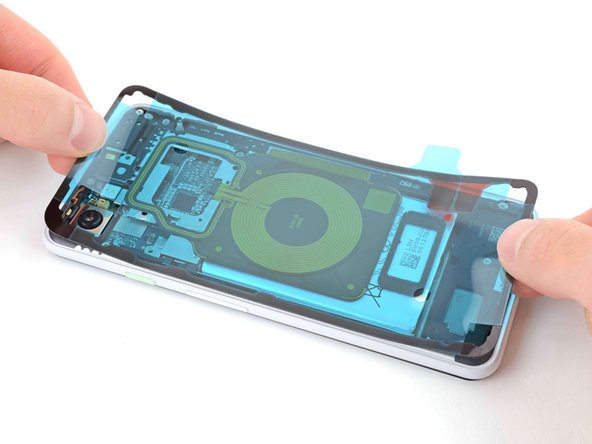
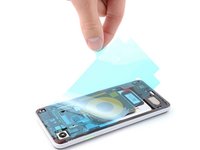
    • Peel away the clear plastic lining to expose the frame side of the replacement adhesive.

  4. Google Pixel 3 Back Cover Adhesive Installation, Apply the adhesive: 4 단계, 이미지 2개 중 1개 Google Pixel 3 Back Cover Adhesive Installation, Apply the adhesive: 4 단계, 이미지 2개 중 2개
    • Be very careful during this step! The adhesive is very sticky and can't be repositioned once it sticks. Misaligned adhesive can lead to an improper seal.

    • Lower the adhesive onto the frame.

    • Use the rear camera and corners to properly align the adhesive.

  5. Google Pixel 3 Back Cover Adhesive Installation, Secure the adhesive to the frame: 5 단계, 이미지 2개 중 1개 Google Pixel 3 Back Cover Adhesive Installation, Secure the adhesive to the frame: 5 단계, 이미지 2개 중 2개
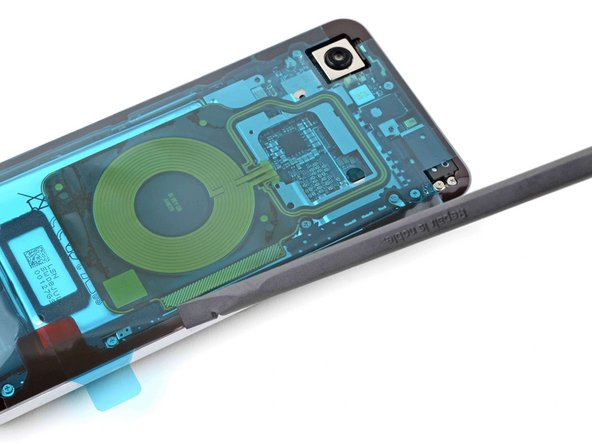
    • Use the flat end of a spudger or your fingernail to press down on the adhesive.

    • Slide along the perimeter to secure the adhesive to the frame.

  6. Google Pixel 3 Back Cover Adhesive Installation, Peel away the outer plastic lining: 6 단계, 이미지 2개 중 1개 Google Pixel 3 Back Cover Adhesive Installation, Peel away the outer plastic lining: 6 단계, 이미지 2개 중 2개
    • Peel away the blue outer plastic lining on the back cover side of the adhesive.

  7. Google Pixel 3 Back Cover Adhesive Installation, Connect the fingerprint sensor cable: 7 단계, 이미지 2개 중 1개 Google Pixel 3 Back Cover Adhesive Installation, Connect the fingerprint sensor cable: 7 단계, 이미지 2개 중 2개
    이 단계에 사용된 도구:
    Tweezers
    $4.99
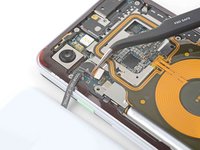
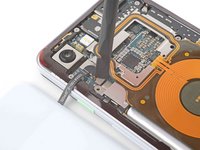
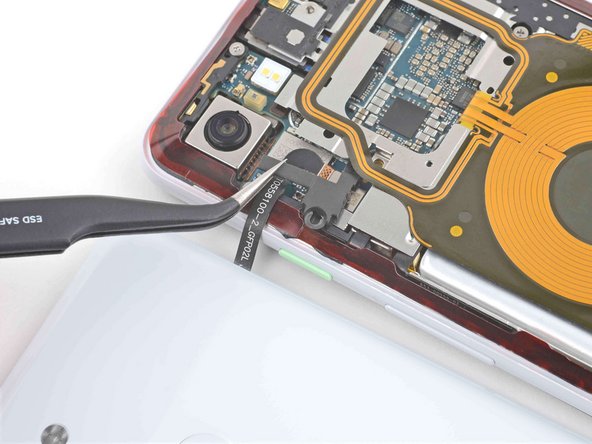
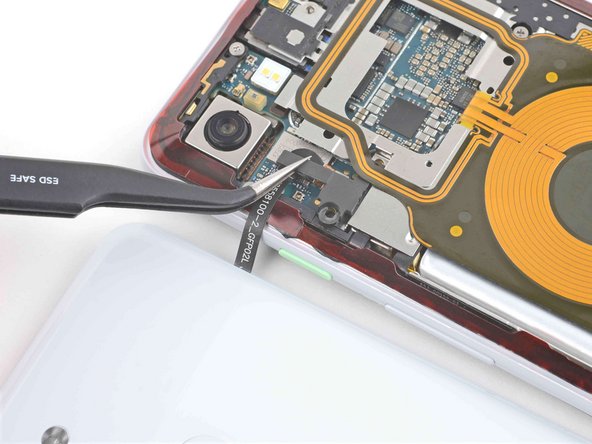
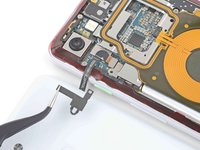
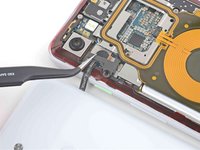
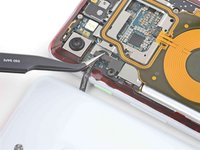
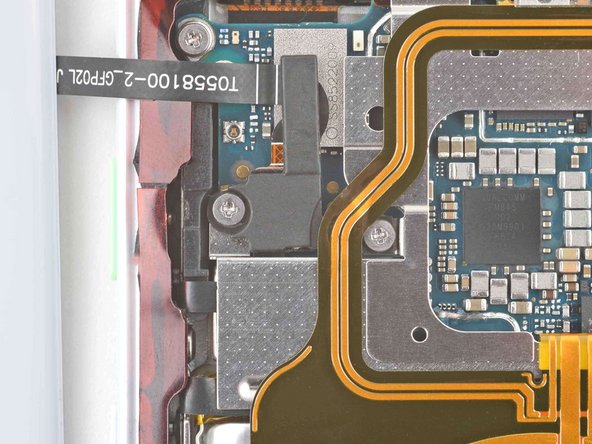
    • Use tweezers or your fingers to position the fingerprint sensor cable over its connector on the motherboard.

    • Use the flat end of a spudger or your finger to press down on the connector to secure it to the motherboard.

  8. Google Pixel 3 Back Cover Adhesive Installation: 8 단계, 이미지 3개 중 1개 Google Pixel 3 Back Cover Adhesive Installation: 8 단계, 이미지 3개 중 2개 Google Pixel 3 Back Cover Adhesive Installation: 8 단계, 이미지 3개 중 3개
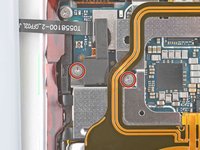
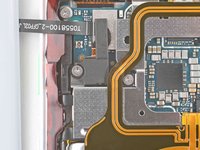
    • Use tweezers or your fingers to place the bracket over the fingerprint sensor cable.

  9. Google Pixel 3 Back Cover Adhesive Installation: 9 단계, 이미지 2개 중 1개 Google Pixel 3 Back Cover Adhesive Installation: 9 단계, 이미지 2개 중 2개
    • Use a Phillips PH00 screwdriver to install the two 4.1 mm screws securing the bracket to the frame.

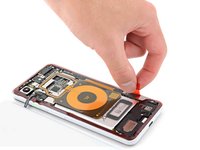
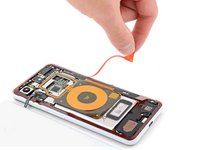
  10. Google Pixel 3 Back Cover Adhesive Installation, Peel away the remaining plastic lining: 10 단계, 이미지 2개 중 1개 Google Pixel 3 Back Cover Adhesive Installation, Peel away the remaining plastic lining: 10 단계, 이미지 2개 중 2개
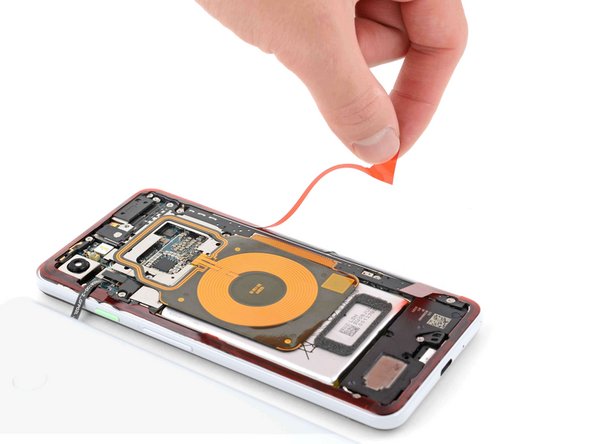
    • Peel away the red plastic lining to expose the back cover side of the adhesive.

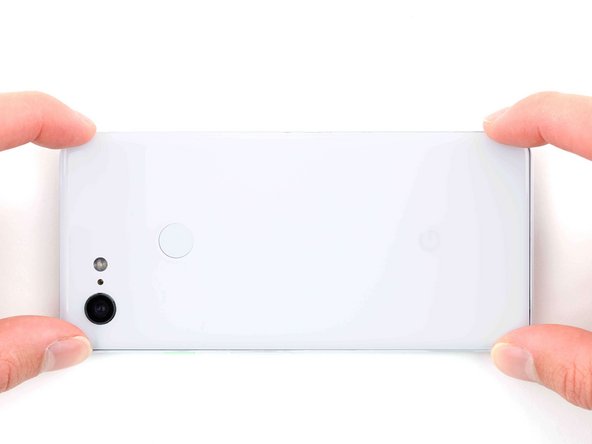
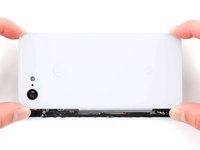
  11. Google Pixel 3 Back Cover Adhesive Installation, Secure the back cover to the frame: 11 단계, 이미지 2개 중 1개 Google Pixel 3 Back Cover Adhesive Installation, Secure the back cover to the frame: 11 단계, 이미지 2개 중 2개
    • Lower the back cover onto the frame.

    • Press down on all edges of the back cover to secure it to the frame.

    • To help the adhesive bond more securely, heat the perimeter of the back cover and then place the phone face-down under a heavy stack of books for 30 minutes.

결론

Repair didn’t go as planned? Try some basic troubleshooting, or ask our Pixel 3 Answers community for help.

다른 10명이 해당 안내서를 완성하였습니다.

작성자

2다른 기여자 명과 함께

Chayton Ritter

회원 가입일: 08/21/20

24,820 평판

안내서 105개를 작성함

0가이드 댓글

댓글 쓰기

조회 통계:

지난 24시간: 0

지난 7일: 7

지난 30일: 92

전체 시간: 4,024