주요 콘텐츠로 건너뛰기

Google Pixel Watch 4 Back Sensor Glass Replacement

필요한 것

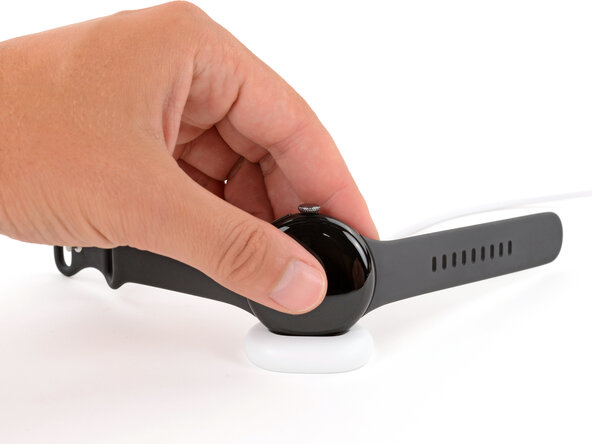
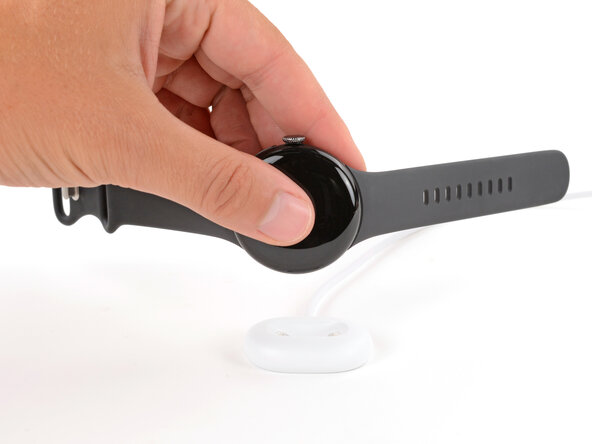
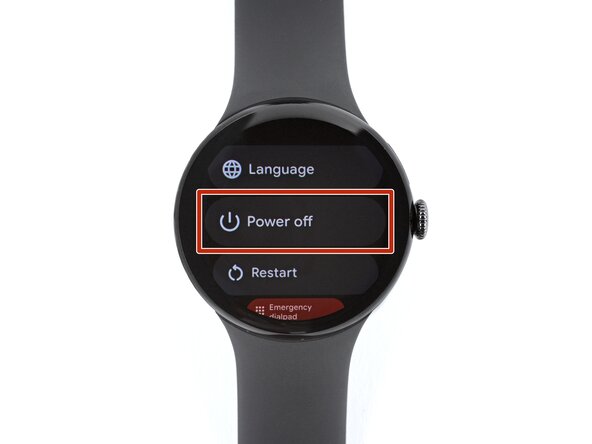
  1. Google Pixel Watch 4 Back Sensor Glass Replacement, Prepare your watch for disassembly: 1 단계, 이미지 3개 중 1개 Google Pixel Watch 4 Back Sensor Glass Replacement, Prepare your watch for disassembly: 1 단계, 이미지 3개 중 2개 Google Pixel Watch 4 Back Sensor Glass Replacement, Prepare your watch for disassembly: 1 단계, 이미지 3개 중 3개
    • Before starting your repair:

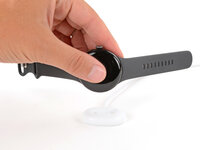
    • Remove your watch from the charger.

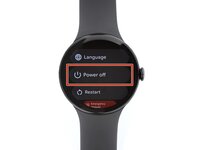
    • Press and hold the crown button, then tap Power off to shut down your watch.

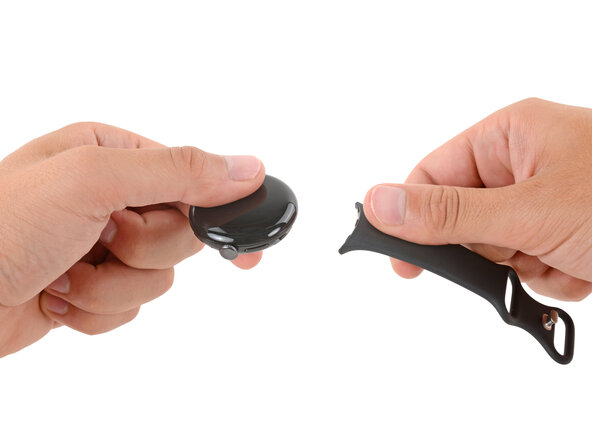
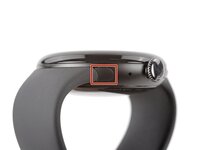
  2. Google Pixel Watch 4 Back Sensor Glass Replacement, Remove the watch bands: 2 단계, 이미지 3개 중 1개 Google Pixel Watch 4 Back Sensor Glass Replacement, Remove the watch bands: 2 단계, 이미지 3개 중 2개 Google Pixel Watch 4 Back Sensor Glass Replacement, Remove the watch bands: 2 단계, 이미지 3개 중 3개
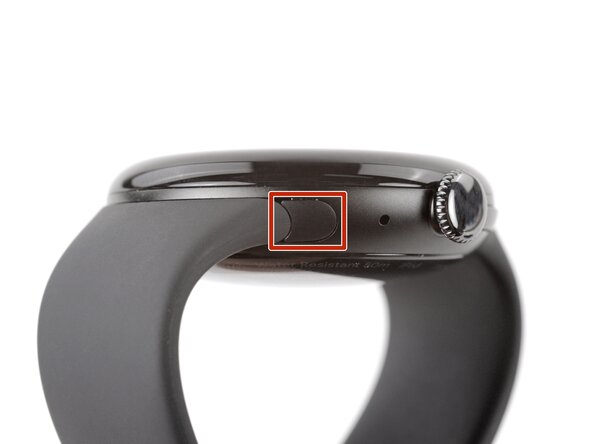
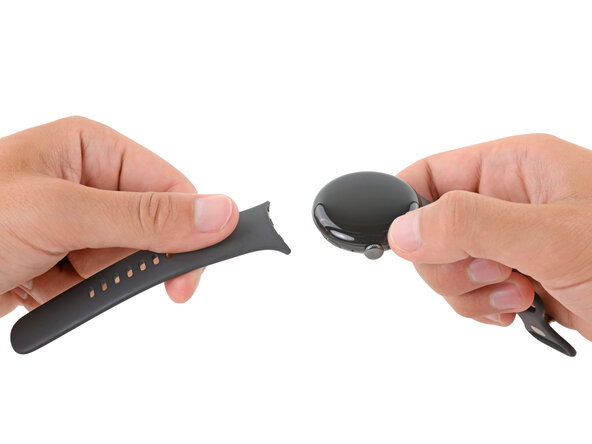
    • Remove each watch band by depressing the release button and sliding the band out of its groove.

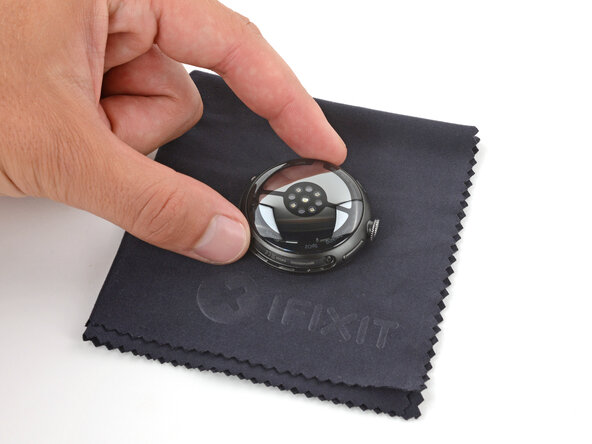
  3. Google Pixel Watch 4 Back Sensor Glass Replacement: 3 단계, 이미지 1개 중 1개
    • Throughout the rest of your repair, consider placing your watch on something soft like a clean cloth to help stabilize it and prevent scratches to the front glass.

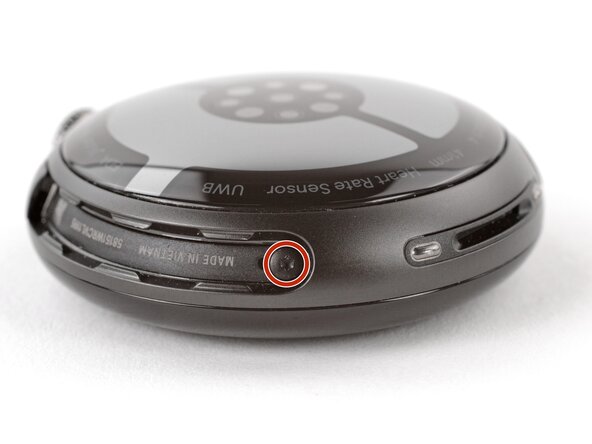
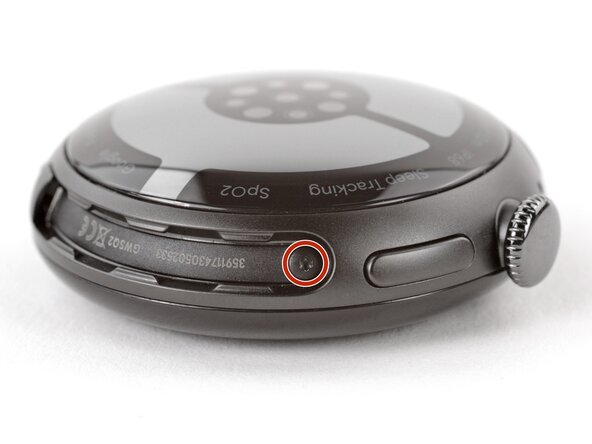
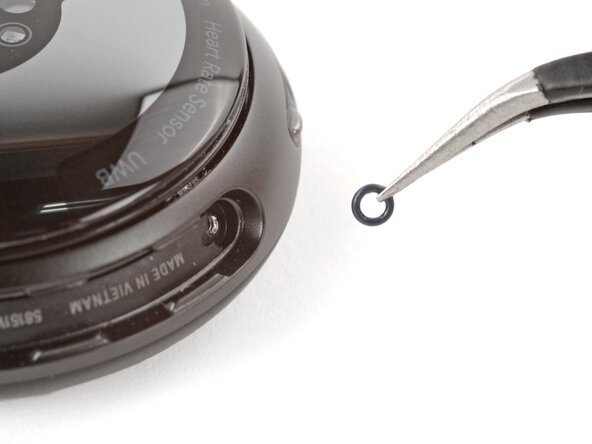
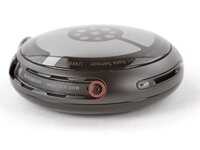
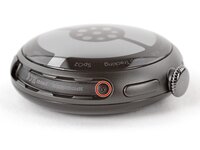
  4. Google Pixel Watch 4 Back Sensor Glass Replacement, Remove the back sensor glass screws: 4 단계, 이미지 3개 중 1개 Google Pixel Watch 4 Back Sensor Glass Replacement, Remove the back sensor glass screws: 4 단계, 이미지 3개 중 2개 Google Pixel Watch 4 Back Sensor Glass Replacement, Remove the back sensor glass screws: 4 단계, 이미지 3개 중 3개
    • Use a Torx Plus 2IP screwdriver to remove the 3.0 mm‑long screw from both watch band grooves (two screws total).

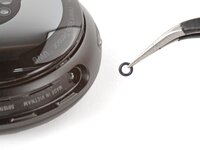
    • Both screws have a tiny O‑ring. If they don't lift away with the screw, use a pair of tweezers to carefully remove them from the band groove and set them aside. These O-rings are required to maintain waterproofing.

    • Handle these O-rings carefully. Avoid pinching or slicing them with your tool.

    • During reassembly:

    • Make sure the O‑rings are on the screws before installing them.

    • Push down firmly on the back glass while installing the screws to make sure the glass gets properly seated.

    • If there's a gap between the back glass and frame, remove the screws and reinstall them.

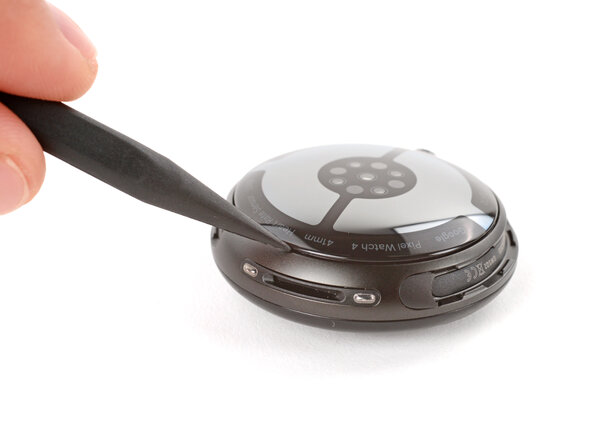
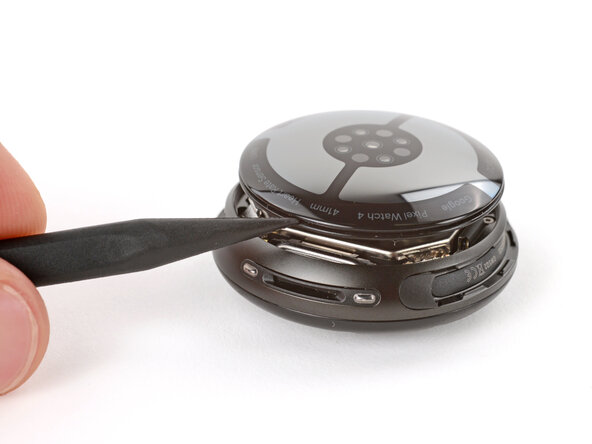
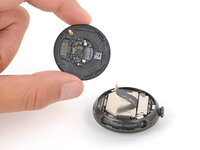
  5. Google Pixel Watch 4 Back Sensor Glass Replacement, Separate the back sensor glass: 5 단계, 이미지 2개 중 1개 Google Pixel Watch 4 Back Sensor Glass Replacement, Separate the back sensor glass: 5 단계, 이미지 2개 중 2개
    • Insert the point of a spudger (or a clean fingernail) into the seam between the back sensor glass and frame and pry up until the cover detaches.

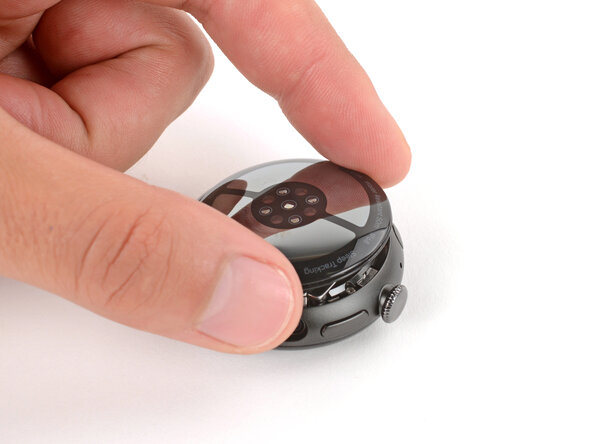
  6. Google Pixel Watch 4 Back Sensor Glass Replacement, Reposition the back sensor glass: 6 단계, 이미지 3개 중 1개 Google Pixel Watch 4 Back Sensor Glass Replacement, Reposition the back sensor glass: 6 단계, 이미지 3개 중 2개 Google Pixel Watch 4 Back Sensor Glass Replacement, Reposition the back sensor glass: 6 단계, 이미지 3개 중 3개
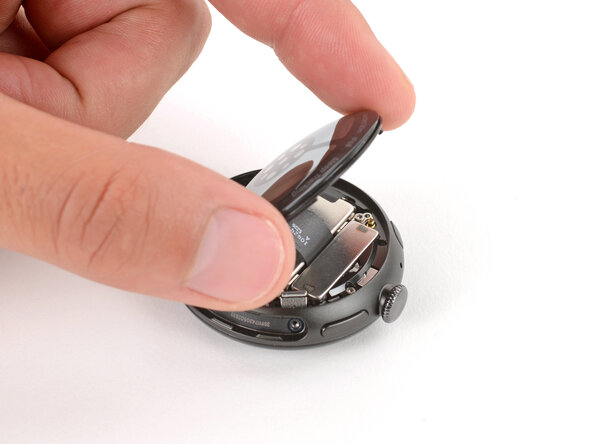
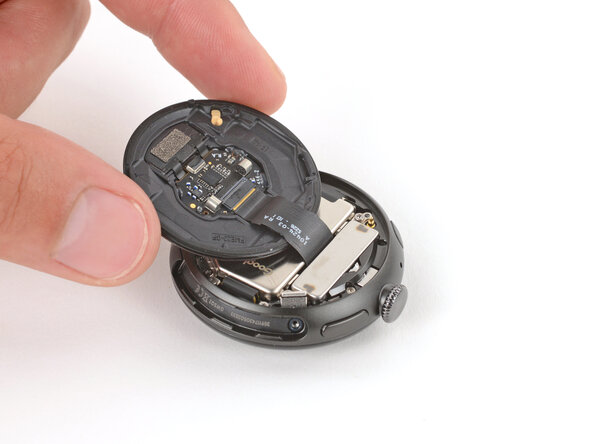
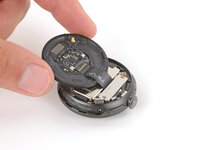
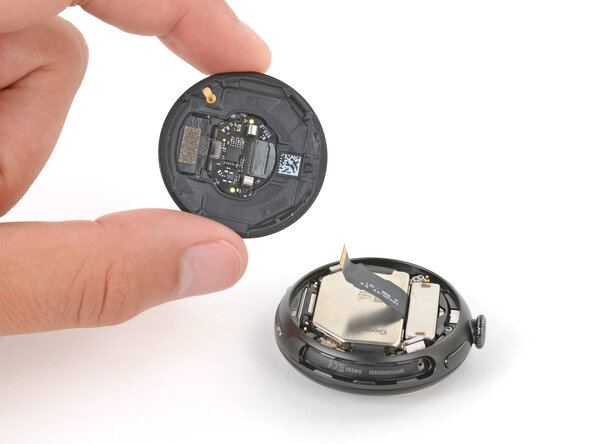
    • Gently lift the back glass and flip it over the side of the watch opposite the crown.

    • Be careful not to strain the cable connecting the back sensor glass.

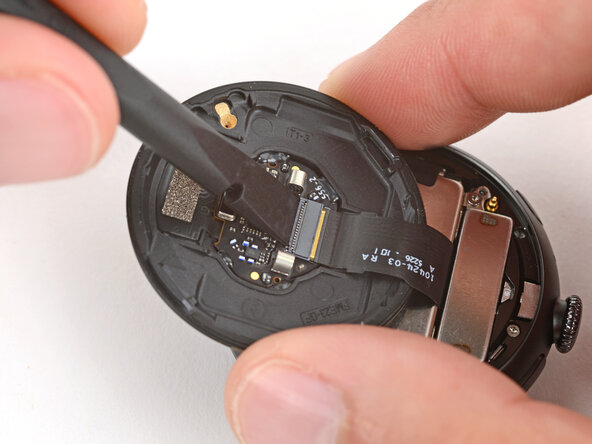
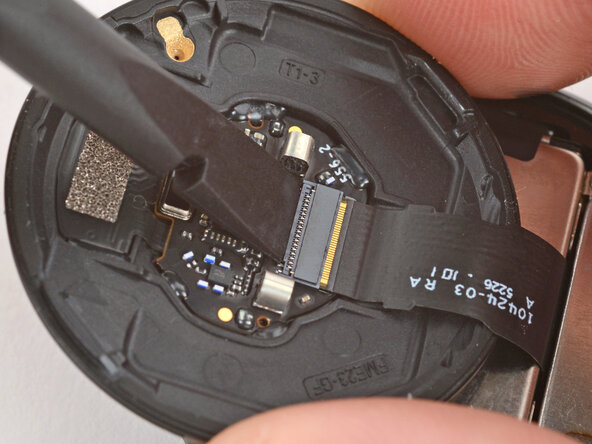
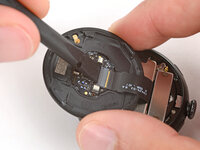
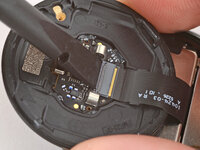
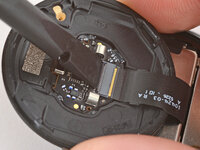
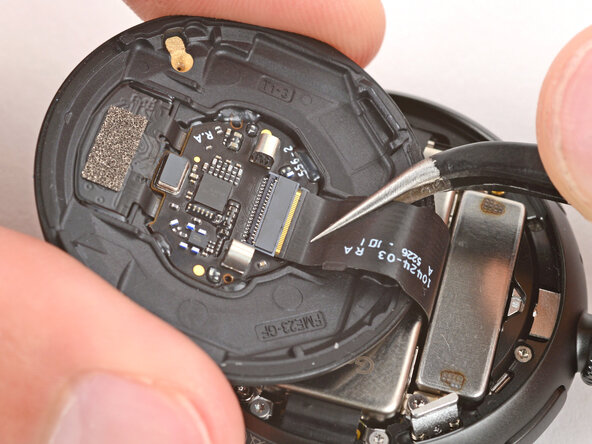
  7. Google Pixel Watch 4 Back Sensor Glass Replacement, Disconnect the back sensor glass: 7 단계, 이미지 3개 중 1개 Google Pixel Watch 4 Back Sensor Glass Replacement, Disconnect the back sensor glass: 7 단계, 이미지 3개 중 2개 Google Pixel Watch 4 Back Sensor Glass Replacement, Disconnect the back sensor glass: 7 단계, 이미지 3개 중 3개
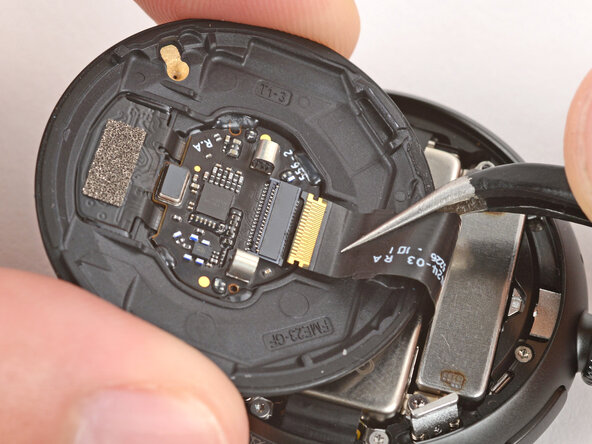
    • Use a spudger to lift the small, hinged locking‑flap on the back sensor glass ZIF connector.

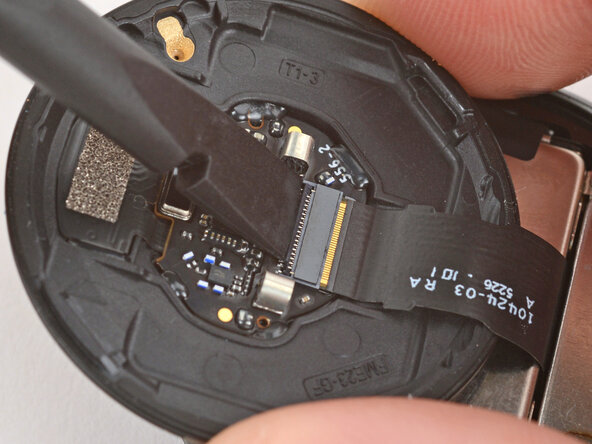
  8. Google Pixel Watch 4 Back Sensor Glass Replacement, Remove the back sensor glass: 8 단계, 이미지 3개 중 1개 Google Pixel Watch 4 Back Sensor Glass Replacement, Remove the back sensor glass: 8 단계, 이미지 3개 중 2개 Google Pixel Watch 4 Back Sensor Glass Replacement, Remove the back sensor glass: 8 단계, 이미지 3개 중 3개
    • Gently slide the cable out of its socket and remove the back sensor glass.

    • During reassembly, make sure the locking flap is lifted before sliding the cable fully into its connector—it should snap into place.

결론

To reassemble your device, follow these instructions in reverse order.

Take your e-waste to an R2 or e-Stewards certified recycler.

Repair didn’t go as planned? Try some basic troubleshooting, or ask our Answers community for help.

작성자

2다른 기여자 명과 함께

Spencer Day

회원 가입일: 09/14/22

149,369 평판

안내서 995개를 작성함

0가이드 댓글

댓글 쓰기

조회 통계:

지난 24시간: 4

지난 7일: 24

지난 30일: 117

전체 시간: 425