주요 콘텐츠로 건너뛰기

HP Prime Graphing Calculator G8X92A Motherboard/Display Replacement

필요한 것

  1. 주의: 1-3 단계들은 진행 중으로 표시된 안내서에서 제공되었습니다.

    HP Prime Graphing Calculator G8X92A Motherboard/Display Replacement, Prerequisites: 1 단계, 이미지 1개 중 1개
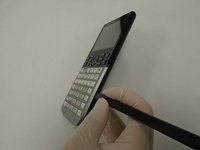
    • Power down the device.

    • Flip the device face side down so the back of the device is facing up.

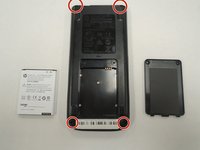
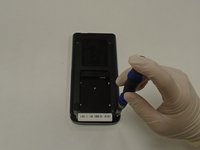
  2. HP Prime Graphing Calculator G8X92A Motherboard/Display Replacement, Disassembly: 2 단계, 이미지 3개 중 1개 HP Prime Graphing Calculator G8X92A Motherboard/Display Replacement, Disassembly: 2 단계, 이미지 3개 중 2개 HP Prime Graphing Calculator G8X92A Motherboard/Display Replacement, Disassembly: 2 단계, 이미지 3개 중 3개
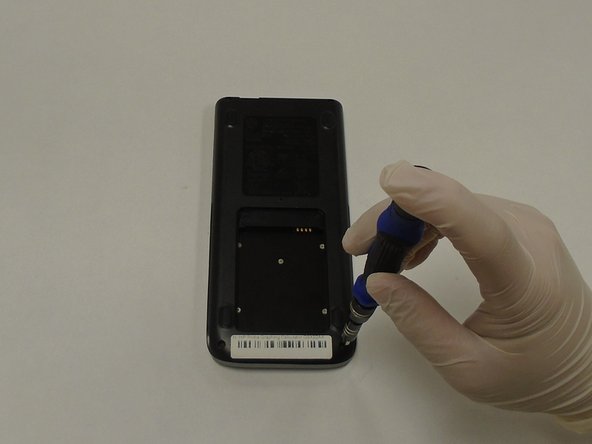
    • Using a Phillips #00 screwdriver, remove the two 4.5 mm screws securing the battery cover located at the bottom center of the device.

    • Remove the cover.

  3. HP Prime Graphing Calculator G8X92A Motherboard/Display Replacement, Replacement: 3 단계, 이미지 3개 중 1개 HP Prime Graphing Calculator G8X92A Motherboard/Display Replacement, Replacement: 3 단계, 이미지 3개 중 2개 HP Prime Graphing Calculator G8X92A Motherboard/Display Replacement, Replacement: 3 단계, 이미지 3개 중 3개
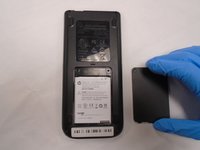
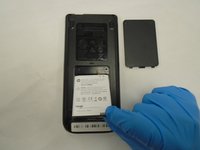
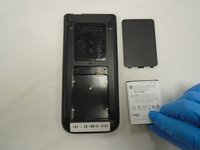
    • Remove the battery.

  4. HP Prime Graphing Calculator G8X92A Motherboard/Display Replacement, Button Panel: 4 단계, 이미지 2개 중 1개 HP Prime Graphing Calculator G8X92A Motherboard/Display Replacement, Button Panel: 4 단계, 이미지 2개 중 2개
    • Using a Phillips #00 screwdriver, remove the four 4.5 mm screws securing the back panel to the device.

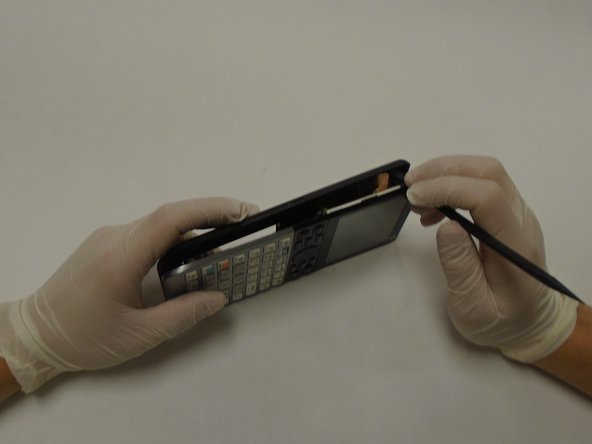
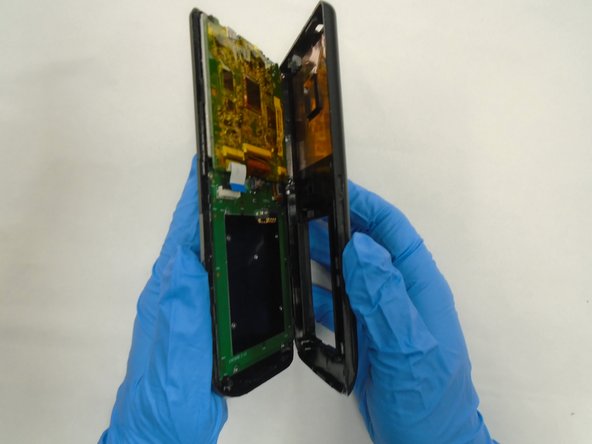
  5. HP Prime Graphing Calculator G8X92A Motherboard/Display Replacement: 5 단계, 이미지 3개 중 1개 HP Prime Graphing Calculator G8X92A Motherboard/Display Replacement: 5 단계, 이미지 3개 중 2개 HP Prime Graphing Calculator G8X92A Motherboard/Display Replacement: 5 단계, 이미지 3개 중 3개
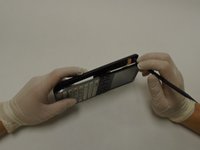
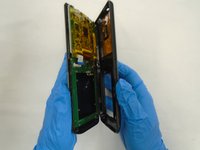
    • Using a spudger, gently pry apart the front and back panels.

  6. HP Prime Graphing Calculator G8X92A Motherboard/Display Replacement: 6 단계, 이미지 3개 중 1개 HP Prime Graphing Calculator G8X92A Motherboard/Display Replacement: 6 단계, 이미지 3개 중 2개 HP Prime Graphing Calculator G8X92A Motherboard/Display Replacement: 6 단계, 이미지 3개 중 3개
    이 단계에 사용된 도구:
    Tweezers
    $4.99
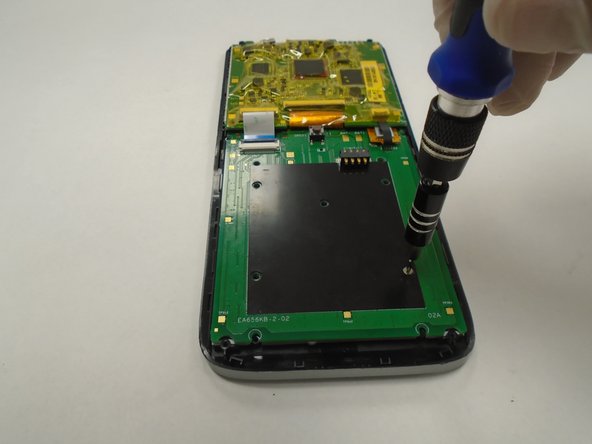
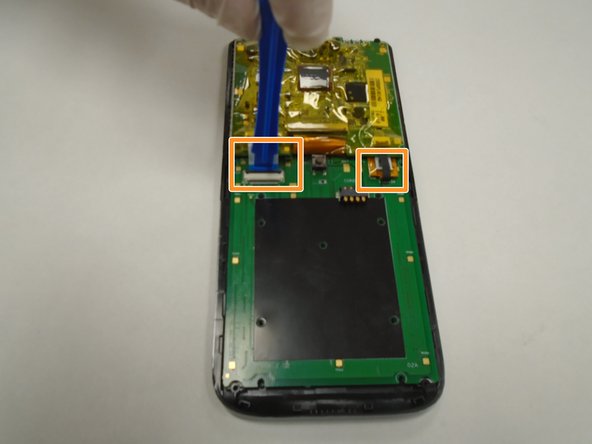
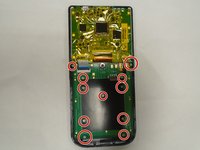
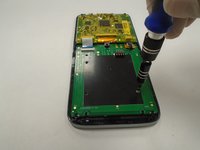
    • Using a Phillips #00 screwdriver, remove the eleven 3 mm screws securing the battery board/button panel located at the bottom half of the device.

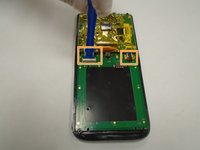
    • Using a plastic opening tool, gently pry the retaining clip securing the ribbon cable to the top-left side of the board.

    • Using plastic tweezers, gently unplug the ribbon cable from the board.

  7. HP Prime Graphing Calculator G8X92A Motherboard/Display Replacement: 7 단계, 이미지 3개 중 1개 HP Prime Graphing Calculator G8X92A Motherboard/Display Replacement: 7 단계, 이미지 3개 중 2개 HP Prime Graphing Calculator G8X92A Motherboard/Display Replacement: 7 단계, 이미지 3개 중 3개
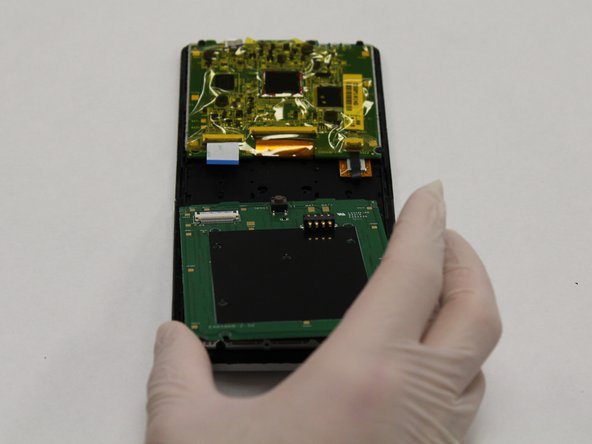
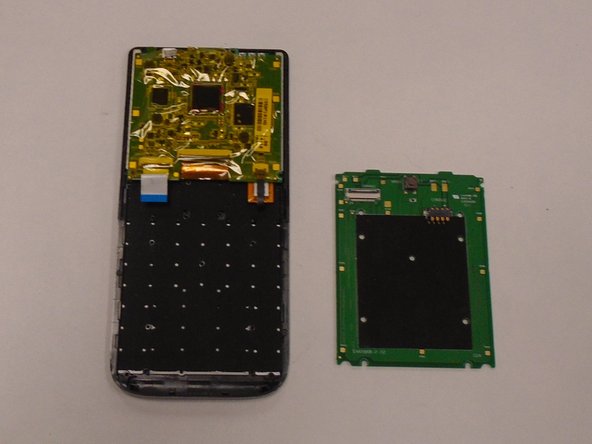
    • Using a plastic opening tool, gently pry upward on the battery board/button panel from the bottom to remove.

  8. HP Prime Graphing Calculator G8X92A Motherboard/Display Replacement, Motherboard/Display: 8 단계, 이미지 2개 중 1개 HP Prime Graphing Calculator G8X92A Motherboard/Display Replacement, Motherboard/Display: 8 단계, 이미지 2개 중 2개
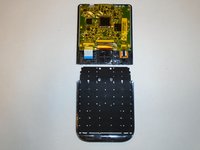
    • Remove the lower component from the motherboard

  9. HP Prime Graphing Calculator G8X92A Motherboard/Display Replacement: 9 단계, 이미지 3개 중 1개 HP Prime Graphing Calculator G8X92A Motherboard/Display Replacement: 9 단계, 이미지 3개 중 2개 HP Prime Graphing Calculator G8X92A Motherboard/Display Replacement: 9 단계, 이미지 3개 중 3개
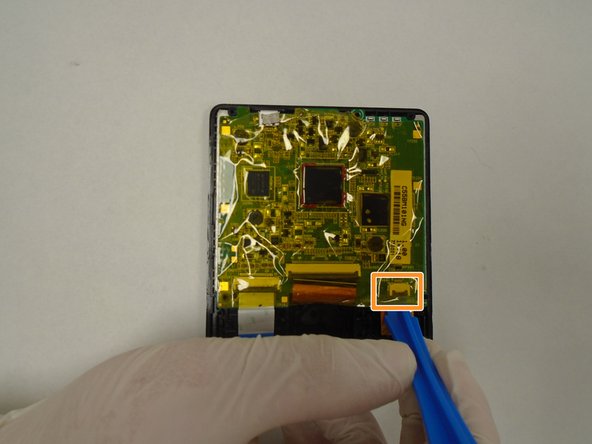
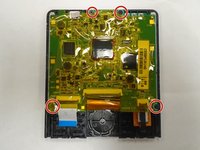
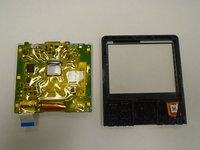
    • Using a Phillips #00 screwdriver, remove the four screws securing the motherboard/display to the front panel.

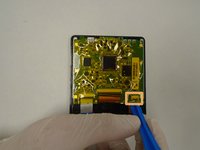
    • Using a plastic opening tool, pry up the locking tab of the ZIF connector on the right side of the device and pull out the ribbon cable.

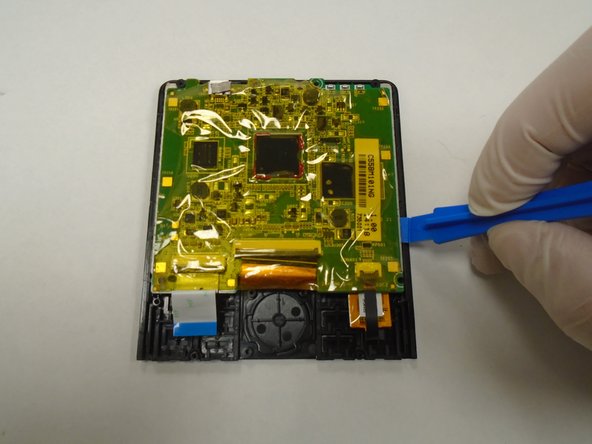
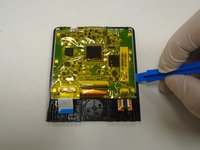
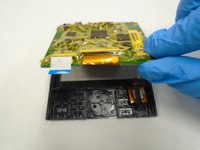
    • Using a plastic opening tool, gently pry apart the motherboard and the front panel.

  10. HP Prime Graphing Calculator G8X92A Motherboard/Display Replacement: 10 단계, 이미지 2개 중 1개 HP Prime Graphing Calculator G8X92A Motherboard/Display Replacement: 10 단계, 이미지 2개 중 2개
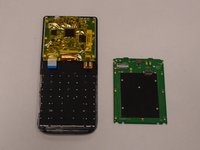
    • Remove the motherboard from the display.

결론

To reassemble your device, follow these instructions in reverse order.

다른 2명이 해당 안내서를 완성하였습니다.

3가이드 댓글

Hi Eric,

Do you know where we could buy / get a screen replacement? I looked everywhere, but I cannot find it.

Led Hilderink - 답글

Hi, did you find it?

Alcides Cruz -
Also looking for a replacement and cannot find any sellers anywhere!

James - 답글

댓글 쓰기

조회 통계:

지난 24시간: 8

지난 7일: 21

지난 30일: 84

전체 시간: 3,931