주요 콘텐츠로 건너뛰기

How to Repair an Apple Lightning Cable

필요한 것

  1. How to Repair an Apple Lightning Cable, How to Repair an Apple Lightning Cable: 1 단계, 이미지 3개 중 1개 How to Repair an Apple Lightning Cable, How to Repair an Apple Lightning Cable: 1 단계, 이미지 3개 중 2개 How to Repair an Apple Lightning Cable, How to Repair an Apple Lightning Cable: 1 단계, 이미지 3개 중 3개
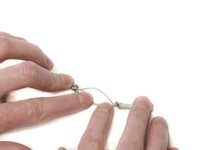
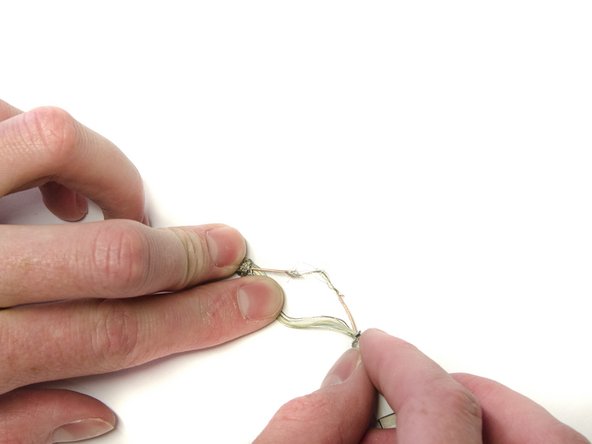
    • Locate the damaged area of your lightning cable.

    • Damage may differ from user-to-user.

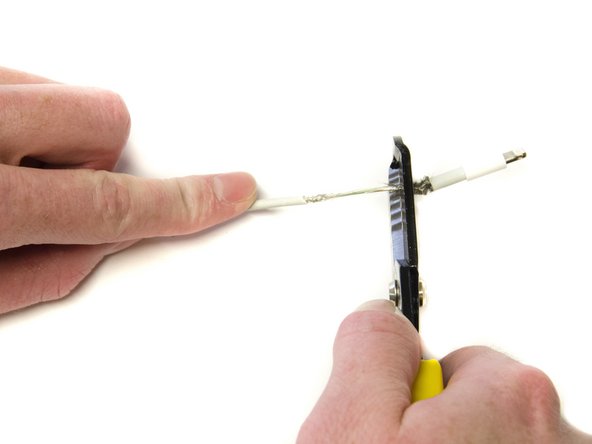
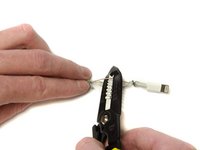
    • Use the 1.6 mm gauge on the wire strippers to strip a small portion of the outer jacket.

    • Peel the outer jacket from both sides of the damaged area, exposing the underlying metal jacket.

  2. How to Repair an Apple Lightning Cable: 2 단계, 이미지 3개 중 1개 How to Repair an Apple Lightning Cable: 2 단계, 이미지 3개 중 2개 How to Repair an Apple Lightning Cable: 2 단계, 이미지 3개 중 3개
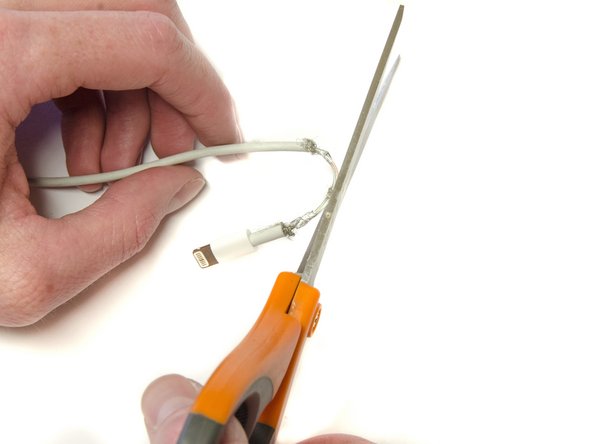
    • Carefully strip the metal jacket away from the underlying wires using the 1.0 mm gauge.

    • Use the scissors to cut the metal jacket off the cable.

    • Do not cut through the wires.

  3. How to Repair an Apple Lightning Cable: 3 단계, 이미지 2개 중 1개 How to Repair an Apple Lightning Cable: 3 단계, 이미지 2개 중 2개
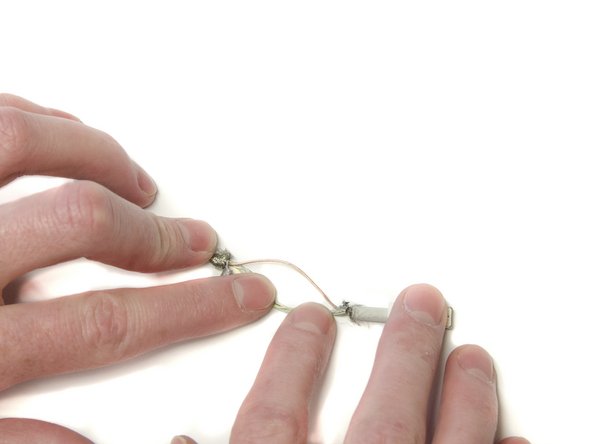
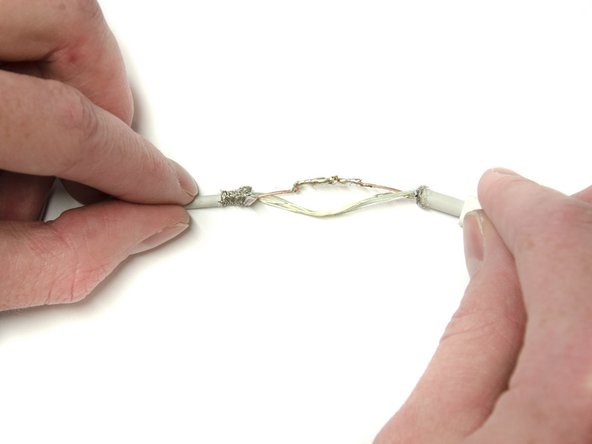
    • Separate and examine the three main wires for any damage. Red (Power), White (Data), and Green (Data).

    • Separate the damaged wire from the other wires.

  4. How to Repair an Apple Lightning Cable: 4 단계, 이미지 2개 중 1개 How to Repair an Apple Lightning Cable: 4 단계, 이미지 2개 중 2개
    • Strip the wire around the damaged area using the 0.6 mm gauge and expose the copper wires underneath.

  5. How to Repair an Apple Lightning Cable: 5 단계, 이미지 2개 중 1개 How to Repair an Apple Lightning Cable: 5 단계, 이미지 2개 중 2개
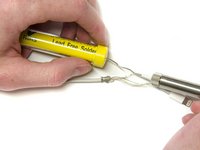
    • Solder the exposed wires together, ensuring contact throughout the damaged area using the soldering iron.

    • Repeat for any other damaged wires.

    • Soldering guns reach very high temperatures. Inappropriate use may result in injuries.

    • To learn how to solder, follow the link on 연결부 납땜 및 납제거 방법.

  6. How to Repair an Apple Lightning Cable: 6 단계, 이미지 2개 중 1개 How to Repair an Apple Lightning Cable: 6 단계, 이미지 2개 중 2개
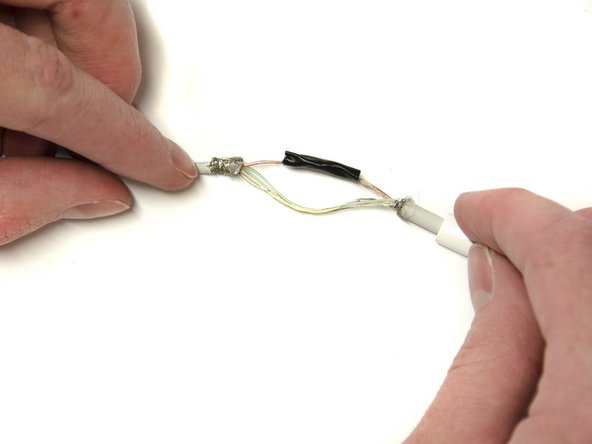
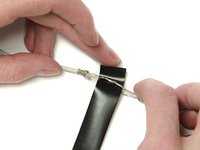
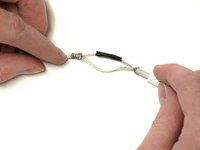
    • Wrap the soldered part of the wire in a thin layer of electrical tape to insulate it from the other wires.

    • Repeat for all soldered wires.

  7. How to Repair an Apple Lightning Cable: 7 단계, 이미지 2개 중 1개 How to Repair an Apple Lightning Cable: 7 단계, 이미지 2개 중 2개
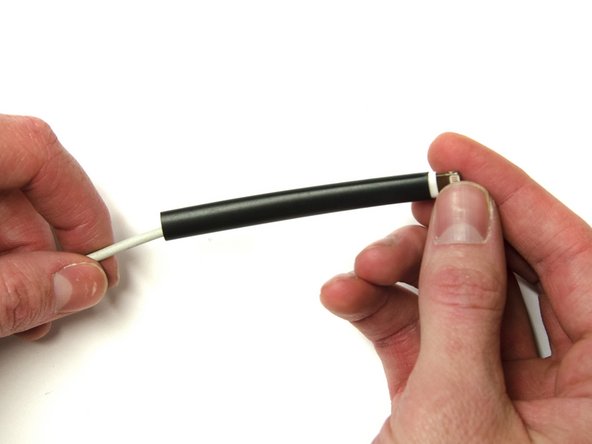
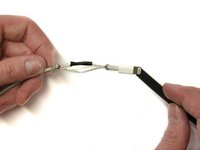
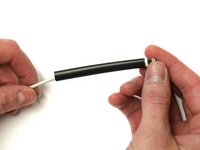
    • Slide the shrink tubing over the exposed wires to cover the bare wires on both ends.

  8. How to Repair an Apple Lightning Cable: 8 단계, 이미지 2개 중 1개 How to Repair an Apple Lightning Cable: 8 단계, 이미지 2개 중 2개
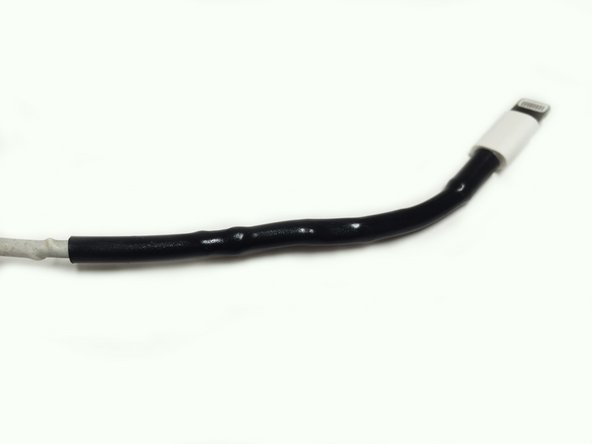
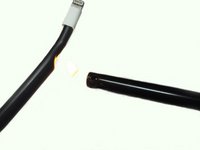
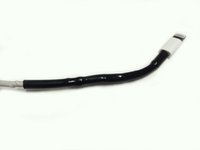
    • Use the lighter to shrink the tubing around the lightning cable.

    • Straighten out the cable as you apply heat to the heat shrink tubing.

결론

Repeat for any other damaged areas on lightning cable.

작성자

4다른 기여자 명과 함께

Redacted

회원 가입일: 02/23/16

166 평판

안내서 1개를 작성함

0가이드 댓글

댓글 쓰기

조회 통계:

지난 24시간: 3

지난 7일: 11

지난 30일: 68

전체 시간: 808