주요 콘텐츠로 건너뛰기

How to troubleshoot Sony ECM-MS907 sound distortion

필요한 것

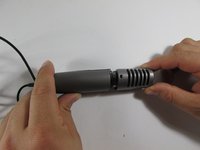
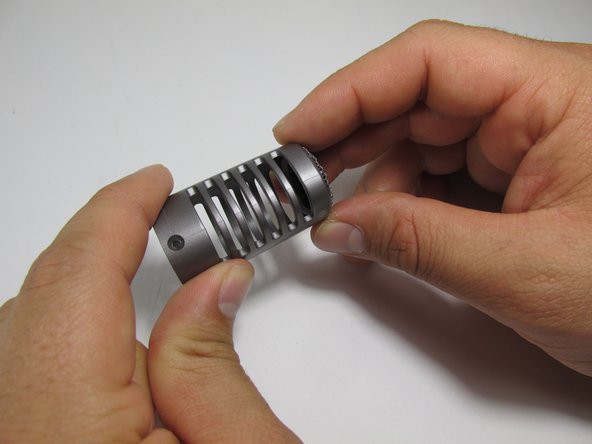
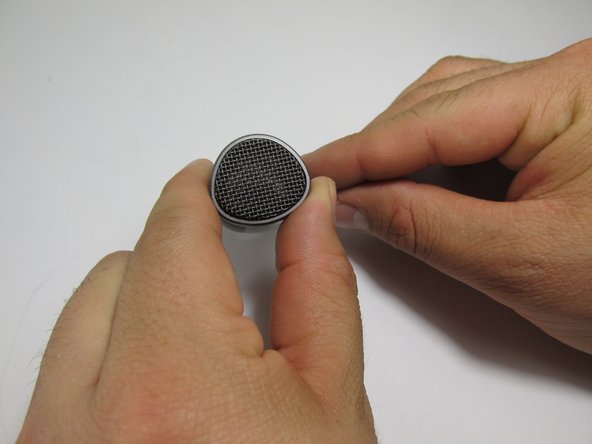
  1. How to troubleshoot Sony ECM-MS907 sound distortion, Windscreen Removal and Inspection: 1 단계, 이미지 3개 중 1개 How to troubleshoot Sony ECM-MS907 sound distortion, Windscreen Removal and Inspection: 1 단계, 이미지 3개 중 2개 How to troubleshoot Sony ECM-MS907 sound distortion, Windscreen Removal and Inspection: 1 단계, 이미지 3개 중 3개
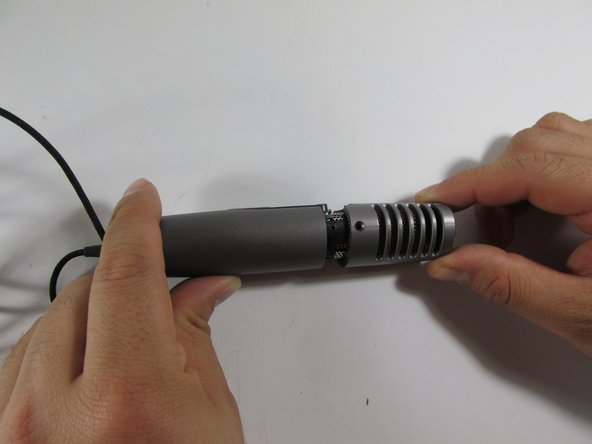
    • Remove the windscreen from the top of the microphone.

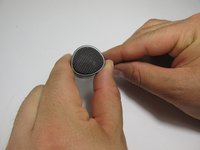
    • Once the foam windscreen is removed, examine the windscreen looking for thinning, holes, tears, or discoloration. Any of these issues may be the cause of the sound distortion.

  2. How to troubleshoot Sony ECM-MS907 sound distortion, Examine the Jack: 2 단계, 이미지 2개 중 1개 How to troubleshoot Sony ECM-MS907 sound distortion, Examine the Jack: 2 단계, 이미지 2개 중 2개
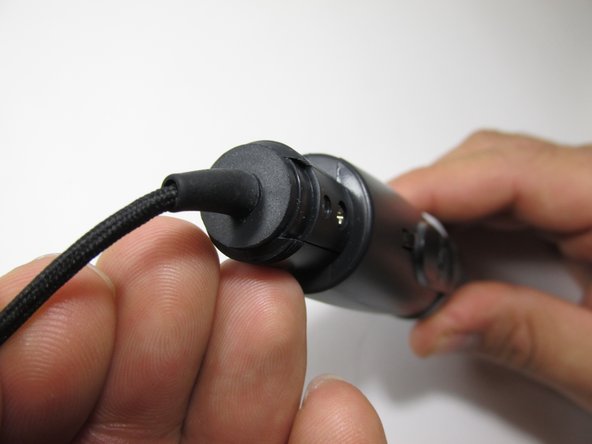
    • Locate the jack of the microphone and look for: discoloration, rust, breaks in the piece, as well as making sure the jack is not bent or torn from the power cord.

  3. How to troubleshoot Sony ECM-MS907 sound distortion, Examining the Cord: 3 단계, 이미지 2개 중 1개 How to troubleshoot Sony ECM-MS907 sound distortion, Examining the Cord: 3 단계, 이미지 2개 중 2개
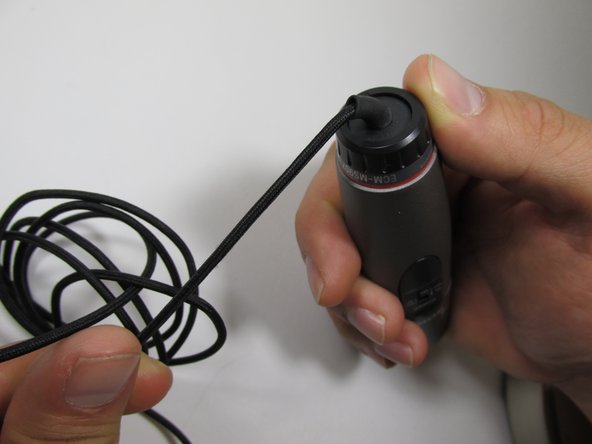
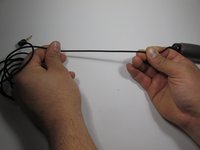
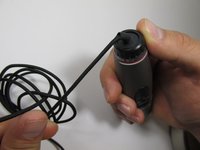
    • Inspect the cord for splits, breaks, or loose wires. Check the cord from one end to the other, making sure the cord is attached to the microphone.

  4. How to troubleshoot Sony ECM-MS907 sound distortion: 4 단계, 이미지 3개 중 1개 How to troubleshoot Sony ECM-MS907 sound distortion: 4 단계, 이미지 3개 중 2개 How to troubleshoot Sony ECM-MS907 sound distortion: 4 단계, 이미지 3개 중 3개
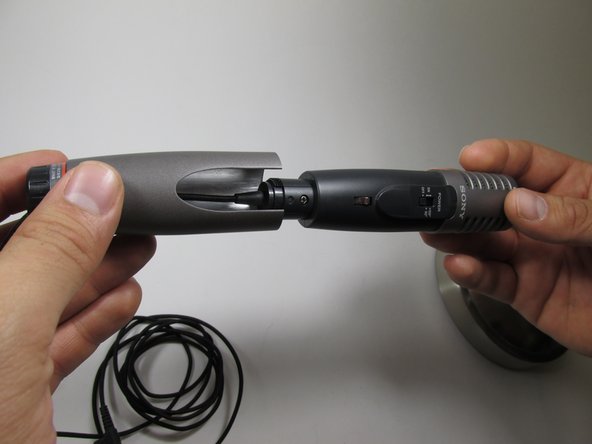
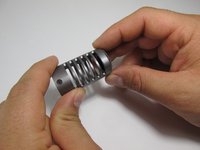
    • To check the cord further by unscrewing the bottom piece of the microphone from the top. Rotate clockwise to unscrew the bottom and examine.

  5. How to troubleshoot Sony ECM-MS907 sound distortion: 5 단계, 이미지 3개 중 1개 How to troubleshoot Sony ECM-MS907 sound distortion: 5 단계, 이미지 3개 중 2개 How to troubleshoot Sony ECM-MS907 sound distortion: 5 단계, 이미지 3개 중 3개
    • Another to assessing distortion is to inspect the diaphragm. For further information, see the Diaphragm Examination Guide

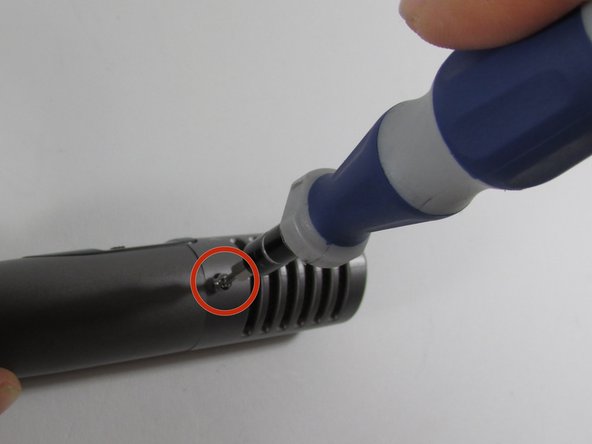
    • Use a Phillips head (#00) screwdriver, to remove the diaphragm and separate the diaphragm from the base of the microphone.

  6. How to troubleshoot Sony ECM-MS907 sound distortion: 6 단계, 이미지 3개 중 1개 How to troubleshoot Sony ECM-MS907 sound distortion: 6 단계, 이미지 3개 중 2개 How to troubleshoot Sony ECM-MS907 sound distortion: 6 단계, 이미지 3개 중 3개
    • Inspect the diaphragm checking to see if the piece is dirty, bent, or has holes. If it is bent or has holes, it may need to be replaced.

    • If the diaphragm is dirty, clean it with a dry towel or cotton swab by gently brushing dirt and/or rust off the piece.

결론

To reassemble your device, follow these instructions in reverse order.

다른 한 분이 해당 안내서를 완성하였습니다.

작성자

8다른 기여자 명과 함께

Justin Lewis

회원 가입일: 01/23/14

242 평판

안내서 2개를 작성함

New Mexico State, Team 1-2, Sheppard Spring 2014 New Mexico State, Team 1-2, Sheppard Spring 2014 회원

NMSU-SHEPPARD-S14S1G2

3 회원들

안내서 6개를 작성함

0가이드 댓글

댓글 쓰기

조회 통계:

지난 24시간: 0

지난 7일: 2

지난 30일: 13

전체 시간: 1,088