주요 콘텐츠로 건너뛰기

Jabra Evolve2 65 Motherboard Replacement

필요한 것

  1. Jabra Evolve2 65 Motherboard Replacement, Ear Pads: 1 단계, 이미지 1개 중 1개
    • Lay your headphones down on a flat, solid surface.

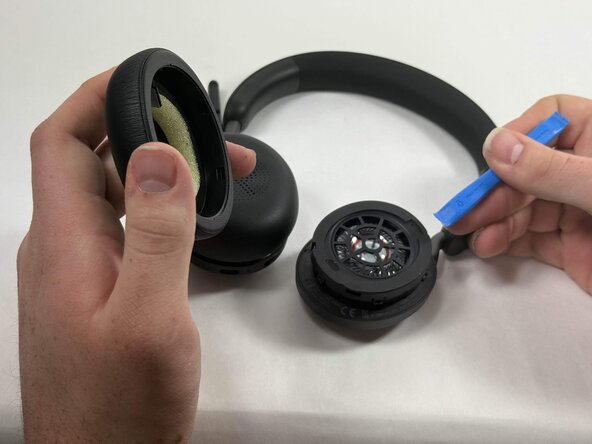
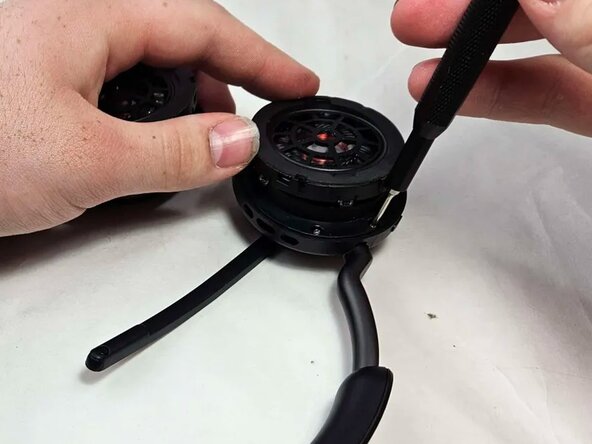
  2. Jabra Evolve2 65 Motherboard Replacement: 2 단계, 이미지 2개 중 1개 Jabra Evolve2 65 Motherboard Replacement: 2 단계, 이미지 2개 중 2개
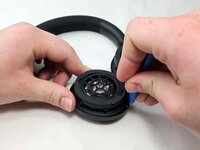
    • Insert an opening tool into the seam between the ear pad and driver housing, near the hinge.

    • Gently pry the ear pad away from the driver housing until it releases.

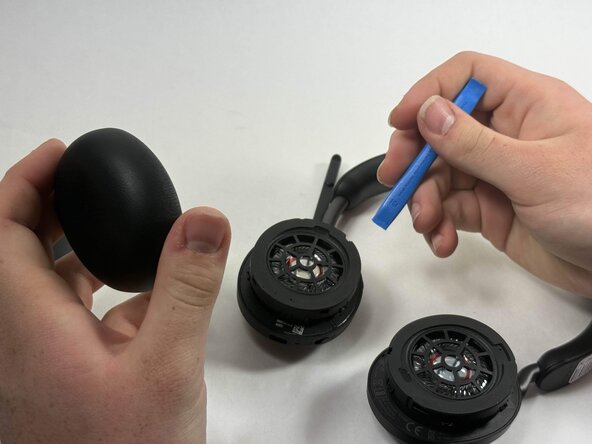
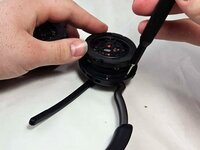
  3. Jabra Evolve2 65 Motherboard Replacement: 3 단계, 이미지 2개 중 1개 Jabra Evolve2 65 Motherboard Replacement: 3 단계, 이미지 2개 중 2개
    • Pry off the other ear pad in the same manner.

  4. Jabra Evolve2 65 Motherboard Replacement, Motherboard: 4 단계, 이미지 2개 중 1개 Jabra Evolve2 65 Motherboard Replacement, Motherboard: 4 단계, 이미지 2개 중 2개
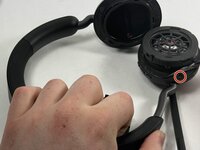
    • Peel back the tape where the microphone's base connects to the headband.

    • Use a T6 Torx screwdriver to remove the single 2 mm screw.

  5. Jabra Evolve2 65 Motherboard Replacement: 5 단계, 이미지 1개 중 1개
    • Go about a third of the way around the first screw and peel back the tape to locate the second screw.

    • Use T6 Torx screwdriver to remove the single 2 mm screw.

  6. Jabra Evolve2 65 Motherboard Replacement: 6 단계, 이미지 1개 중 1개
    • Locate the third screw after peeling the tape off entirely after removing the second screw.

    • Use a T6 Torx screwdriver to remove the final 2 mm screw.

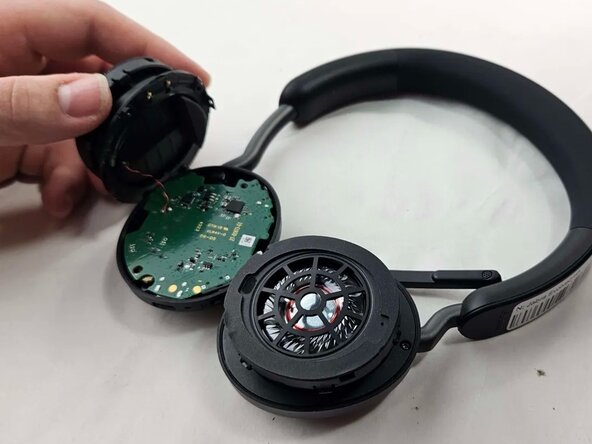
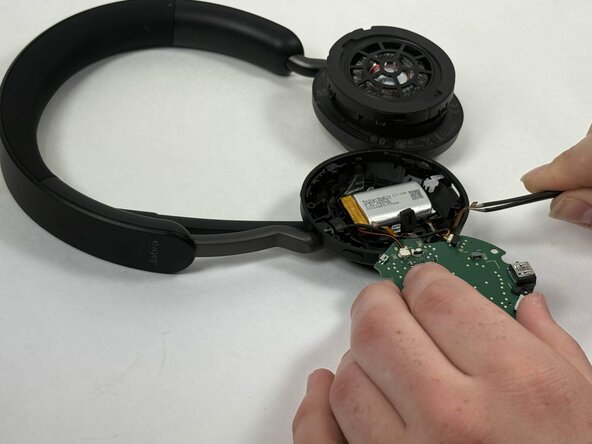
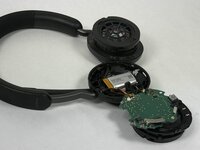
  7. Jabra Evolve2 65 Motherboard Replacement: 7 단계, 이미지 3개 중 1개 Jabra Evolve2 65 Motherboard Replacement: 7 단계, 이미지 3개 중 2개 Jabra Evolve2 65 Motherboard Replacement: 7 단계, 이미지 3개 중 3개
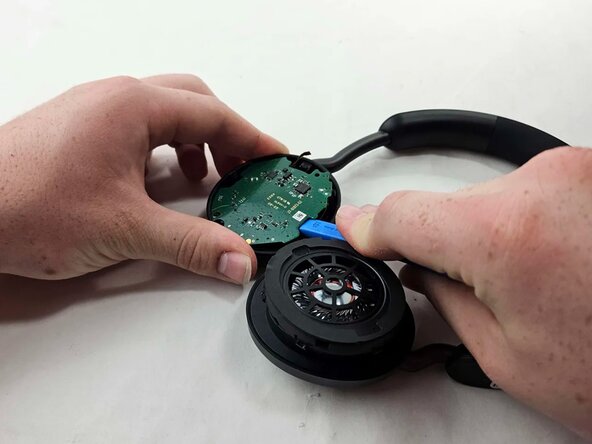
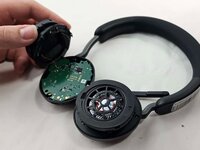
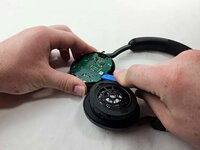
    • Use an opening tool to pry up and set aside the driver housing.

    • Gently remove the motherboard from the housing..

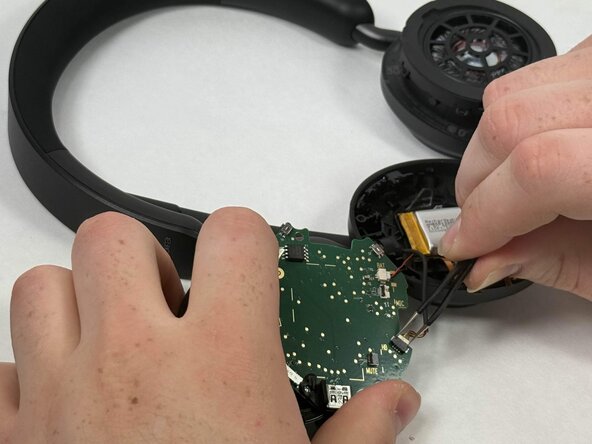
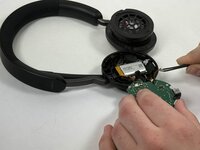
  8. Jabra Evolve2 65 Motherboard Replacement: 8 단계, 이미지 3개 중 1개 Jabra Evolve2 65 Motherboard Replacement: 8 단계, 이미지 3개 중 2개 Jabra Evolve2 65 Motherboard Replacement: 8 단계, 이미지 3개 중 3개
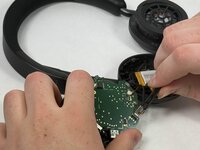
    • After locating the battery underneath, use a pair of tweezers to disconnect all connected cables.

    • Using tweezers, gently wiggle out the connector that joins the battery to the motherboard. The correct connector will be labeled on the motherboard and is the one that contains 2 wires, one black and one red.

  9. Jabra Evolve2 65 Motherboard Replacement: 9 단계, 이미지 1개 중 1개
    • Using a soldering iron, desolder the driver connections from the motherboard.

    • When reinstalling the driver to the motherboard, make sure you solder the driver connections to the correct terminals. The red wire goes to the "P" and the black wire goes to the "N."

결론

To reassemble your device, follow the above steps in reverse order.
Take your e-waste to an R2 or e-Stewards certified recycler.
Repair didn’t go as planned? Try some basic troubleshooting or ask our Answers community for help.

다른 한 분이 해당 안내서를 완성하였습니다.

작성자

4다른 기여자 명과 함께

Nyles Nguyen

회원 가입일: 03/26/25

269 평판

안내서 2개를 작성함

UMass Dartmouth, Team 3-2, Botvin Spring 2025 UMass Dartmouth, Team 3-2, Botvin Spring 2025 회원

UMASSD-BOTVIN-S25S3G2

4 회원들

안내서 5개를 작성함

1가이드 댓글

Would it be able to share the source for the spare part?

Waldemar - 답글

댓글 쓰기

조회 통계:

지난 24시간: 2

지난 7일: 17

지난 30일: 93

전체 시간: 506