소개
Use this guide to replace a damaged I/O board ribbon cable.
필요한 것
-
이 단계에 사용된 도구:P5 Pentalobe Screwdriver Retina MacBook Pro and Air$5.99
-
Remove the following ten screws:
-
Two 8 mm 5-point Pentalobe screws
-
Eight 2.5 mm 5-point Pentalobe screws
-
-
-
-
Use the flat end of a spudger to pry both short sides of the battery connector upward to disconnect it from its socket on the logic board.
-
Bend the battery cable slightly away from the logic board so the connector will not accidentally contact its socket.
-
-
-
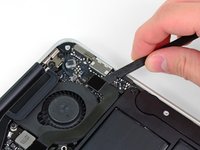
Use the flat end of a spudger to pry the I/O board cable connector upward out of its socket on the I/O board.
-
-
-
The following connector has an especially deep socket. Use care when disconnecting it.
-
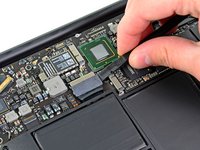
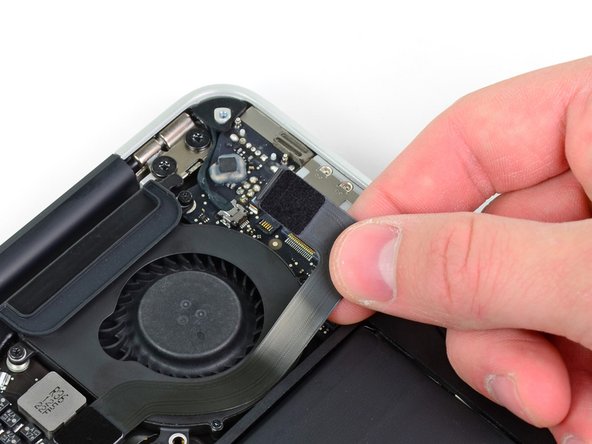
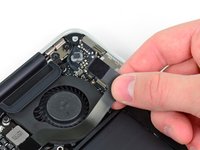
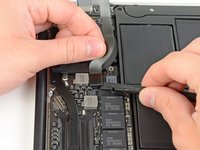
While gently pulling the I/O board cable upward near its connection to the logic board, use the tip of a spudger to pry upward on alternating sides of the connector to help "walk" it out of its socket.
-
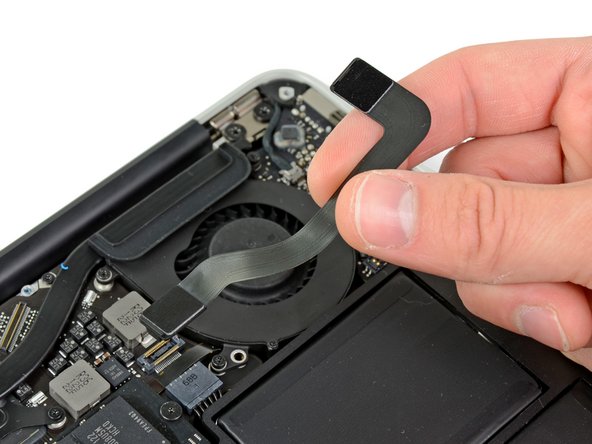
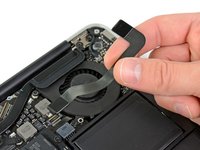
Remove the I/O board cable.
-





To reassemble your device, follow these instructions in reverse order.
다른 3명이 해당 안내서를 완성하였습니다.


1가이드 댓글
I had no sound (input/output), no video, no ability to work on battery. I followed the steps and discovered that both the battery and the i/o board where not properly connected. So following this manual fixed it all. Many thanks!
