주요 콘텐츠로 건너뛰기

Nikon D5000 Sensor Filter Replacement

필요한 것

  1. Nikon D5000 Sensor Filter Replacement, Back Panel: 1 단계, 이미지 3개 중 1개 Nikon D5000 Sensor Filter Replacement, Back Panel: 1 단계, 이미지 3개 중 2개 Nikon D5000 Sensor Filter Replacement, Back Panel: 1 단계, 이미지 3개 중 3개
    • The battery door has been removed for clarity, but is not necessary. See this guide for how to remove it.

    • Unscrew the eight Phillips #00 screws on the back panel:

    • Two 2.5x6mm screws above the screen.

    • One 3x6mm screw on the upper part of each side (two total; right side shown).

    • One 3x7.5mm screw on the lower part of each side (two total).

    • Two 3x4.5mm screws on the bottom.

  2. Nikon D5000 Sensor Filter Replacement: 2 단계, 이미지 3개 중 1개 Nikon D5000 Sensor Filter Replacement: 2 단계, 이미지 3개 중 2개 Nikon D5000 Sensor Filter Replacement: 2 단계, 이미지 3개 중 3개
    이 단계에 사용된 도구:
    Tweezers
    $4.99
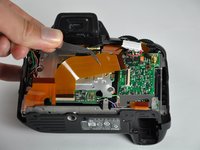
    • Pull the back panel up, then tilt it back. There will be two cables still holding it on.

    • Doing this will also release the connector cover on the left side. Set it aside for now, but remember to reinstall it later.

    • Disconnect the ribbon cable by flipping the black tab up, then pulling the cable out.

    • This procedure also applies to all of the other ribbon cables in the D5000.

    • Pull out the other connector by lifting it up with tweezers, or by prying it out. Fingernails also work well.

  3. Nikon D5000 Sensor Filter Replacement, Sensor Filter: 3 단계, 이미지 3개 중 1개 Nikon D5000 Sensor Filter Replacement, Sensor Filter: 3 단계, 이미지 3개 중 2개 Nikon D5000 Sensor Filter Replacement, Sensor Filter: 3 단계, 이미지 3개 중 3개
    이 단계에 사용된 도구:
    Tweezers
    $4.99
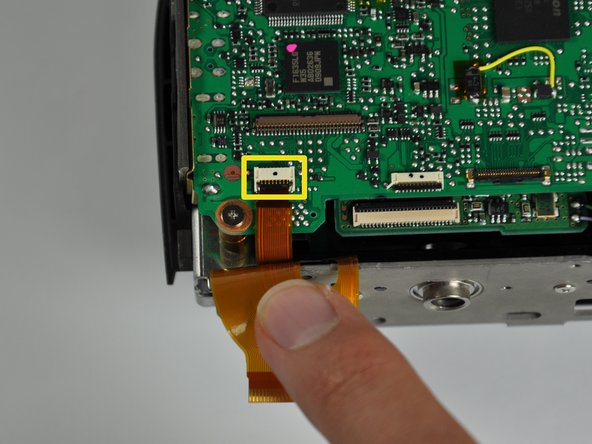
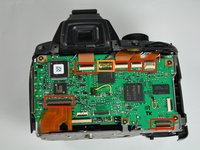
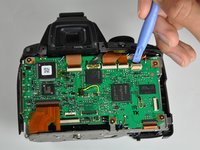
    • Disconnect the six ribbon cables by releasing the clips and pulling the cables out.

    • Pry off the gold-plated connector with an opening tool, spudger, tweezers, or a fingernail.

    • Disconnect a seventh ribbon cable in the lower-right corner.

  4. Nikon D5000 Sensor Filter Replacement: 4 단계, 이미지 1개 중 1개
    • Desolder the five wires attached to the back of the board.

  5. Nikon D5000 Sensor Filter Replacement: 5 단계, 이미지 2개 중 1개 Nikon D5000 Sensor Filter Replacement: 5 단계, 이미지 2개 중 2개
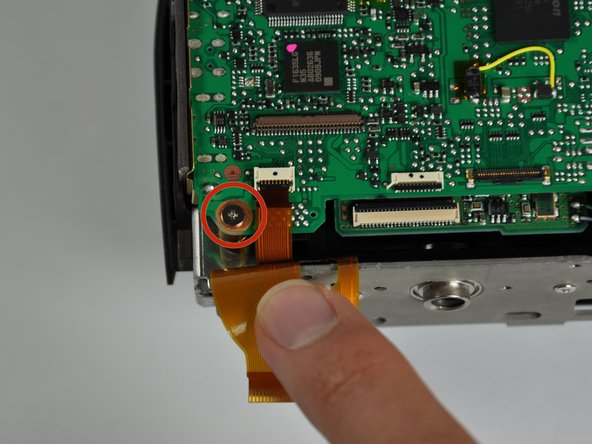
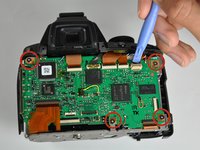
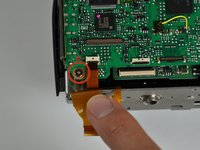
    • Remove the five silver Phillips #00 4x4mm screws.

    • One is hiding under the wide ribbon cable in the lower-right corner.

  6. Nikon D5000 Sensor Filter Replacement: 6 단계, 이미지 2개 중 1개 Nikon D5000 Sensor Filter Replacement: 6 단계, 이미지 2개 중 2개
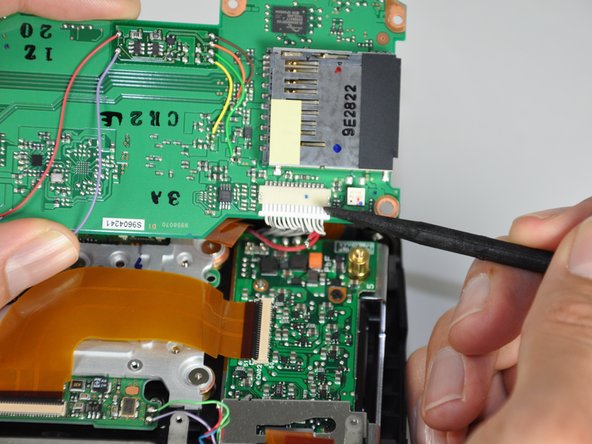
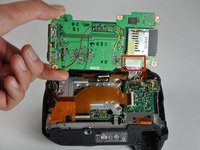
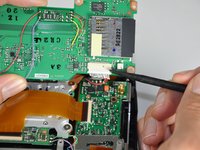
    • Flip up the motherboard.

    • Remove the white cable connector by pulling it out of its socket with a spudger or fingernails.

  7. Nikon D5000 Sensor Filter Replacement: 7 단계, 이미지 2개 중 1개 Nikon D5000 Sensor Filter Replacement: 7 단계, 이미지 2개 중 2개
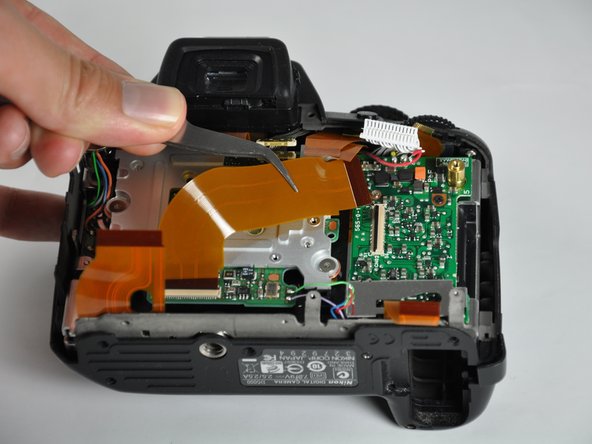
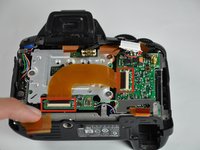
    • Remove the L-shaped ribbon cable from both of its connectors.

  8. Nikon D5000 Sensor Filter Replacement: 8 단계, 이미지 2개 중 1개 Nikon D5000 Sensor Filter Replacement: 8 단계, 이미지 2개 중 2개
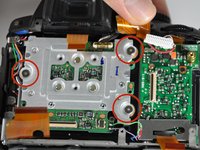
    • Remove the three silver 5x5mm screws.

    • Between the metal backing plate and the standoffs for each screw is a copper washer. Don't lose them!

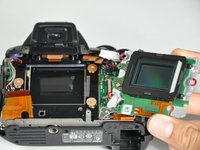
    • Flip the sensor board out.

    • Be extremely careful from this point on. Dust or scratches on any part of the sensor or its filters can affect picture quality.

  9. Nikon D5000 Sensor Filter Replacement: 9 단계, 이미지 2개 중 1개 Nikon D5000 Sensor Filter Replacement: 9 단계, 이미지 2개 중 2개
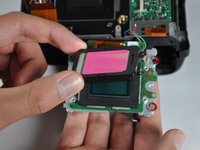
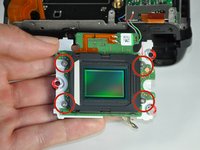
    • Remove the four silver 3.5x3.5mm screws securing the dust cover.

    • Pull the cover straight up to remove it.

  10. Nikon D5000 Sensor Filter Replacement: 10 단계, 이미지 2개 중 1개 Nikon D5000 Sensor Filter Replacement: 10 단계, 이미지 2개 중 2개
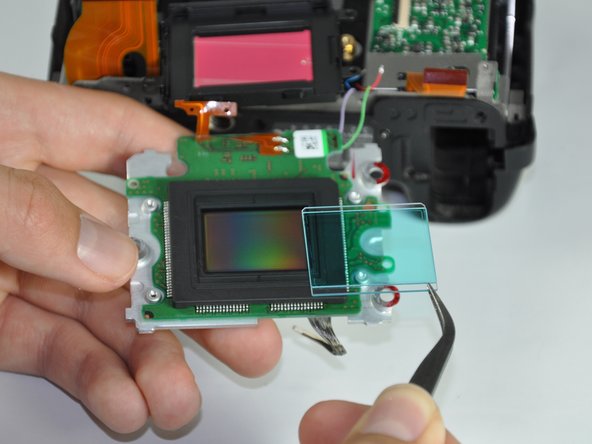
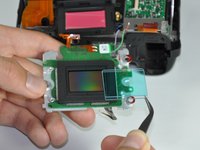
    • To remove the sensor filter, pull back the rubber gasket to expose the edge. Use a spudger or opening tool to carefully pry out the filter.

결론

To reassemble your device, follow these instructions in reverse order.

다른 3명이 해당 안내서를 완성하였습니다.

작성자

4다른 기여자 명과 함께

Jacob Rardin

회원 가입일: 04/14/14

1,472 평판

안내서 6개를 작성함

Cal Poly, Team 13-28, Maness Spring 2014 Cal Poly, Team 13-28, Maness Spring 2014 회원

CPSU-MANESS-S14S13G28

4 회원들

안내서 7개를 작성함

2가이드 댓글

Excelente guía, solo que debo cambiar las cortinillas y creo que es por el frente de la cámara

alcova35 - 답글

Is the dust cover in step 9 just a clear glass or is it also a filter? In the picture, it has a pink tint.

pol techa - 답글
댓글 쓰기

조회 통계:

지난 24시간: 0

지난 7일: 12

지난 30일: 47

전체 시간: 5,773