주요 콘텐츠로 건너뛰기
수리 커뮤니티 가입 - 계정 만들기

Samsung Galaxy Y Charging port and headphone jack Replacement

필요한 것

  1. Samsung Galaxy Y Charging port and headphone jack Replacement, Back Panel: 1 단계, 이미지 3개 중 1개 Samsung Galaxy Y Charging port and headphone jack Replacement, Back Panel: 1 단계, 이미지 3개 중 2개 Samsung Galaxy Y Charging port and headphone jack Replacement, Back Panel: 1 단계, 이미지 3개 중 3개
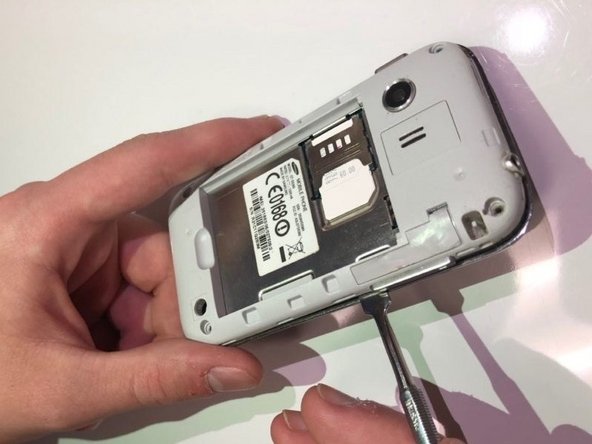
    • Use the blue plastic opening tool to pry the back-panel off of the device.

  2. Samsung Galaxy Y Charging port and headphone jack Replacement, Charging port and headphone jack: 2 단계, 이미지 3개 중 1개 Samsung Galaxy Y Charging port and headphone jack Replacement, Charging port and headphone jack: 2 단계, 이미지 3개 중 2개 Samsung Galaxy Y Charging port and headphone jack Replacement, Charging port and headphone jack: 2 단계, 이미지 3개 중 3개
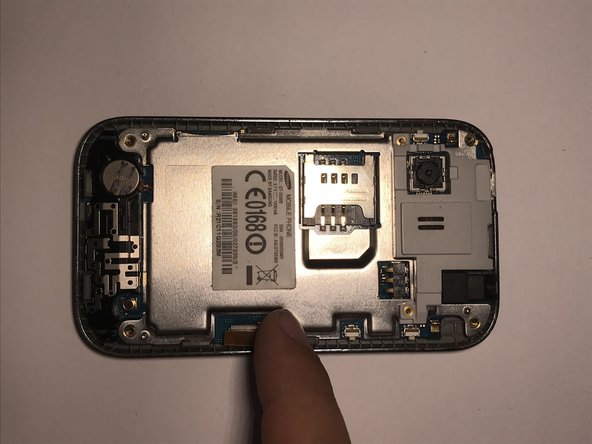
    • Use the screwdriver with a PH000 screwdriver head to remove the four 5mm screws located in the corner of the interior back panel.

    • Remove the SD card as well by sliding the card out of it's slot.

  3. Samsung Galaxy Y Charging port and headphone jack Replacement: 3 단계, 이미지 3개 중 1개 Samsung Galaxy Y Charging port and headphone jack Replacement: 3 단계, 이미지 3개 중 2개 Samsung Galaxy Y Charging port and headphone jack Replacement: 3 단계, 이미지 3개 중 3개
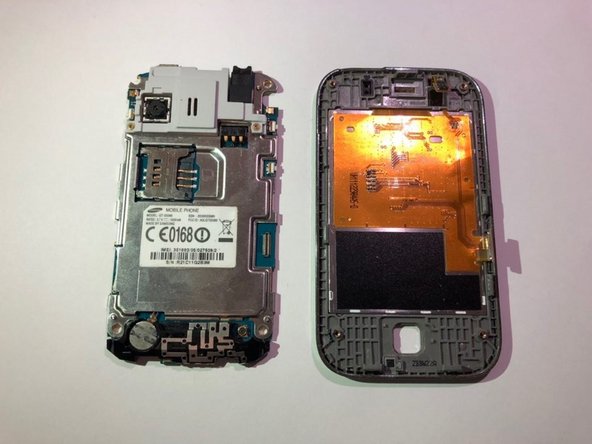
    • Use metal pry tool to separate the interior back panel from the interior hardware and screen.

  4. Samsung Galaxy Y Charging port and headphone jack Replacement: 4 단계, 이미지 3개 중 1개 Samsung Galaxy Y Charging port and headphone jack Replacement: 4 단계, 이미지 3개 중 2개 Samsung Galaxy Y Charging port and headphone jack Replacement: 4 단계, 이미지 3개 중 3개
    • Disconnect the orange motherboard connection, then remove interior hardware from the front screen display.

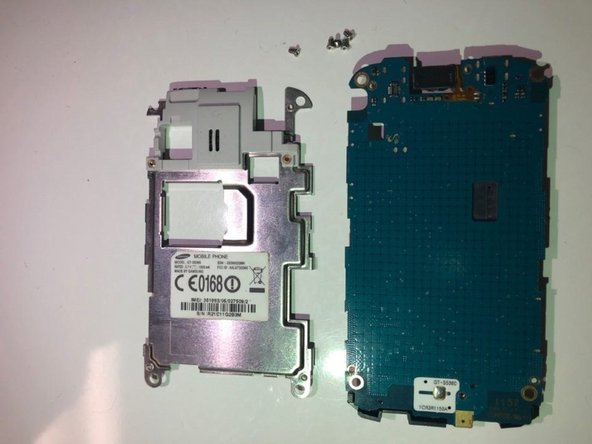
  5. Samsung Galaxy Y Charging port and headphone jack Replacement: 5 단계, 이미지 3개 중 1개 Samsung Galaxy Y Charging port and headphone jack Replacement: 5 단계, 이미지 3개 중 2개 Samsung Galaxy Y Charging port and headphone jack Replacement: 5 단계, 이미지 3개 중 3개
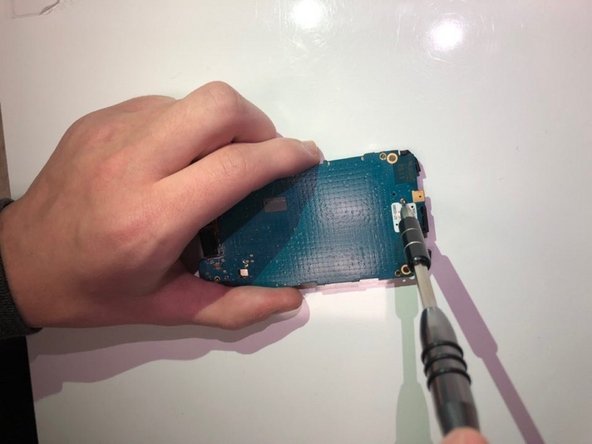
    • Use a Phillips #000 screwdriver to remove the five 2mm screws located in the corner of the silver protective panel.

    • If the motherboard is cracked or damaged, then replace with a new one.

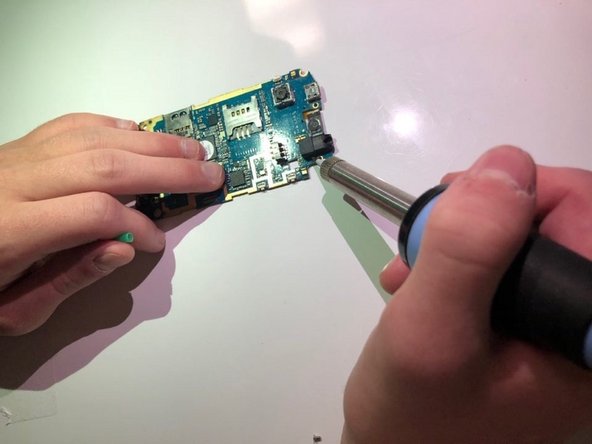
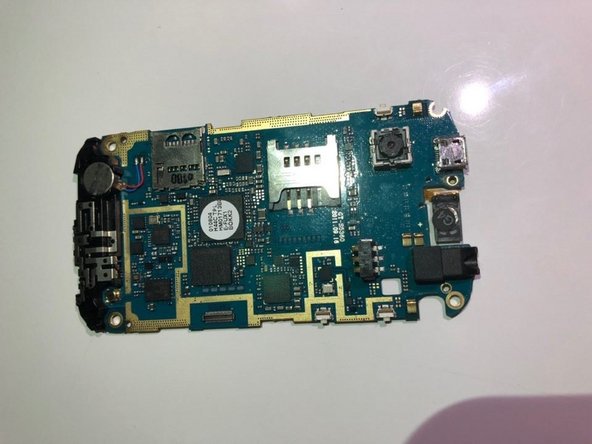
  6. Samsung Galaxy Y Charging port and headphone jack Replacement: 6 단계, 이미지 3개 중 1개 Samsung Galaxy Y Charging port and headphone jack Replacement: 6 단계, 이미지 3개 중 2개 Samsung Galaxy Y Charging port and headphone jack Replacement: 6 단계, 이미지 3개 중 3개
결론

To reassemble your device, follow these instructions in reverse order.

다른 한 분이 해당 안내서를 완성하였습니다.

작성자

3다른 기여자 명과 함께

Alyissa

회원 가입일: 09/21/18

133 평판

안내서 1개를 작성함

0가이드 댓글

댓글 쓰기

조회 통계:

지난 24시간: 2

지난 7일: 5

지난 30일: 27

전체 시간: 968