주요 콘텐츠로 건너뛰기

Sega Dreamcast GD-ROM Replacement

필요한 것

  1. Sega Dreamcast GD-ROM Replacement, Expansion Bay: 1 단계, 이미지 2개 중 1개 Sega Dreamcast GD-ROM Replacement, Expansion Bay: 1 단계, 이미지 2개 중 2개
    • Verify that the console is disconnected from the AC outlet before you begin.

    • Flip the console over on its back.

    • Take note of your model number, in case replacement parts are needed.

  2. Sega Dreamcast GD-ROM Replacement: 2 단계, 이미지 3개 중 1개 Sega Dreamcast GD-ROM Replacement: 2 단계, 이미지 3개 중 2개 Sega Dreamcast GD-ROM Replacement: 2 단계, 이미지 3개 중 3개
    • Remove the expansion bay by applying pressure to the small clip on the expansion bay while prying it away from the console.

  3. Sega Dreamcast GD-ROM Replacement, Top Cover: 3 단계, 이미지 1개 중 1개
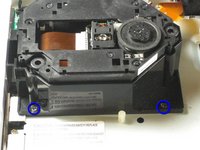
    • Locate and remove all four black 12mm Phillips #02 screws from the underside of the console.

    • Note: Remove the expansion bay to locate the fourth screw

  4. Sega Dreamcast GD-ROM Replacement: 4 단계, 이미지 1개 중 1개
    • Internal components can be loose. Be careful that they do not fall out when removing the cover.

    • Turn the console right side up.

    • Remove the top cover by gently lifting the upper portion of the console.

  5. Sega Dreamcast GD-ROM Replacement, GD-ROM: 5 단계, 이미지 2개 중 1개 Sega Dreamcast GD-ROM Replacement, GD-ROM: 5 단계, 이미지 2개 중 2개
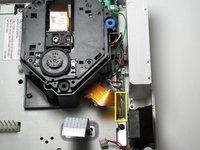
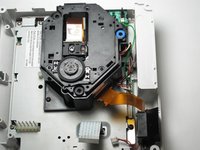
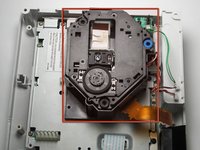
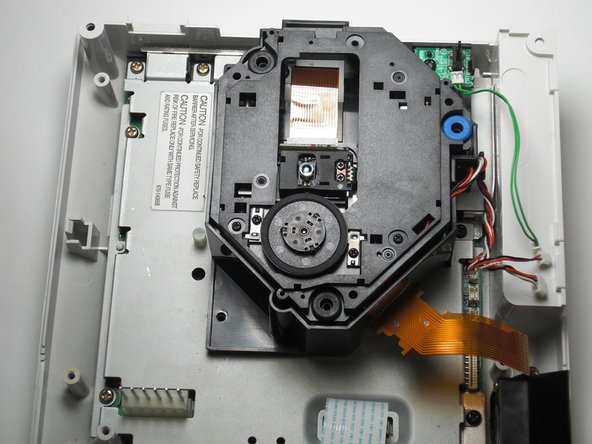
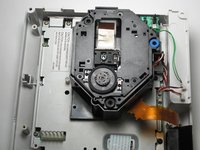
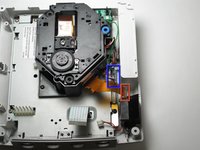
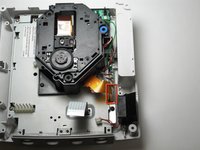
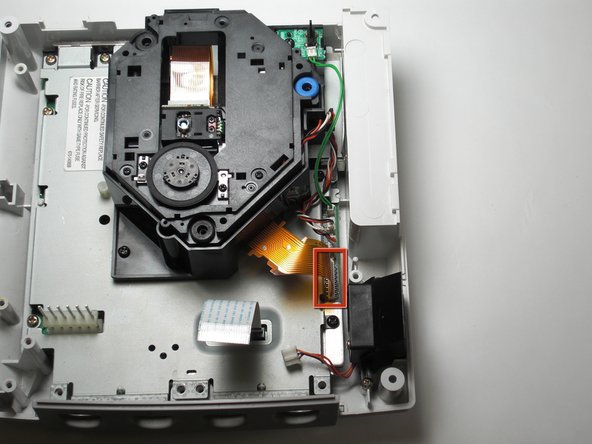
    • Detach the orange cable by giving it a gentle pull while wiggling the cable back and forth until it loosens from the logic board.

  6. Sega Dreamcast GD-ROM Replacement: 6 단계, 이미지 2개 중 1개 Sega Dreamcast GD-ROM Replacement: 6 단계, 이미지 2개 중 2개
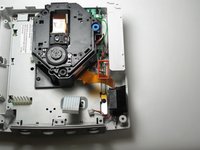
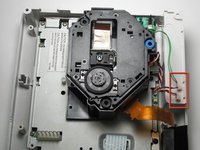
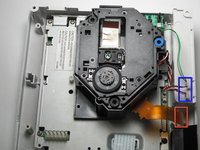
    • Detach the cables by gently pulling the three GD-ROM cables to remove them from the logic board.

  7. Sega Dreamcast GD-ROM Replacement: 7 단계, 이미지 2개 중 1개 Sega Dreamcast GD-ROM Replacement: 7 단계, 이미지 2개 중 2개
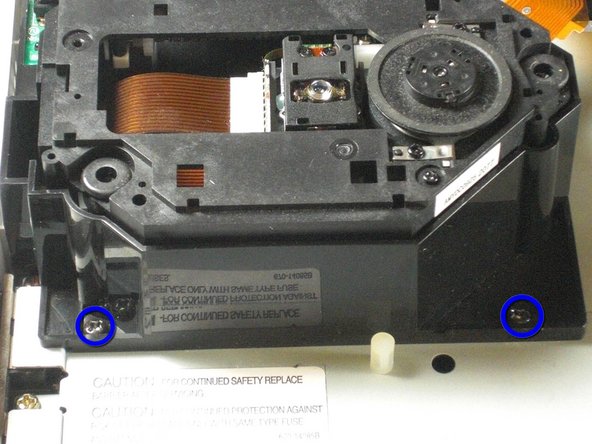
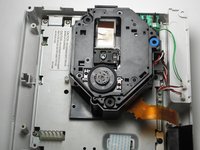
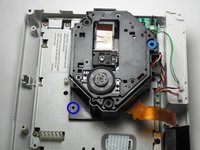
    • Remove the two black 12mm Philips #02 screws located on the left side of the GD-ROM bracket.

    • The console is rotated 90 degrees counter-clockwise in the first photo. The second photo depicts the normal position.

  8. Sega Dreamcast GD-ROM Replacement: 8 단계, 이미지 2개 중 1개 Sega Dreamcast GD-ROM Replacement: 8 단계, 이미지 2개 중 2개
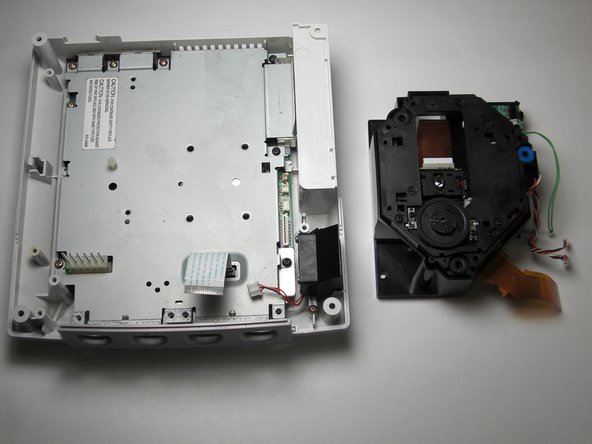
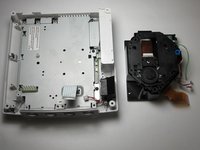
    • When lifting the GD-ROM, be careful that the top half of the casing does not detached from its base.

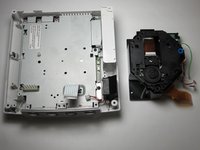
    • Remove the GD-ROM by gently lifting it from its base.

  9. Sega Dreamcast GD-ROM Replacement, GD-ROM: 9 단계, 이미지 2개 중 1개 Sega Dreamcast GD-ROM Replacement, GD-ROM: 9 단계, 이미지 2개 중 2개
    • Replace the bad GD-ROM drive with a functional one.

  10. Sega Dreamcast GD-ROM Replacement: 10 단계, 이미지 2개 중 1개 Sega Dreamcast GD-ROM Replacement: 10 단계, 이미지 2개 중 2개
    • Secure the new GD-ROM drive to the console with the Philips #2 screws.

  11. Sega Dreamcast GD-ROM Replacement: 11 단계, 이미지 3개 중 1개 Sega Dreamcast GD-ROM Replacement: 11 단계, 이미지 3개 중 2개 Sega Dreamcast GD-ROM Replacement: 11 단계, 이미지 3개 중 3개
    • Connect the three GD-ROM cables to the logic board.

    • Connect the GD-ROM data ribbon to the logic board.

결승점

다른 10명이 해당 안내서를 완성하였습니다.

작성자

5다른 기여자 명과 함께

Thorr686

회원 가입일: 11/06/09

500 평판

안내서 2개를 작성함

Cal Poly, Team 5-1, Regan Fall 2009 Cal Poly, Team 5-1, Regan Fall 2009 회원

CPSU-REGAN-F09S5G1

5 회원들

안내서 21개를 작성함

2가이드 댓글

If only it was that simple Sega screwed U.K gamers over with the fact we have to buy totally new consoles due to the wires of the disk drive being soldered in rather than clipped in.

Anthony Salmon - 답글

My HKT-3020 console, NTSC-U revision 1, manufactured in Japan during 4/2000, does not have the orange cable shown in step 5. I was able to skip steps 5 and 6, and for step 7 I had to remove 3 screws, not 2. My GD-ROM drive came as an assembly, mounted on a metal plate; the entire assembly simply lowers into a connector port. After removing the screws, I just had to gently wiggle it up and out of the port, then lower the replacement assembly into the same port, and replace the 3 screws.

Aaron Teplitsky - 답글
댓글 쓰기

조회 통계:

지난 24시간: 17

지난 7일: 66

지난 30일: 246

전체 시간: 36,980