주요 콘텐츠로 건너뛰기

TMY V08 Cooling Fan Replacement

필요한 것

  1. TMY V08 Cooling Fan Replacement, Top Panel: 1 단계, 이미지 3개 중 1개 TMY V08 Cooling Fan Replacement, Top Panel: 1 단계, 이미지 3개 중 2개 TMY V08 Cooling Fan Replacement, Top Panel: 1 단계, 이미지 3개 중 3개
    • Turn the projector upside-down.

    • Remove the six 10.8 mm screws from the bottom of the projector using a Phillips #1 screwdriver.

    • Turn the projector back over and lift the top casing panel off the projector.

  2. TMY V08 Cooling Fan Replacement: 2 단계, 이미지 3개 중 1개 TMY V08 Cooling Fan Replacement: 2 단계, 이미지 3개 중 2개 TMY V08 Cooling Fan Replacement: 2 단계, 이미지 3개 중 3개
    • Pinch and pull the bundled cable connector from the top panel.

    • Remove the top panel from the projector.

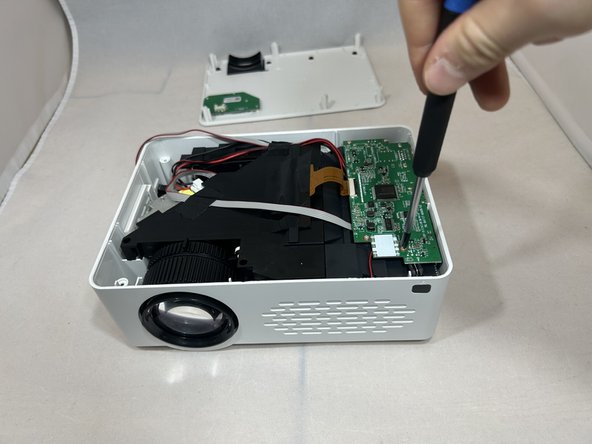
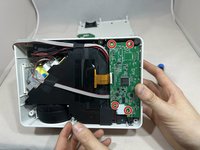
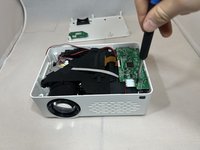
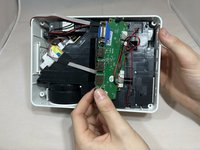
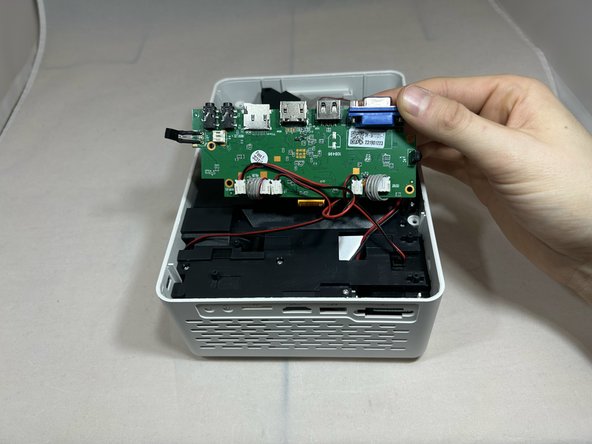
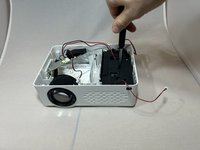
  3. TMY V08 Cooling Fan Replacement, Cooling Fan: 3 단계, 이미지 3개 중 1개 TMY V08 Cooling Fan Replacement, Cooling Fan: 3 단계, 이미지 3개 중 2개 TMY V08 Cooling Fan Replacement, Cooling Fan: 3 단계, 이미지 3개 중 3개
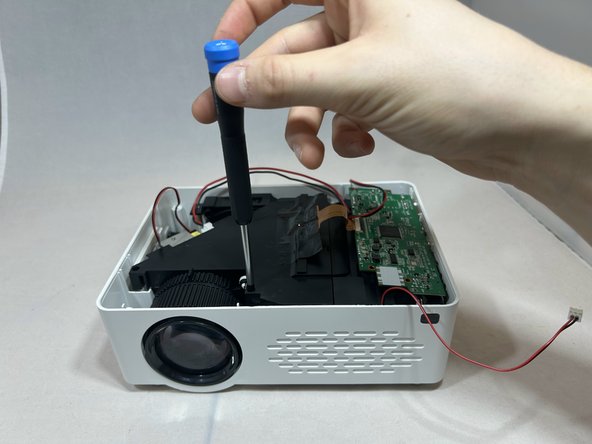
    • Remove the four 6.4 mm screws from the motherboard using a Phillips #1 screwdriver.

    • Pull back the motherboard to expose the connectors underneath.

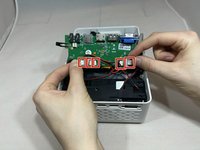
  4. TMY V08 Cooling Fan Replacement: 4 단계, 이미지 2개 중 1개 TMY V08 Cooling Fan Replacement: 4 단계, 이미지 2개 중 2개
    • Rotate the projector counterclockwise 90 degrees.

    • Disconnect the three bundled cable connectors and the two power cable connectors from the motherboard.

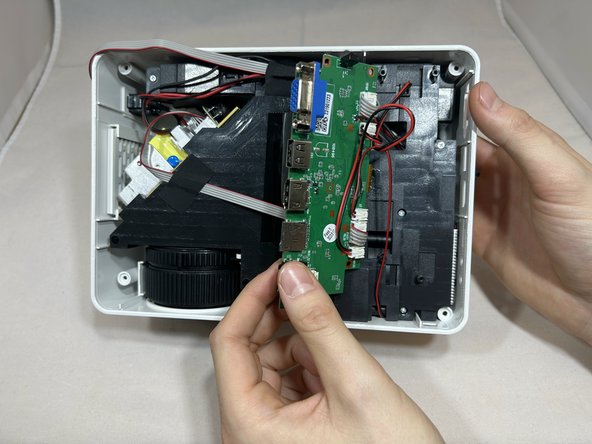
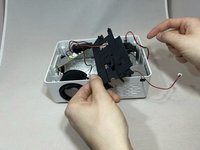
  5. TMY V08 Cooling Fan Replacement: 5 단계, 이미지 3개 중 1개 TMY V08 Cooling Fan Replacement: 5 단계, 이미지 3개 중 2개 TMY V08 Cooling Fan Replacement: 5 단계, 이미지 3개 중 3개
    • Rotate the projector counter clockwise with the front facing you.

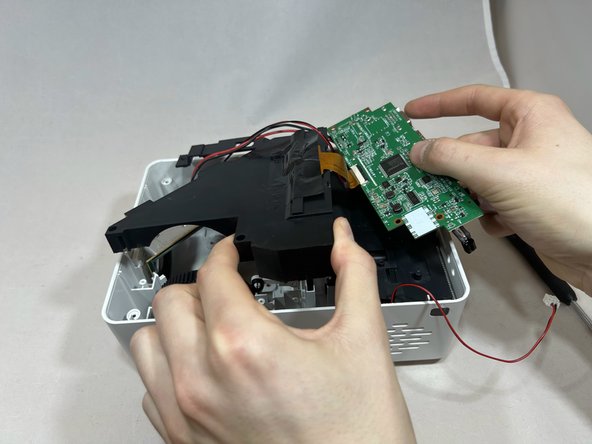
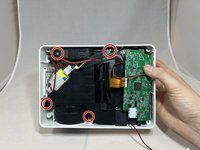
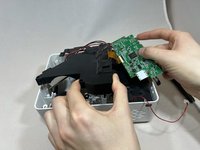
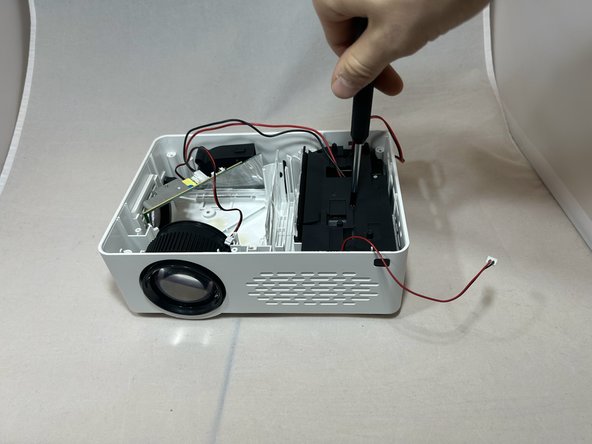
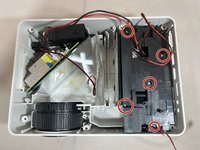
    • Remove the four 7.3 mm screws from the black cover to the left of the motherboard using a Phillips #1 screwdriver.

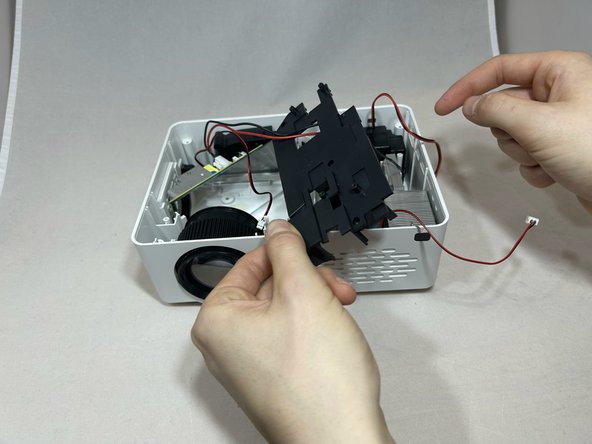
    • Remove the motherboard and black cover at the same time, being careful not to pull on the gold ribbon.

  6. TMY V08 Cooling Fan Replacement: 6 단계, 이미지 3개 중 1개 TMY V08 Cooling Fan Replacement: 6 단계, 이미지 3개 중 2개 TMY V08 Cooling Fan Replacement: 6 단계, 이미지 3개 중 3개
    • Remove the five 7.3 mm screws from the black cover using a Phillips #1 screwdriver.

    • Take off the right black cover, exposing the fan.

  7. TMY V08 Cooling Fan Replacement: 7 단계, 이미지 1개 중 1개
    • Firmly grasp and lift up the fan to remove it.

결론

To reassemble your device, follow these instructions in reverse order.

작성자

5다른 기여자 명과 함께

Randolph Bill

회원 가입일: 10/02/23

121 평판

안내서 1개를 작성함

2가이드 댓글

Question, great guide by the way, do you know the sizes of the fans inside this unit?

JTone - 답글

the reason i ask, i am pretty new to electronics repair but i wanted to see if there was a way i could get fan that run quieter in this unit.

JTone -

댓글 쓰기

조회 통계:

지난 24시간: 0

지난 7일: 3

지난 30일: 18

전체 시간: 374