주요 콘텐츠로 건너뛰기
수리 커뮤니티 가입 - 계정 만들기
Verizon Ellipsis 7 Power Button Replacement

필요한 것

  1. Verizon Ellipsis 7 Power Button Replacement, Power Button: 1 단계, 이미지 3개 중 1개 Verizon Ellipsis 7 Power Button Replacement, Power Button: 1 단계, 이미지 3개 중 2개 Verizon Ellipsis 7 Power Button Replacement, Power Button: 1 단계, 이미지 3개 중 3개
    • Power down device by holding down the power button until the screen goes black.

    • Remove the SIM card from the device to prevent damage.

    • To remove the SIM card, open the SIM card cover on the side of the device.

    • Push SIM card in, then remove after it pops out with an audible click.

  2. Verizon Ellipsis 7 Power Button Replacement: 2 단계, 이미지 2개 중 1개 Verizon Ellipsis 7 Power Button Replacement: 2 단계, 이미지 2개 중 2개
    • Take off the back panel.

    • Pry open the back cover carefully with a plastic opening tool.

    • Use the opening tool to disconnect the cover completely. Do not attempt to pull the back cover off with your hands.

    • Be sure to pry open all sides of the device. Attempting to take off the back cover when part of it is attached may snap the cover.

  3. Verizon Ellipsis 7 Power Button Replacement: 3 단계, 이미지 3개 중 1개 Verizon Ellipsis 7 Power Button Replacement: 3 단계, 이미지 3개 중 2개 Verizon Ellipsis 7 Power Button Replacement: 3 단계, 이미지 3개 중 3개
    이 단계에 사용된 도구:
    Tweezers
    $4.99
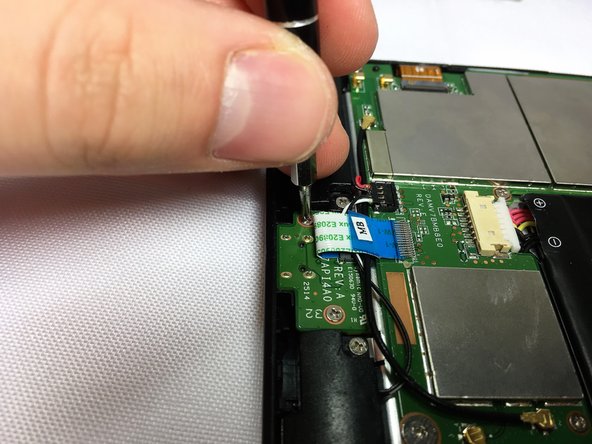
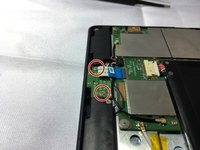
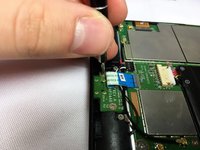
    • Remove the charging (micro-USB) port by unscrewing the indicated screws using the Phillips #00 screwdriver.

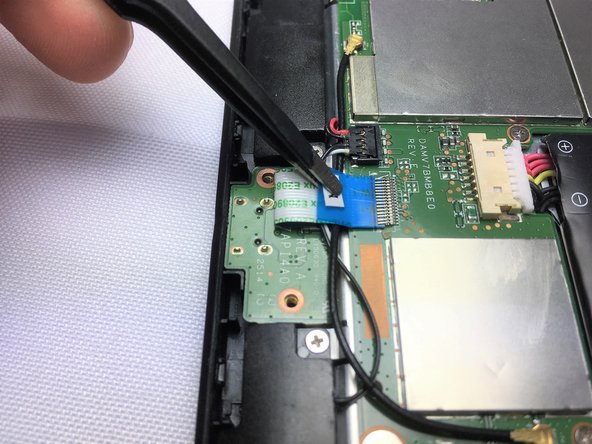
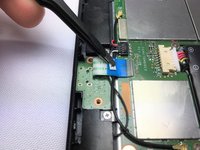
    • Disconnect the ribbon cable connecting the charging port board to the motherboard using tweezers.

    • Use the tweezers to grab the sides of black, plastic connector. Do not grab from the wires or try to wedge it out from the bottom.

    • Be extremely careful when disconnecting the ribbon cable. It is very delicate.

  4. Verizon Ellipsis 7 Power Button Replacement: 4 단계, 이미지 2개 중 1개 Verizon Ellipsis 7 Power Button Replacement: 4 단계, 이미지 2개 중 2개
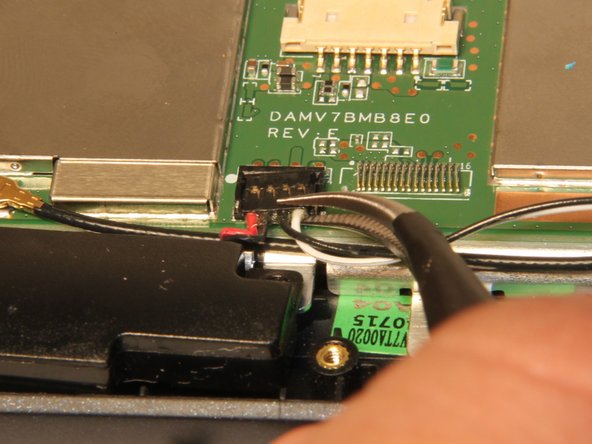
    • Disconnect speakers from motherboard.

    • Use the tweezers to carefully disconnect speakers from motherboard.

  5. Verizon Ellipsis 7 Power Button Replacement: 5 단계, 이미지 3개 중 1개 Verizon Ellipsis 7 Power Button Replacement: 5 단계, 이미지 3개 중 2개 Verizon Ellipsis 7 Power Button Replacement: 5 단계, 이미지 3개 중 3개
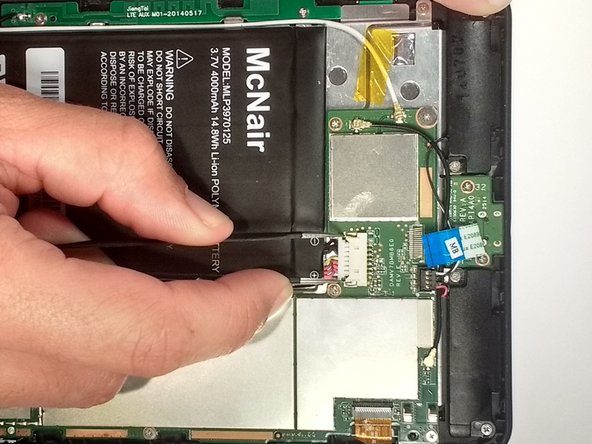
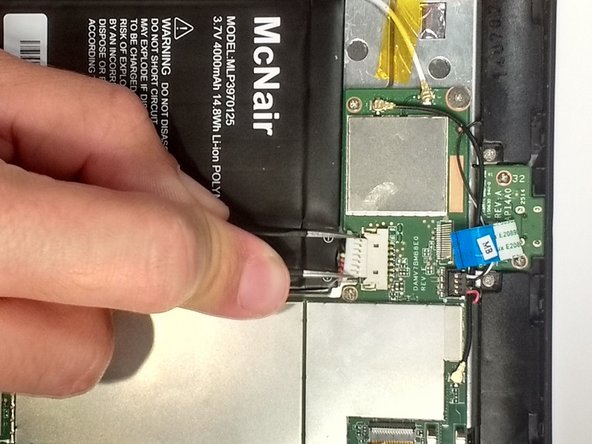
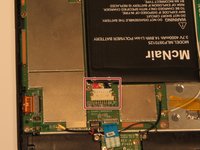
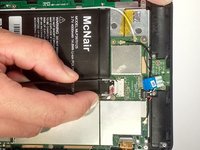
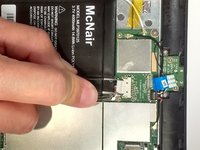
    • Disconnect the battery.

    • Use tweezers to carefully disengage connector.

  6. Verizon Ellipsis 7 Power Button Replacement: 6 단계, 이미지 3개 중 1개 Verizon Ellipsis 7 Power Button Replacement: 6 단계, 이미지 3개 중 2개 Verizon Ellipsis 7 Power Button Replacement: 6 단계, 이미지 3개 중 3개
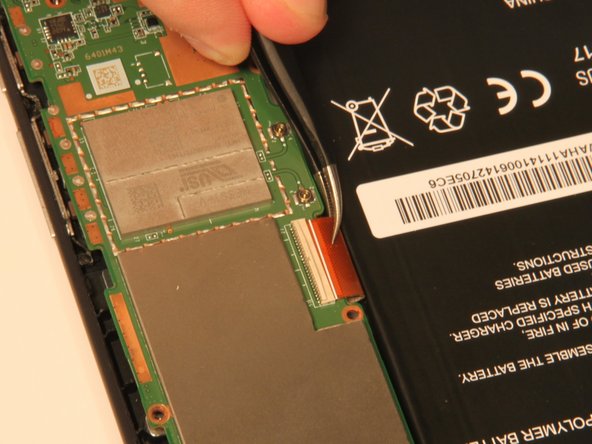
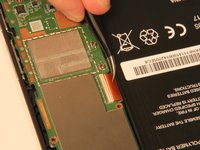
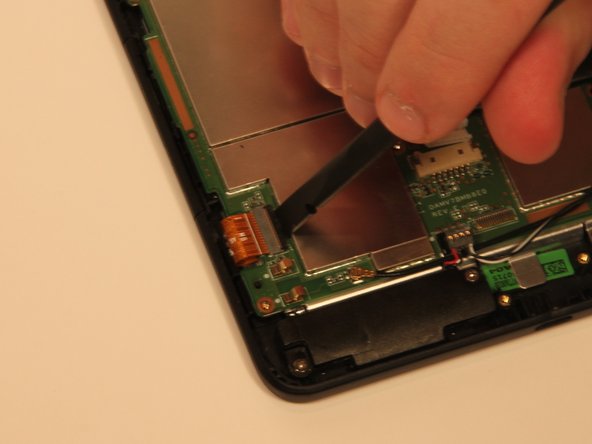
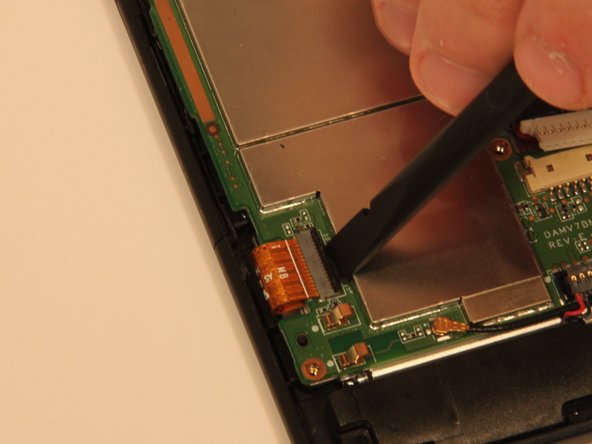
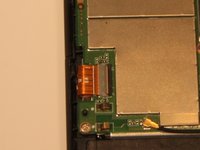
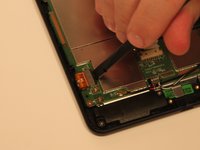
    • Disconnect the digitizer ribbon cable.

    • Use a nylon spudger to lift back tab.

    • After the back tab has been lifted the cable can be removed with tweezers.

    • When using tweezers, be careful not to damage the ribbon cable.

  7. Verizon Ellipsis 7 Power Button Replacement: 7 단계, 이미지 3개 중 1개 Verizon Ellipsis 7 Power Button Replacement: 7 단계, 이미지 3개 중 2개 Verizon Ellipsis 7 Power Button Replacement: 7 단계, 이미지 3개 중 3개
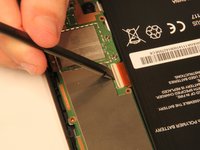
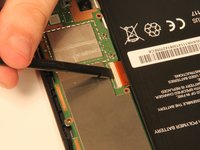
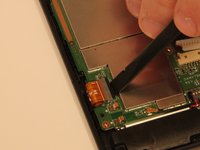
    • Disconnect the ribbon cable.

    • Use a nylon spudger to lift tab.

    • After the tab is lifted, the cable can be removed.

  8. Verizon Ellipsis 7 Power Button Replacement: 8 단계, 이미지 3개 중 1개 Verizon Ellipsis 7 Power Button Replacement: 8 단계, 이미지 3개 중 2개 Verizon Ellipsis 7 Power Button Replacement: 8 단계, 이미지 3개 중 3개
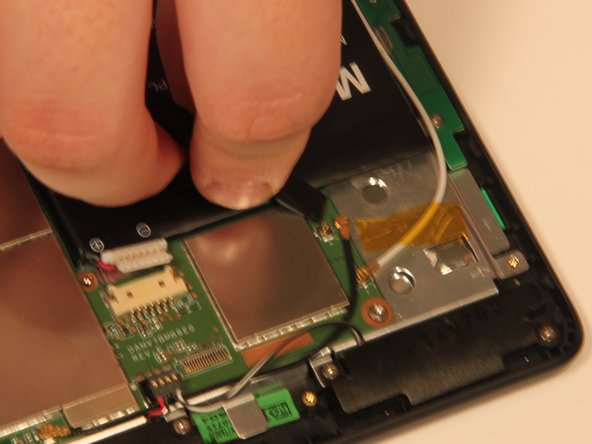
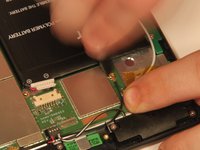
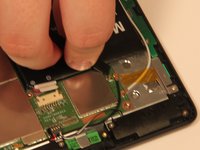
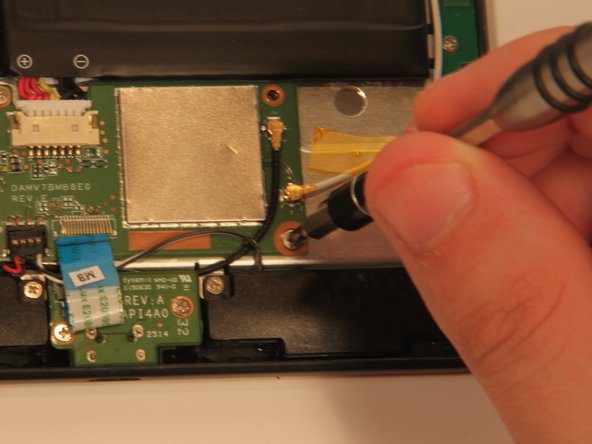
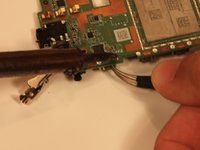
    • Disconnect all antenna cables.

    • Use a nylon spudger to pop the antenna cable from the base.

  9. Verizon Ellipsis 7 Power Button Replacement: 9 단계, 이미지 2개 중 1개 Verizon Ellipsis 7 Power Button Replacement: 9 단계, 이미지 2개 중 2개
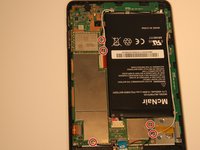
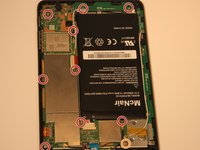
    • Remove 9 Phillips #00 screws. The length of 4.76 mm

    • There is 1 Phillips #00 screw that is 3.175mm in length. This screw also has a larger head then the rest of the screws.

    • Note: when reassembling the motherboard, screw the bigger headed screw in the original location.

  10. Verizon Ellipsis 7 Power Button Replacement: 10 단계, 이미지 2개 중 1개 Verizon Ellipsis 7 Power Button Replacement: 10 단계, 이미지 2개 중 2개
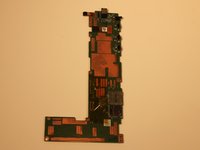
    • Remove the motherboard.

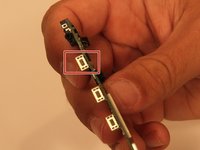
    • Locate power button.

  11. Verizon Ellipsis 7 Power Button Replacement: 11 단계, 이미지 2개 중 1개 Verizon Ellipsis 7 Power Button Replacement: 11 단계, 이미지 2개 중 2개
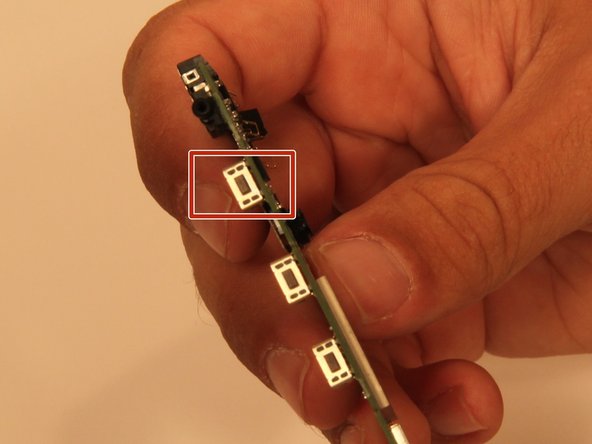
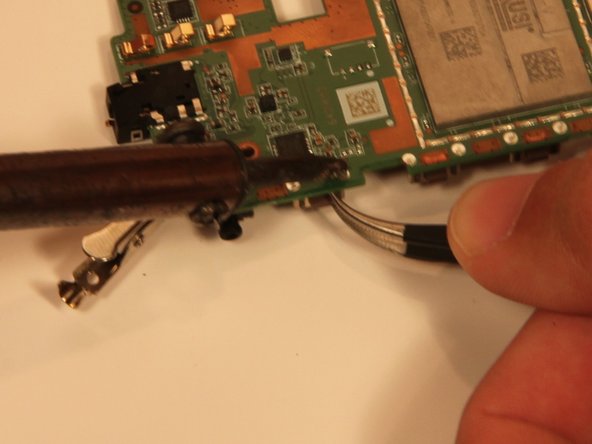
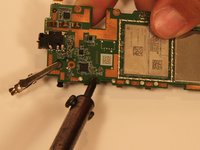
    • Desolder the power button from the motherboard.

    • Learn how to solder and desolder components here!

결론

To reassemble your device, follow these instructions in reverse order.

다른 2명이 해당 안내서를 완성하였습니다.

작성자

7다른 기여자 명과 함께

Taylor Nieman

회원 가입일: 10/10/16

275 평판

안내서 1개를 작성함

Sam Houston State, Team 12-7, Blackburne Fall 2016 Sam Houston State, Team 12-7, Blackburne Fall 2016 회원

SHSU-BLACKBURNE-F16S12G7

3 회원들

안내서 10개를 작성함

2가이드 댓글

I dropped mine and the button is broke. It looks like I should be able to just pop it back, but it's not reaching the button in the tablet. Do I really have to order this just for it to turn on? I mean, I use a paper clip, but I use this for Uber and it's not safe when I'm driving, lol.

tklahn79 - 답글
I have looked everywhere for replacement buttons. Any help you can give in finding the parts is appreciated.

Regina Cain - 답글

댓글 쓰기

조회 통계:

지난 24시간: 2

지난 7일: 12

지난 30일: 21

전체 시간: 2,116