소개
In the case that the power button on the device is malfunctioning or is visibly broken, you likely would resolve the problem by removing and replacing the power button. Here we have provided a simple guide for removing your tablet’s power button.
필요한 것
-
-
Follow Step 1 on Battery Replacement Guide to remove the back panel of the device.
-
-


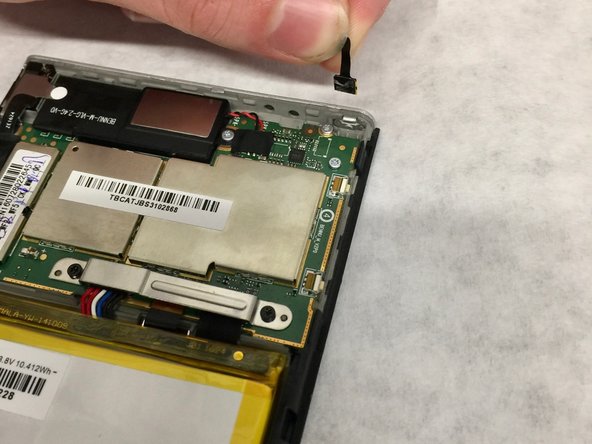
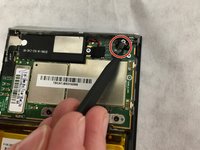
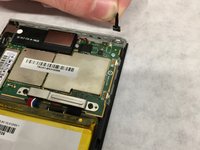
To reassemble your device, follow these instructions in reverse order.
다른 한 분이 해당 안내서를 완성하였습니다.


팀

Washington State, Team S2-G3, Hope Fall 2018 Washington State, Team S2-G3, Hope Fall 2018 회원
WSU-HOPE-F18S2G3
4 회원들
안내서 3개를 작성함
