주요 콘텐츠로 건너뛰기

Vtech Innotab 3 Microphone Replacement

필요한 것

  1. Vtech Innotab 3 Microphone Replacement, Rear Panel: 1 단계, 이미지 3개 중 1개 Vtech Innotab 3 Microphone Replacement, Rear Panel: 1 단계, 이미지 3개 중 2개 Vtech Innotab 3 Microphone Replacement, Rear Panel: 1 단계, 이미지 3개 중 3개
    • Slide the battery compartment door lock down.

    • While still holding the battery compartment lock down, slide the two battery doors outwards on either side of the device.

    • Carefully remove the batteries from the battery compartment.

    • The standard option for the InnoTab 3 is four AA batteries. Vtech also offers a rechargeable battery online, but both battery options are removed from the device the same way.

  2. Vtech Innotab 3 Microphone Replacement: 2 단계, 이미지 1개 중 1개
    • Remove the six 7.6mm screws found in the battery compartment using a PH00 screwdriver.

  3. Vtech Innotab 3 Microphone Replacement: 3 단계, 이미지 3개 중 1개 Vtech Innotab 3 Microphone Replacement: 3 단계, 이미지 3개 중 2개 Vtech Innotab 3 Microphone Replacement: 3 단계, 이미지 3개 중 3개
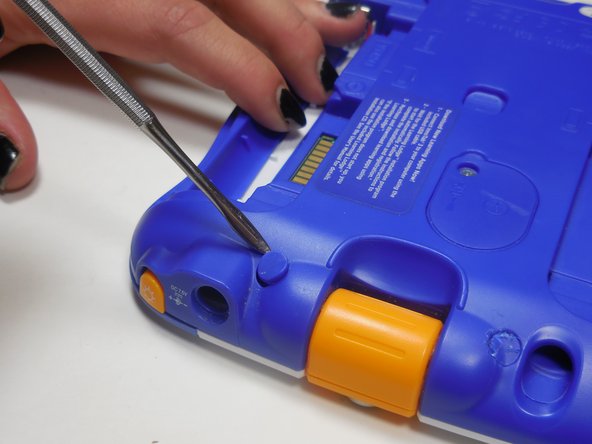
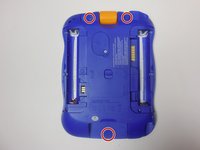
    • There are three hidden screws on the back of the device, two at the top and one near the bottom.

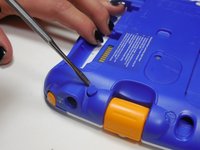
    • Using a nylon or metal spudger, remove the three caps that hide the screws.

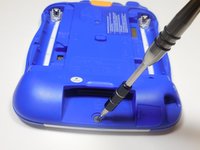
    • Remove the 5mm screw near the bottom and the two 7.6mm at the top using a PH00 screwdriver.

  4. Vtech Innotab 3 Microphone Replacement: 4 단계, 이미지 1개 중 1개
    • Carefully separate the back panel from the front panel revealing the motherboard connected to the front panel.

  5. Vtech Innotab 3 Microphone Replacement, Microphone: 5 단계, 이미지 3개 중 1개 Vtech Innotab 3 Microphone Replacement, Microphone: 5 단계, 이미지 3개 중 2개 Vtech Innotab 3 Microphone Replacement, Microphone: 5 단계, 이미지 3개 중 3개
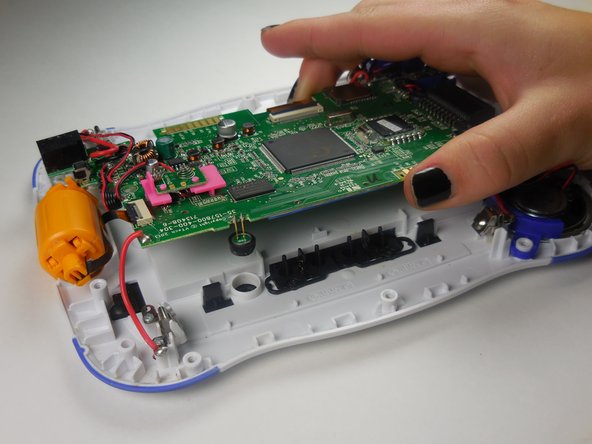
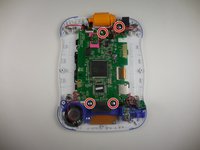
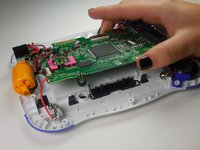
    • Remove the four 7.6 mm screws using a PH00 screwdriver.

    • Lift up the circuit board from the device.

  6. Vtech Innotab 3 Microphone Replacement: 6 단계, 이미지 3개 중 1개 Vtech Innotab 3 Microphone Replacement: 6 단계, 이미지 3개 중 2개 Vtech Innotab 3 Microphone Replacement: 6 단계, 이미지 3개 중 3개
    이 단계에 사용된 도구:
    Tweezers
    $4.99
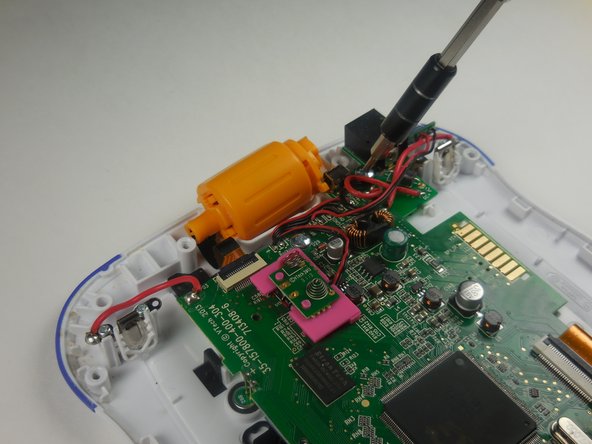
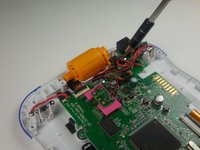
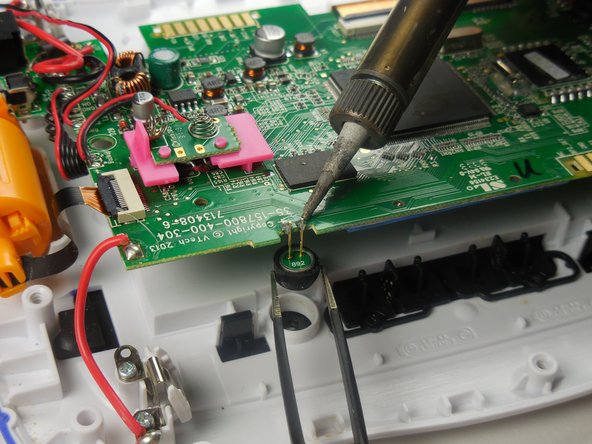
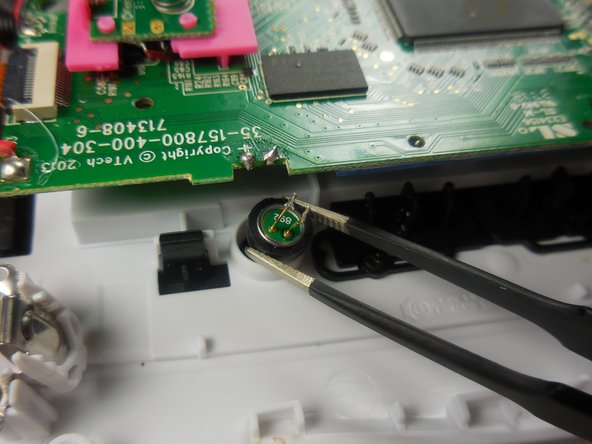
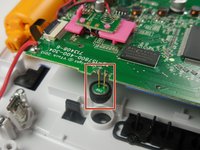
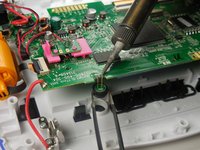
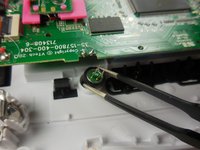
    • To replace the microphone, desolder the two connections that connect the speaker to the device.

    • Use tweezers to keep the microphone steady as you desolder the connections.

    • This is a tricky step. Refer to this guide to learn how to solder: How To Solder and Desolder Connections

결론

To reassemble your device, follow these instructions in reverse order.

작성자

3다른 기여자 명과 함께

Zach Diviney

회원 가입일: 03/11/15

419 평판

안내서 4개를 작성함

Colorado Springs, Team 5-4, Panko Spring 2015 Colorado Springs, Team 5-4, Panko Spring 2015 회원

UCCS-PANKO-S15S5G4

3 회원들

안내서 10개를 작성함

0가이드 댓글

댓글 쓰기

조회 통계:

지난 24시간: 0

지난 7일: 2

지난 30일: 10

전체 시간: 477