소개
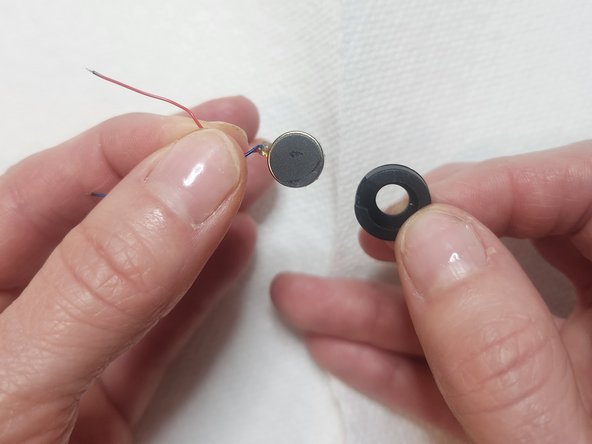
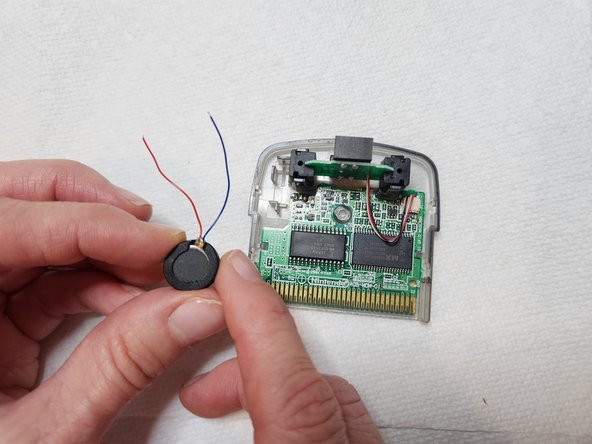
This guide demonstrates how to replace the rumble motor for WarioWare: Twisted!
WarioWare: Twisted! is a beloved Gameboy Advance game from the early 2000s that people still play to this day. WarioWare: Twisted! uses a rumble motor that is essential for the game to function. It works together with the built-in gyro sensor to provide feedback to the game player when the handheld game is rotated. If the rumble motor fails due to age or it burns out after lots of gameplay, use this guide to replace the rumble motor.
This repair requires soldering. If you're not experienced with soldering or need a refresher on the topic, take a look at this guide, How to Solder and Desolder Connections.
필요한 것
-
-
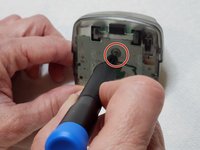
Use a Tri-point Y0 screwdriver to remove the single 3 mm screw located at the back of the game.
-
Remove the cover to expose the control module electronics board underneath.
-
-
-
-
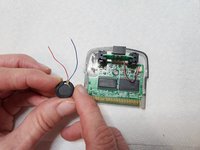
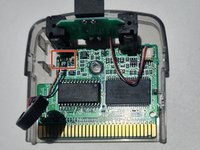
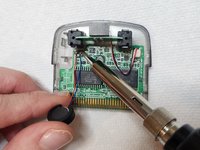
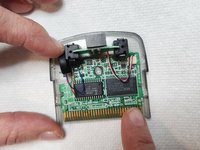
Place the red wire onto the plus (left) side, and the blue wire onto the minus (right) side.
-
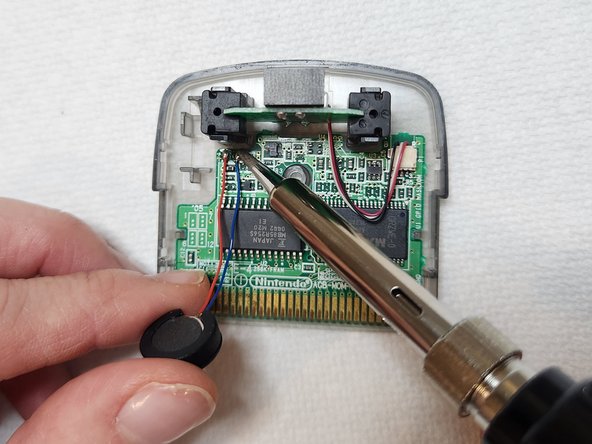
To reattach the red and blue wires, carefully bring the tip of the soldering iron into contact with the connection points.
-
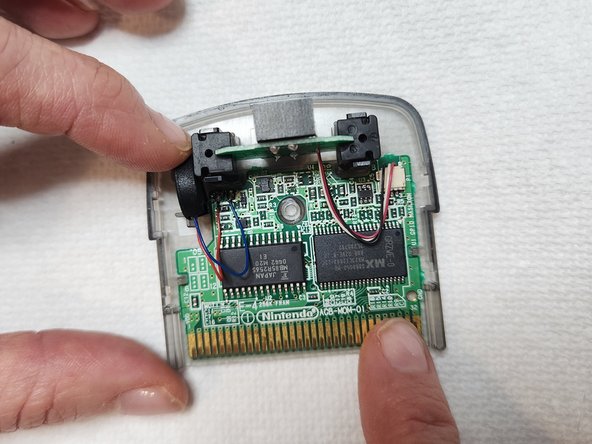
Place the new rumble motor back in its slot.
-
Turn off the soldering iron after you finish this step.
-




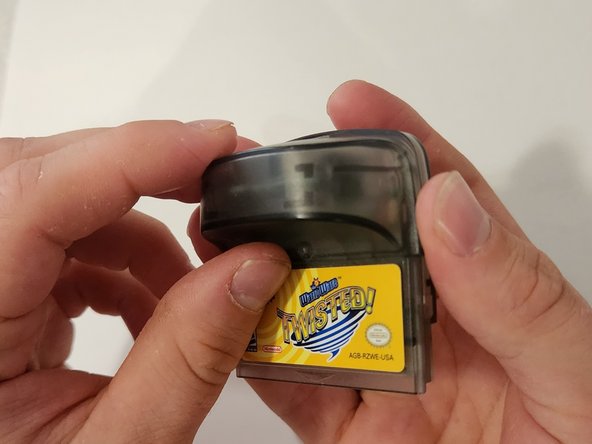
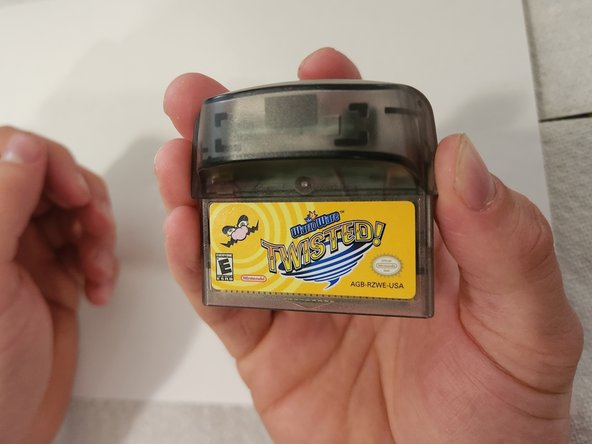
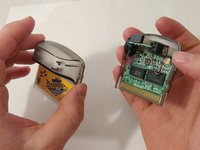
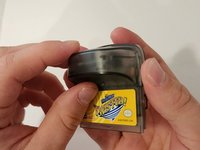
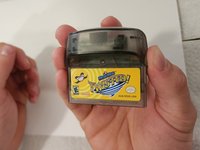

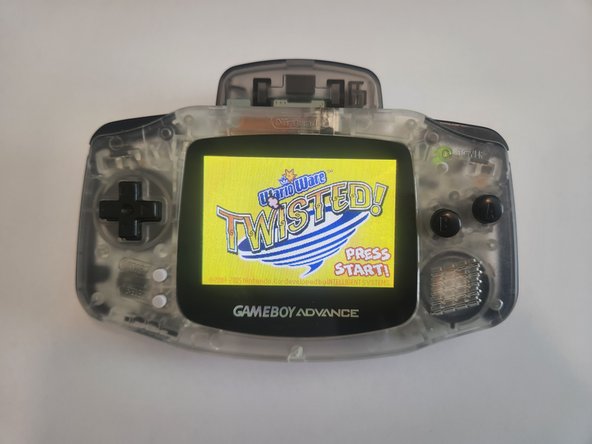
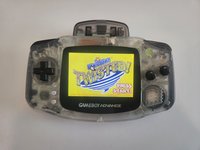
I hope this guide solved your problem, and your game should work like new again!
다른 3명이 해당 안내서를 완성하였습니다.


팀

Austin Community College, Team 4-7, Watkins Summer 2023 Austin Community College, Team 4-7, Watkins Summer 2023 회원
AUSTINCC-WATKINS-SU23S4G7
1 회원
안내서 1개 작성
2가이드 댓글
got one of these off eBay for cheap that had no rumble after wanting one for ages! fixing it took about 2 minutes with this guide!
