주요 콘텐츠로 건너뛰기

YCCTEAM YCC-SW4001 Battery Replacement

필요한 것

  1. YCCTEAM YCC-SW4001 Battery Replacement, Front Case: 1 단계, 이미지 1개 중 1개
    • Use a Phillips screwdriver to remove the eight 9.15 mm screws that secure the rear case.

  2. YCCTEAM YCC-SW4001 Battery Replacement: 2 단계, 이미지 3개 중 1개 YCCTEAM YCC-SW4001 Battery Replacement: 2 단계, 이미지 3개 중 2개 YCCTEAM YCC-SW4001 Battery Replacement: 2 단계, 이미지 3개 중 3개
    • Use an opening pick to pry the back cover off of the controller.

  3. YCCTEAM YCC-SW4001 Battery Replacement: 3 단계, 이미지 1개 중 1개
    • Use a Phillips screwdriver to remove the three 9.15 mm screws from the back of the controller.

  4. YCCTEAM YCC-SW4001 Battery Replacement: 4 단계, 이미지 3개 중 1개 YCCTEAM YCC-SW4001 Battery Replacement: 4 단계, 이미지 3개 중 2개 YCCTEAM YCC-SW4001 Battery Replacement: 4 단계, 이미지 3개 중 3개
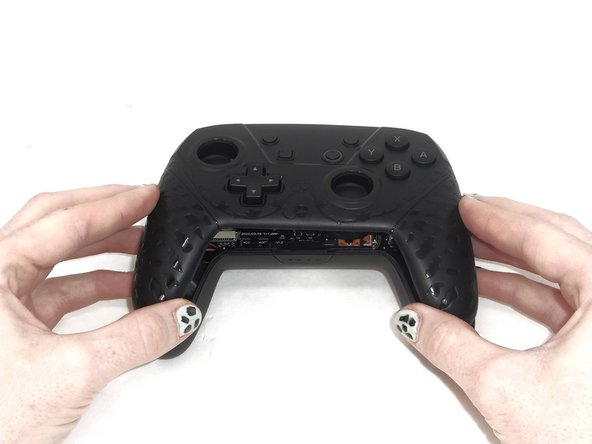
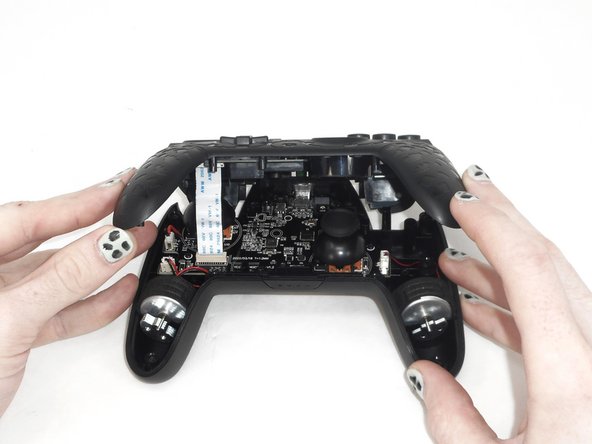
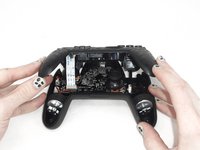
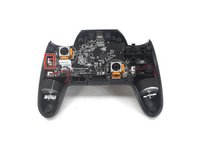
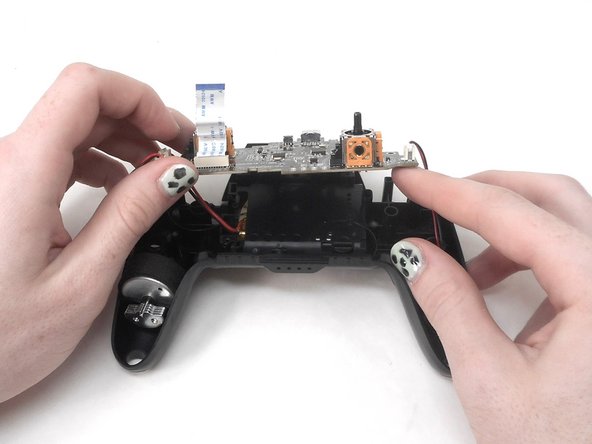
    • Slightly lift the front case.

    • Do not remove the front cover completely; it is still attached to the motherboard by a white ribbon cable.

  5. YCCTEAM YCC-SW4001 Battery Replacement: 5 단계, 이미지 3개 중 1개 YCCTEAM YCC-SW4001 Battery Replacement: 5 단계, 이미지 3개 중 2개 YCCTEAM YCC-SW4001 Battery Replacement: 5 단계, 이미지 3개 중 3개
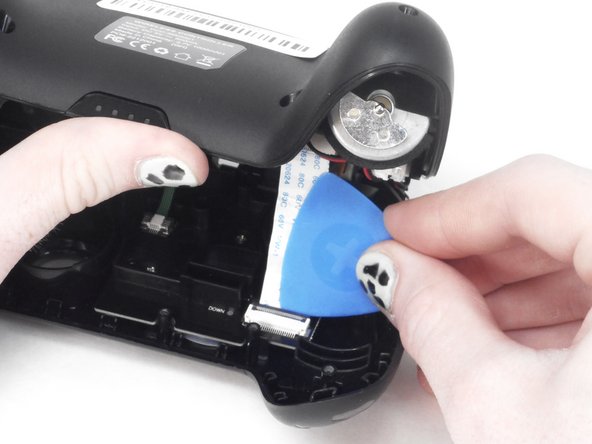
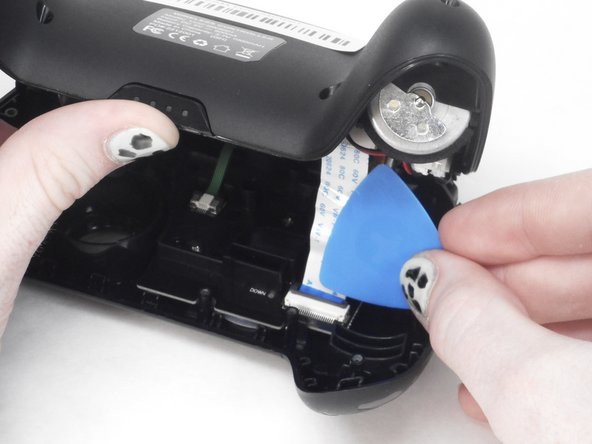
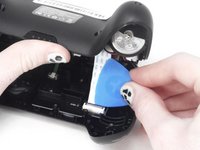
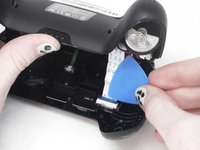
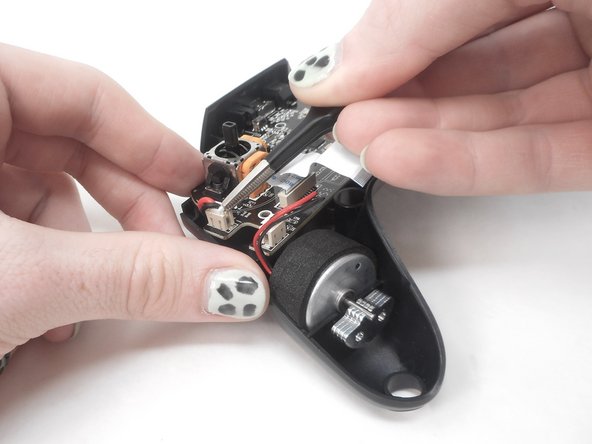
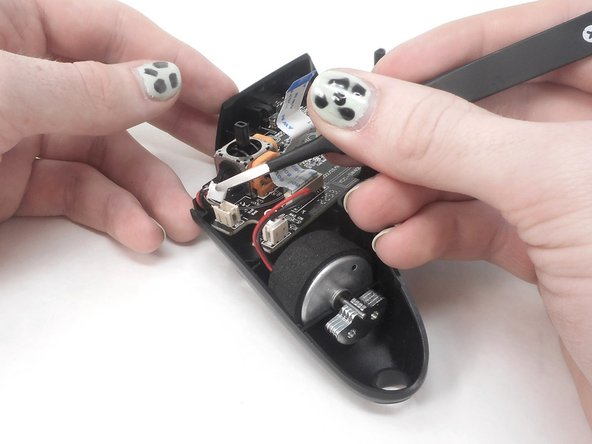
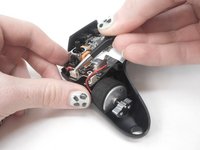
    • Use the tip of the opening pick to flip up the black locking flap of the ZIF connector.

    • The black flap holds the white ribbon cable in place.

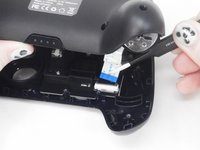
  6. YCCTEAM YCC-SW4001 Battery Replacement: 6 단계, 이미지 2개 중 1개 YCCTEAM YCC-SW4001 Battery Replacement: 6 단계, 이미지 2개 중 2개
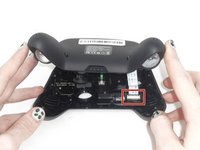
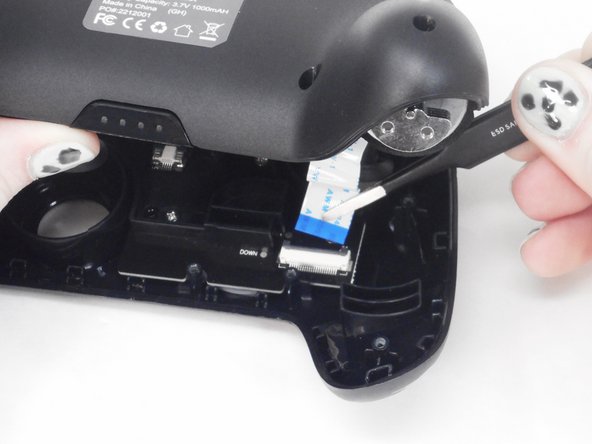
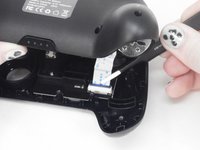
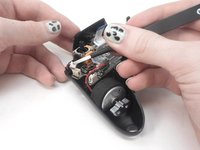
    • Use tweezers to disconnect the white ribbon cable from the ZIF connector.

  7. YCCTEAM YCC-SW4001 Battery Replacement: 7 단계, 이미지 1개 중 1개
    • Remove the front case.

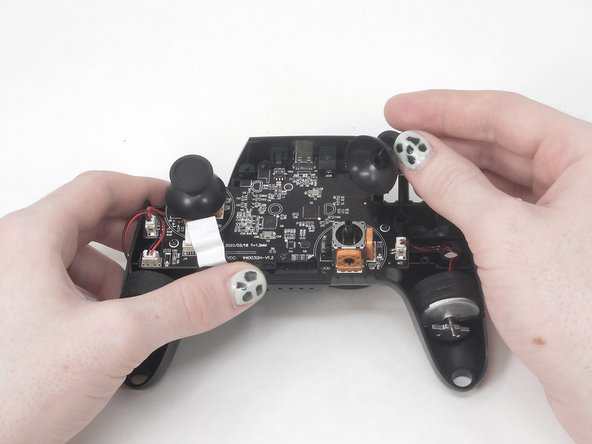
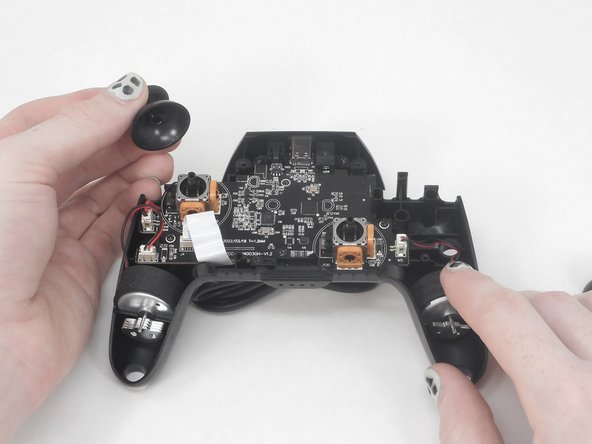
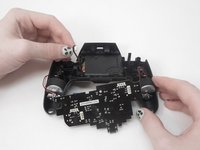
  8. YCCTEAM YCC-SW4001 Battery Replacement, Battery: 8 단계, 이미지 3개 중 1개 YCCTEAM YCC-SW4001 Battery Replacement, Battery: 8 단계, 이미지 3개 중 2개 YCCTEAM YCC-SW4001 Battery Replacement, Battery: 8 단계, 이미지 3개 중 3개
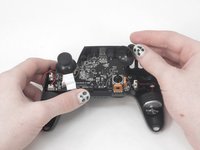
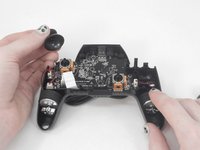
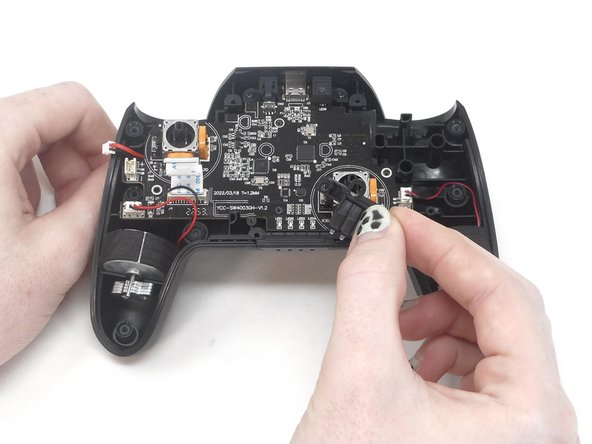
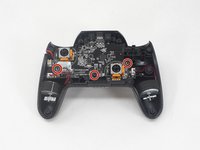
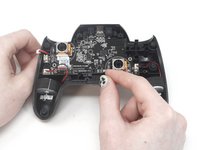
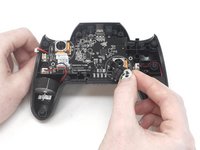
    • Remove the two joystick covers by gripping them and pulling them straight upward with moderate force.

  9. YCCTEAM YCC-SW4001 Battery Replacement: 9 단계, 이미지 3개 중 1개 YCCTEAM YCC-SW4001 Battery Replacement: 9 단계, 이미지 3개 중 2개 YCCTEAM YCC-SW4001 Battery Replacement: 9 단계, 이미지 3개 중 3개
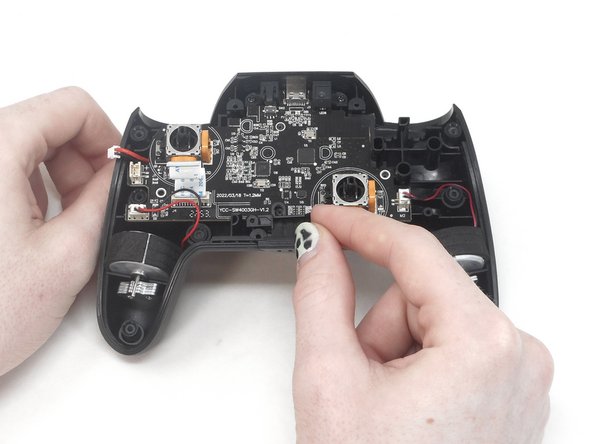
    • Use tweezers to grip the white plastic battery connector. Lift it directly it up and out of its socket.

    • Do not pull on the wires.

    • When replacing the battery, press the plug down into the socket until it snaps into place.

  10. YCCTEAM YCC-SW4001 Battery Replacement: 10 단계, 이미지 3개 중 1개 YCCTEAM YCC-SW4001 Battery Replacement: 10 단계, 이미지 3개 중 2개 YCCTEAM YCC-SW4001 Battery Replacement: 10 단계, 이미지 3개 중 3개
    • Use a Phillips screwdriver to remove the three 7.5 mm screws that secure the motherboard.

    • Remove the player LEDs from the motherboard.

  11. YCCTEAM YCC-SW4001 Battery Replacement: 11 단계, 이미지 3개 중 1개 YCCTEAM YCC-SW4001 Battery Replacement: 11 단계, 이미지 3개 중 2개 YCCTEAM YCC-SW4001 Battery Replacement: 11 단계, 이미지 3개 중 3개
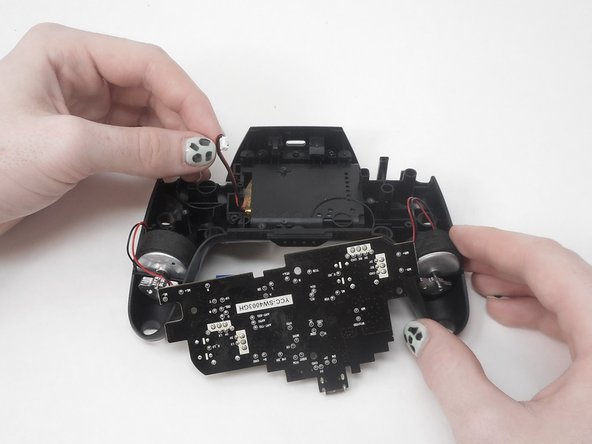
    • Gently lift the motherboard up and out of the controller and set it directly between the grips.

    • Take care not to damage the rumble motor connections.

  12. YCCTEAM YCC-SW4001 Battery Replacement: 12 단계, 이미지 1개 중 1개
    • Use a spudger to gently lever the battery out of the controller.

    • The battery is attached with adhesive, so gently sever the adhesive around the entirety of the battery as you pry.

    • Take care not to puncture or bend the battery.

    • If your new battery does not come with adhesive, apply new adhesive to secure the battery.

결론

To reassemble your device, follow these instructions in reverse order.

작성자

3다른 기여자 명과 함께

David Adaway

회원 가입일: 02/16/24

537 평판

안내서 4개를 작성함

0가이드 댓글

댓글 쓰기

조회 통계:

지난 24시간: 0

지난 7일: 0

지난 30일: 15

전체 시간: 296