주요 콘텐츠로 건너뛰기

YCCTEAM YCC-SW4001 Shoulder Buttons Replacement

필요한 것

  1. YCCTEAM YCC-SW4001 Shoulder Buttons Replacement, Front Case: 1 단계, 이미지 1개 중 1개
    • Use a Phillips screwdriver to remove the eight 9.15 mm screws that secure the rear case.

  2. YCCTEAM YCC-SW4001 Shoulder Buttons Replacement: 2 단계, 이미지 3개 중 1개 YCCTEAM YCC-SW4001 Shoulder Buttons Replacement: 2 단계, 이미지 3개 중 2개 YCCTEAM YCC-SW4001 Shoulder Buttons Replacement: 2 단계, 이미지 3개 중 3개
    • Use an opening pick to pry the back cover off of the controller.

  3. YCCTEAM YCC-SW4001 Shoulder Buttons Replacement: 3 단계, 이미지 1개 중 1개
    • Use a Phillips screwdriver to remove the three 9.15 mm screws from the back of the controller.

  4. YCCTEAM YCC-SW4001 Shoulder Buttons Replacement: 4 단계, 이미지 3개 중 1개 YCCTEAM YCC-SW4001 Shoulder Buttons Replacement: 4 단계, 이미지 3개 중 2개 YCCTEAM YCC-SW4001 Shoulder Buttons Replacement: 4 단계, 이미지 3개 중 3개
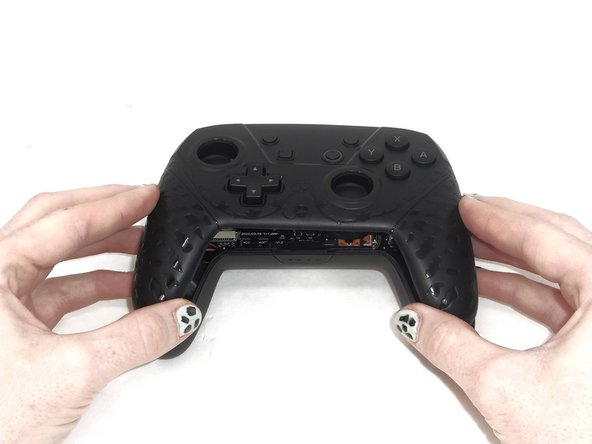
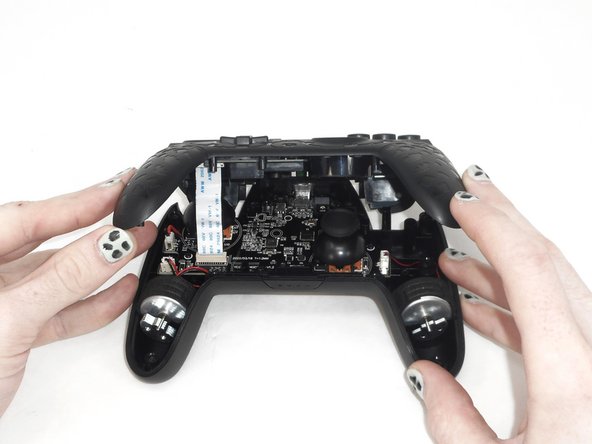
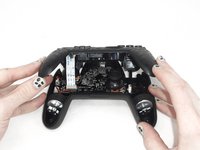
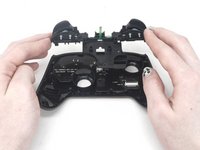
    • Slightly lift the front case.

    • Do not remove the front cover completely; it is still attached to the motherboard by a white ribbon cable.

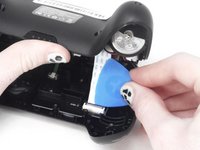
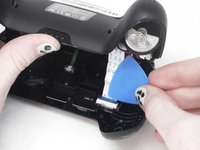
  5. YCCTEAM YCC-SW4001 Shoulder Buttons Replacement: 5 단계, 이미지 3개 중 1개 YCCTEAM YCC-SW4001 Shoulder Buttons Replacement: 5 단계, 이미지 3개 중 2개 YCCTEAM YCC-SW4001 Shoulder Buttons Replacement: 5 단계, 이미지 3개 중 3개
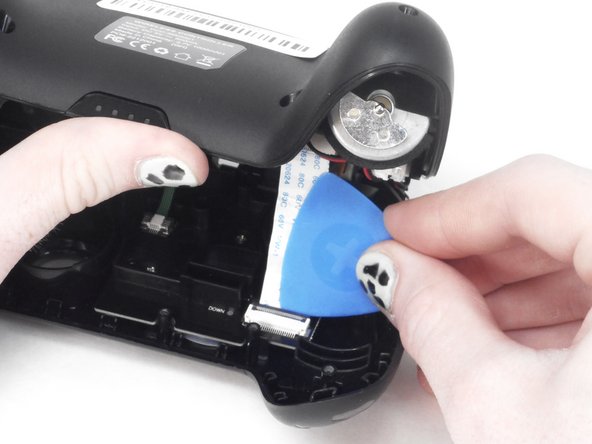
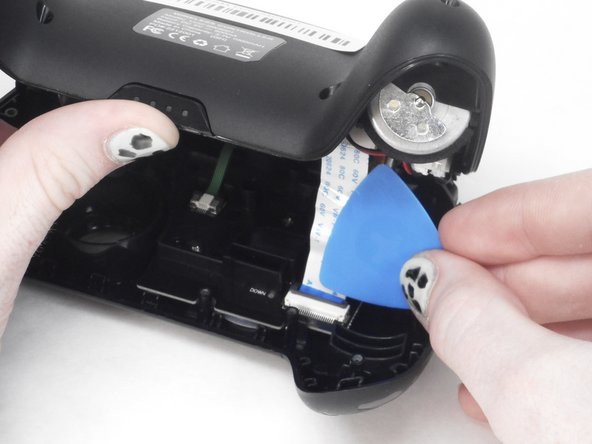
    • Use the tip of the opening pick to flip up the black locking flap of the ZIF connector.

    • The black flap holds the white ribbon cable in place.

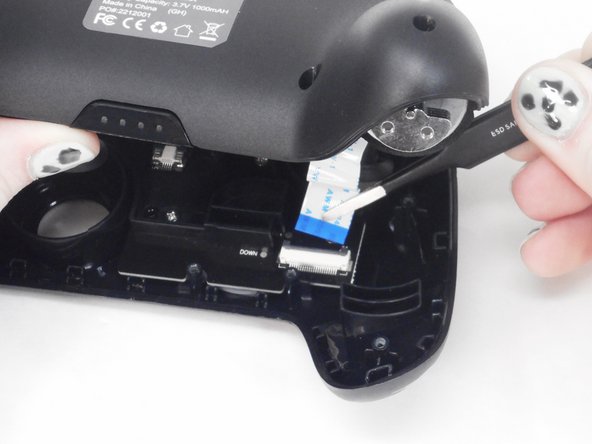
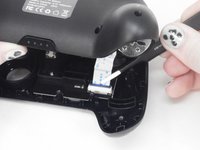
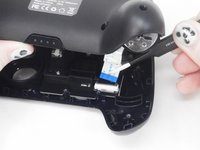
  6. YCCTEAM YCC-SW4001 Shoulder Buttons Replacement: 6 단계, 이미지 2개 중 1개 YCCTEAM YCC-SW4001 Shoulder Buttons Replacement: 6 단계, 이미지 2개 중 2개
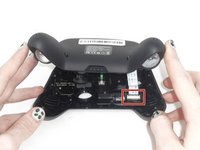
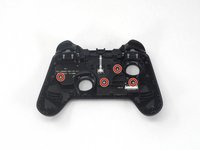
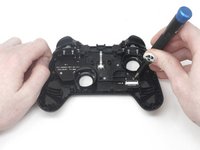
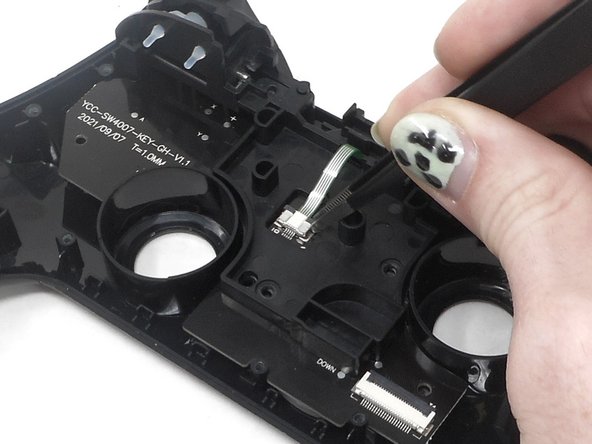
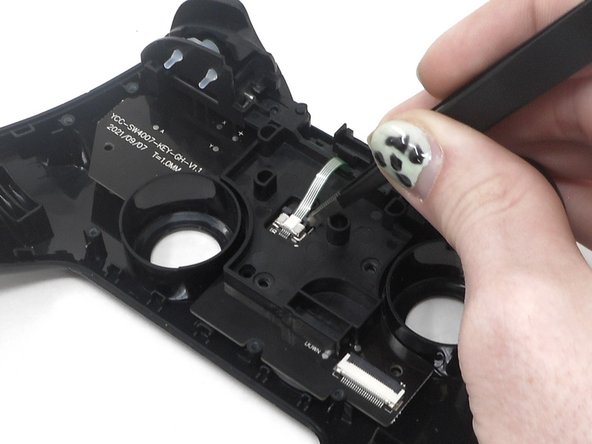
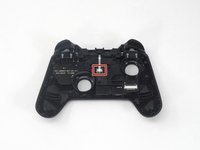
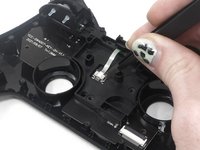
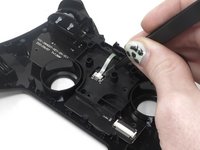
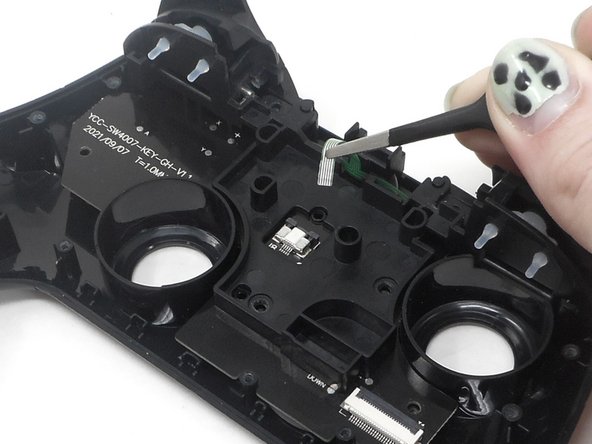
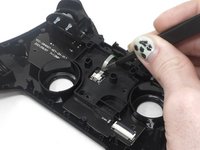
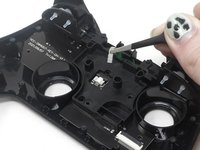
    • Use tweezers to disconnect the white ribbon cable from the ZIF connector.

  7. YCCTEAM YCC-SW4001 Shoulder Buttons Replacement: 7 단계, 이미지 1개 중 1개
    • Remove the front case.

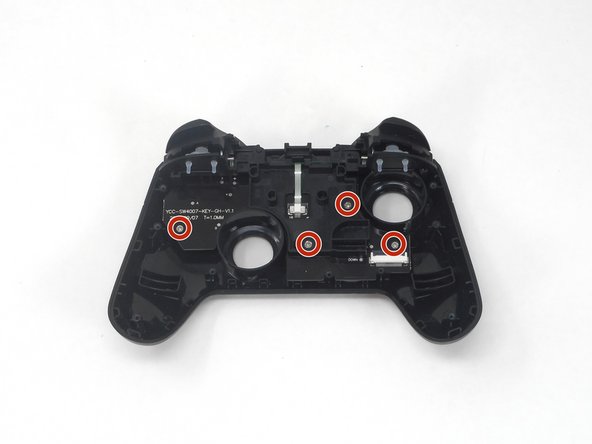
  8. YCCTEAM YCC-SW4001 Shoulder Buttons Replacement, Shoulder Buttons: 8 단계, 이미지 3개 중 1개 YCCTEAM YCC-SW4001 Shoulder Buttons Replacement, Shoulder Buttons: 8 단계, 이미지 3개 중 2개 YCCTEAM YCC-SW4001 Shoulder Buttons Replacement, Shoulder Buttons: 8 단계, 이미지 3개 중 3개
    • Flip over the front cover and remove the four 5.8 mm screws from the rear of the front cover using a Phillips screwdriver.

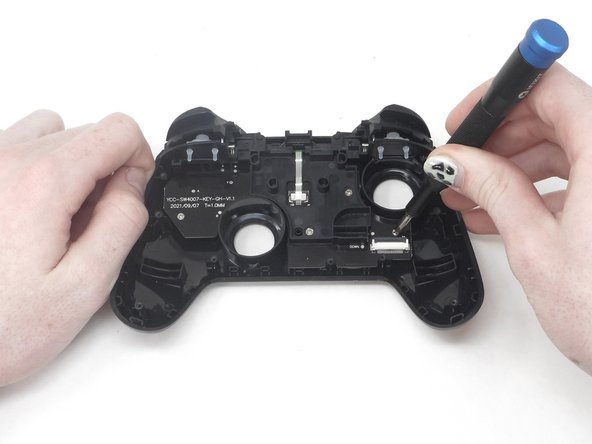
  9. YCCTEAM YCC-SW4001 Shoulder Buttons Replacement: 9 단계, 이미지 3개 중 1개 YCCTEAM YCC-SW4001 Shoulder Buttons Replacement: 9 단계, 이미지 3개 중 2개 YCCTEAM YCC-SW4001 Shoulder Buttons Replacement: 9 단계, 이미지 3개 중 3개
    • Flip up the ZIF locking flap.

  10. YCCTEAM YCC-SW4001 Shoulder Buttons Replacement: 10 단계, 이미지 2개 중 1개 YCCTEAM YCC-SW4001 Shoulder Buttons Replacement: 10 단계, 이미지 2개 중 2개
    • Disconnect the cable from the ZIF connector using tweezers or by hand.

  11. YCCTEAM YCC-SW4001 Shoulder Buttons Replacement: 11 단계, 이미지 2개 중 1개 YCCTEAM YCC-SW4001 Shoulder Buttons Replacement: 11 단계, 이미지 2개 중 2개
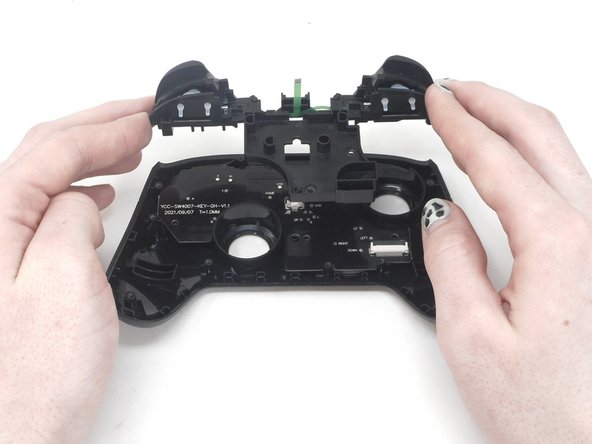
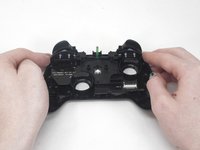
    • Remove the circuit board and shoulder buttons assembly from the front cover.

  12. YCCTEAM YCC-SW4001 Shoulder Buttons Replacement: 12 단계, 이미지 3개 중 1개 YCCTEAM YCC-SW4001 Shoulder Buttons Replacement: 12 단계, 이미지 3개 중 2개 YCCTEAM YCC-SW4001 Shoulder Buttons Replacement: 12 단계, 이미지 3개 중 3개
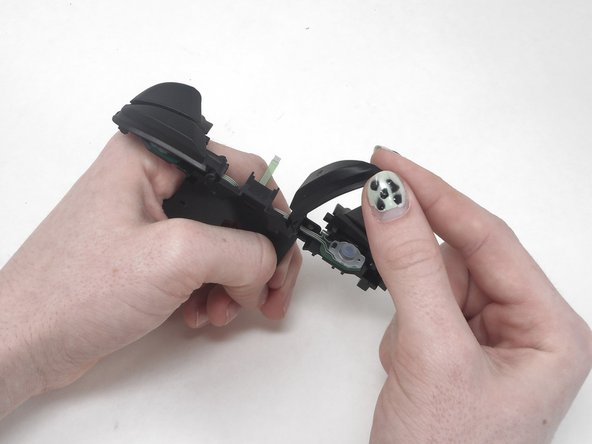
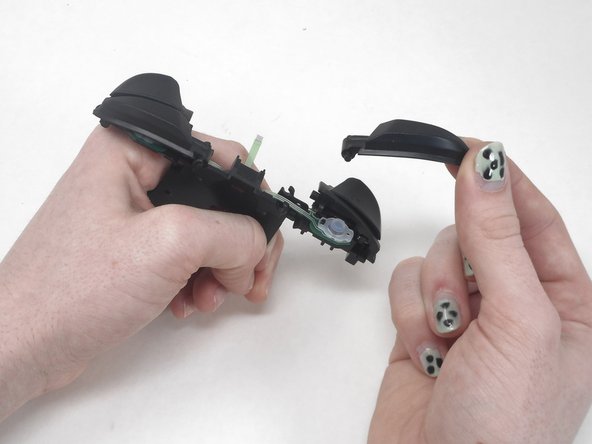
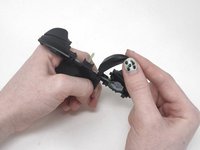
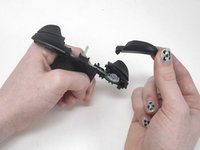
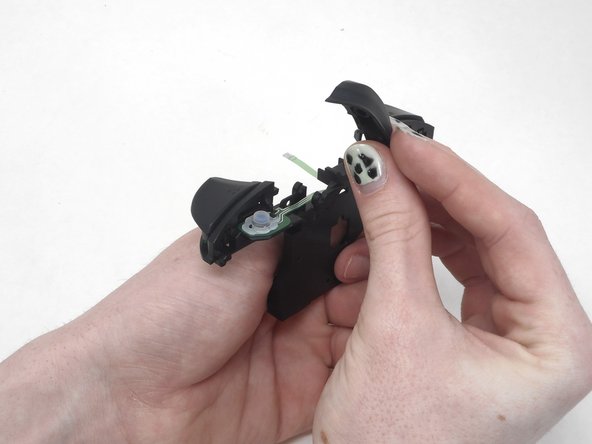
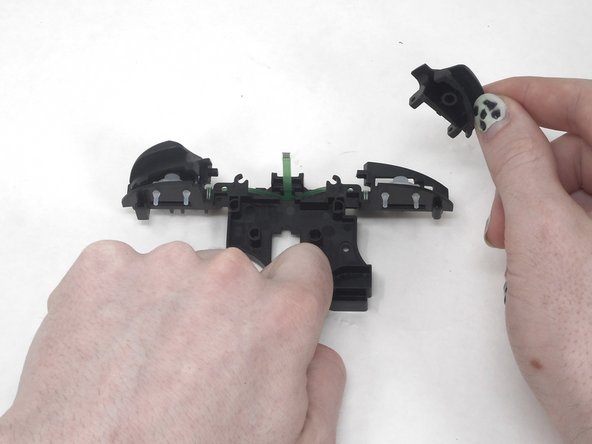
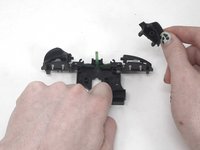
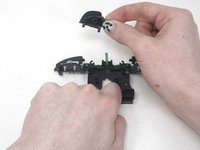
    • Remove the R button by hand.

  13. YCCTEAM YCC-SW4001 Shoulder Buttons Replacement: 13 단계, 이미지 3개 중 1개 YCCTEAM YCC-SW4001 Shoulder Buttons Replacement: 13 단계, 이미지 3개 중 2개 YCCTEAM YCC-SW4001 Shoulder Buttons Replacement: 13 단계, 이미지 3개 중 3개
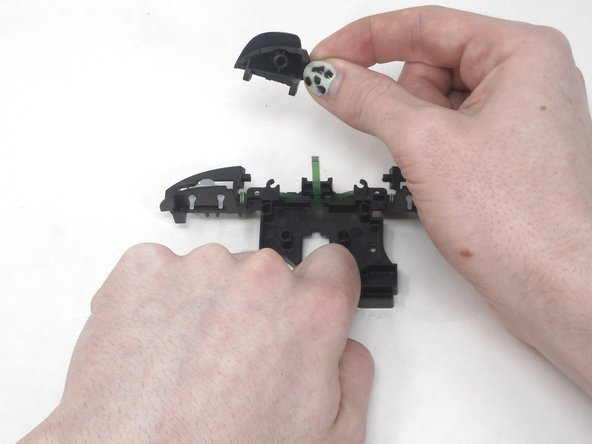
    • Remove the L button by hand.

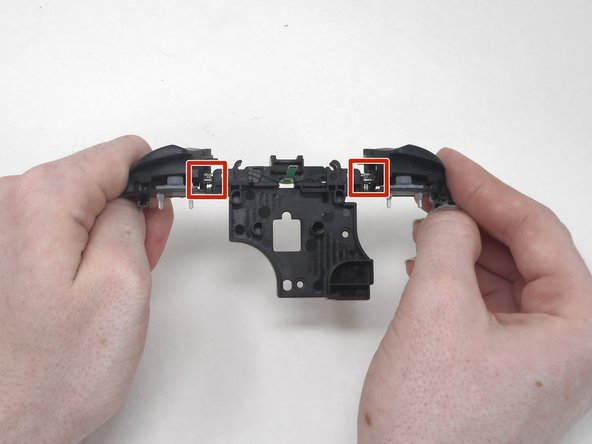
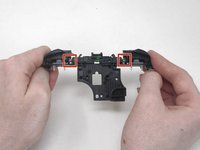
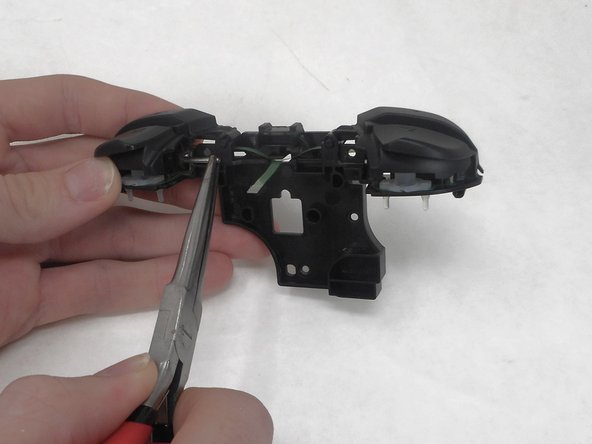
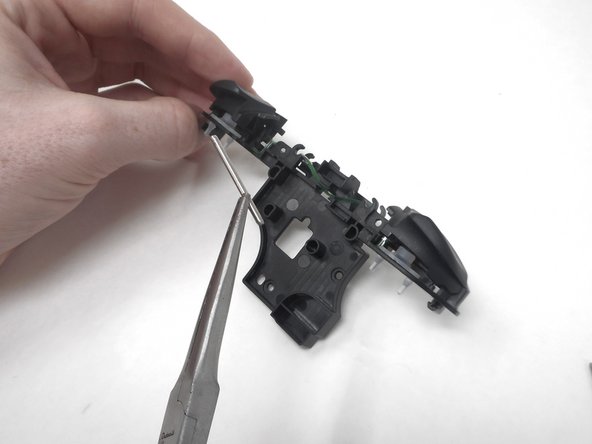
    • Flip the shoulder buttons attachment and look at the metal rods.

  14. YCCTEAM YCC-SW4001 Shoulder Buttons Replacement: 14 단계, 이미지 3개 중 1개 YCCTEAM YCC-SW4001 Shoulder Buttons Replacement: 14 단계, 이미지 3개 중 2개 YCCTEAM YCC-SW4001 Shoulder Buttons Replacement: 14 단계, 이미지 3개 중 3개
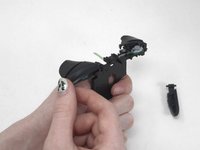
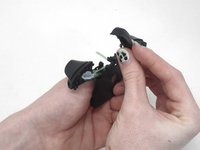
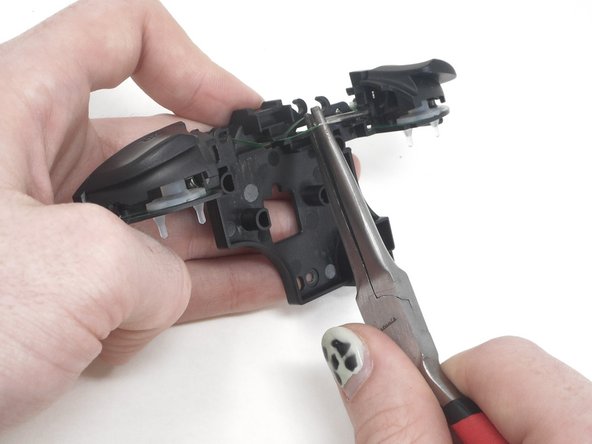
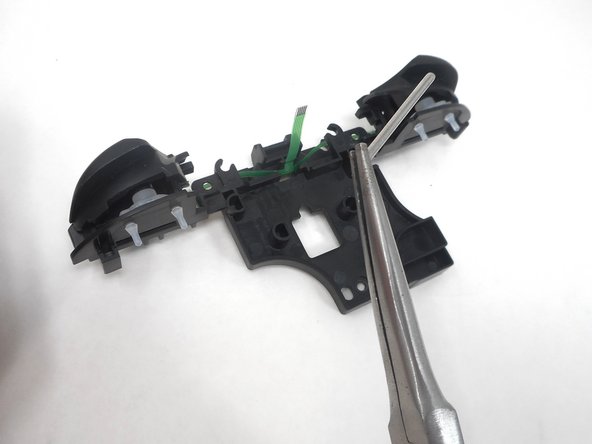
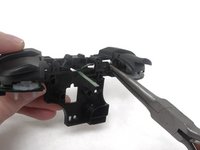
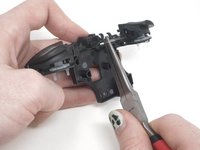
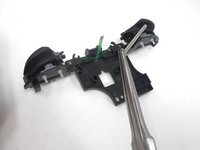
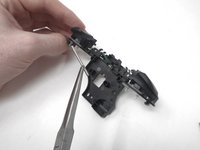
    • Remove the metal rod under "ZL" using the small needle nose pliers.

  15. YCCTEAM YCC-SW4001 Shoulder Buttons Replacement: 15 단계, 이미지 3개 중 1개 YCCTEAM YCC-SW4001 Shoulder Buttons Replacement: 15 단계, 이미지 3개 중 2개 YCCTEAM YCC-SW4001 Shoulder Buttons Replacement: 15 단계, 이미지 3개 중 3개
    • Remove the metal rod under "ZR" using small needle nose pliers.

  16. YCCTEAM YCC-SW4001 Shoulder Buttons Replacement: 16 단계, 이미지 3개 중 1개 YCCTEAM YCC-SW4001 Shoulder Buttons Replacement: 16 단계, 이미지 3개 중 2개 YCCTEAM YCC-SW4001 Shoulder Buttons Replacement: 16 단계, 이미지 3개 중 3개
    • Remove the ZL and ZR buttons by hand.

결론

To reassemble your device, follow these instructions in reverse order.

작성자

2다른 기여자 명과 함께

Sam Borwick

회원 가입일: 02/15/24

333 평판

안내서 2개를 작성함

0가이드 댓글

댓글 쓰기

조회 통계:

지난 24시간: 0

지난 7일: 3

지난 30일: 20

전체 시간: 250