
주요 콘텐츠로 건너뛰기

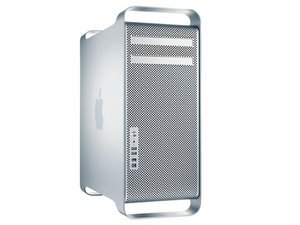
Mac Pro First Generation는 Apple Inc.이 제조한 Intel Xeon-기반 워크 스테이션 컴퓨터입니다. 2006년부터 2008년까지의 컴퓨터가 1 세대 모델에 포함됩니다.

Removing the processor drawer ..early 2009 Mac Pro

Is removing the processor drawer as simple as unlatching it and pulling it out or are their connectors to disconnect first.

I think I need to pull it to add the tiny WiFi card to the mother board. I can see it and install the card but hooking up the antenna is going to require removing the processor drawer (??).

답변되었습니다! 답변 보기 저도 같은 문제가 있습니다

좋은 질문입니까?

점수 0
댓글 달기

답변 1개

선택된 해법

Lynn Bennett, here are the steps the remove the processor tray:

First Steps

Open computer and lay it down with access side facing up. Note: Processor tray includes processor heatsink(s), processor(s), DIMMs, processor board, and processor tray support plate.

Removal

1 Press down and release 2 latches on front of processor tray.

2 Holding tray by latches, lift it out of computer.

3 Place tray DIMM side up on soft, clean cloth.

Tools

• ESD wrist strap

• Soft, clean cloth

Hope this helps, good luck.

이 답변이 도움이 되었나요?

점수 1
댓글 달기

답변을 추가하세요

Lynn Bennett 영원히 감사할 것입니다.
조회 통계:

지난 24시간: 0

지난 7일: 0

지난 30일: 1

전체 시간: 242
