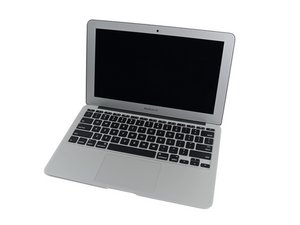

wi fi hardware not installed
it was working fine, when my kids spilled water on it then gave the no wifi hardware message
좋은 질문입니까?
점수
1
평판: 13
 1
1
it was working fine, when my kids spilled water on it then gave the no wifi hardware message
좋은 질문입니까?
평판: 502.3k
35
 347
347
 977
977
Not good :-(
Sounds like you'll need to open the system up and clean out the water spills damage. You may need new parts here. Are you up to this? If not its best to visit an Apple authorized service center (Apple directly won't fix liquid damaged systems).
이 답변이 도움이 되었나요?
평판: 11
2
2
1
Exact same problem happened, after water spilled onto the computer. I've done this before, regrettably, and I ended up replacing the keyboard. This time, it's the network card or something. After the computer dried up, all of the following services were gone: bluetooth, wireless, ethernet. Surprisingly, in the "about this mac" section, the hardware and addresses were still known by the computer, but none of these functions are working.
I will do some research and figure out what needs to be replaced. I am hoping it is just an "airport" or COMM board, and not a complete motherboard, etc.
To be continued...
<POST UPDATE>
I have learned enough to say that if you've lost the network capability (wifi + bluetooth) then water probably reached the logic board. I opened up my 13" Air and I could see corrosion and pock marks on probably more than a dozen components. Inevitably these parts were shorted out at some time. What is surprising is that the laptop even turns on, at all!
So in this case, I think there are two items to check or replace:
- Airport Card
- Logic Board
In my case, it is obvious that the logic board will need to be replaced, due to the notable physical damage. I am unsure if the Airport card has been damaged too. So I will start with the logic board, then replace the Airport card if needed.
Happy hunting! D
이 답변이 도움이 되었나요?
지난 24시간: 0
지난 7일: 4
지난 30일: 21
전체 시간: 598

