
주요 콘텐츠로 건너뛰기

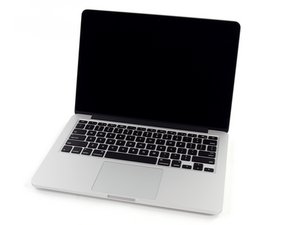
전문가 및 파워 유저를 위한 Apple의 노트북 라인입니다. 현재까지 맥북 프로 라인에는 13, 14, 15, 16, 17인치 제품이 있으며, 프리 유니바디(오리지널), 유니바디, 레티나 디스플레이, 터치 바, SOC(시스템 온 칩) 디자인으로 구분되는 주요 개선 버전이 있습니다.

질문 마감됨

HDMI connection

Is there any way to add a HDMI outlet to my Mac Book pro? Currently I have to hook up an audio cable and a video cable when connecting to my TV. It would be nice to have just one connection and wouldn't that also give a higher quality picture?

답변되었습니다! 답변 보기 저도 같은 문제가 있습니다

좋은 질문입니까?

점수 0
댓글 달기

답변 5개

선택된 해법

All you need is this

이 답변이 도움이 되었나요?

점수 1
댓글 달기

No. You would have to drill a hole in your case for the connection and then find room in your laptop for the hardware. The only thing that I can suggest is to use the mini display port and a converter to get the closest quality picture to HD.

이 답변이 도움이 되었나요?

점수 0
댓글 달기

The mini display port adapter is all well and good, but only if you have a unibody MacBook. If you have an original MBP, you can get a simple DVI to HDMI adapter. However, you won't be able to send audio out through that.

이 답변이 도움이 되었나요?

점수 0
댓글 달기

Here's a DVI to HDMI cable that should work:

http://cgi.ebay.com/NEW-DVI-HDMI-DIGITAL...

이 답변이 도움이 되었나요?

점수 0
댓글 달기

You can go to try [Audio Book Converter|this].

이 답변이 도움이 되었나요?

점수 0
댓글 달기
조회 통계:

지난 24시간: 0

지난 7일: 2

지난 30일: 2

전체 시간: 2,777
