
주요 콘텐츠로 건너뛰기

Repair and disassembly guides for Epson printer. The company was founded in 1942 as Daiwa Kogyo, Ltd., but merged with another company in 1959 to create Suwa Seikosha Co., Ltd.

Why am I gettung error code OxF4?

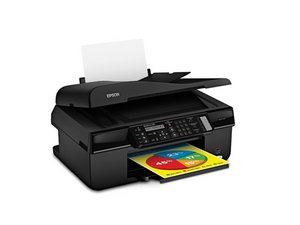
Epson XP-630 printer

When I turn the power on I hear a whirring sound and get error code OxF4. Says to turn power off then on again. Same thing happens. I`ve checked for paper jams and can`t find any. Can anyone help?

이 질문에 답하기 저도 같은 문제가 있습니다

좋은 질문입니까?

점수 2
댓글 달기

답변 2개

가장 유용한 답변

jmicric try this first. Open your printer so that the cartridge housing is accessible then turn your printer off.

Gently slide cartridge housing about halfway to the left, then turn the printer back on. On startup the cartridge housing should move all the way to the right. Once it does that gently push up and back on the housing and gently jiggle the housing as it tries to free itself. The housing should eventually snap back to the left which should stop giving you this error message. It is a bit tricky and may take a lot of attempts.

You could also try to see if you can find the Service adjustment program for this printer which may help to adjust the settings that are off on your printer.

이 답변이 도움이 되었나요?

점수 3
댓글 달기

this was not helpful

이 답변이 도움이 되었나요?

점수 0
댓글 달기

답변을 추가하세요

jmicric 영원히 감사할 것입니다.
조회 통계:

지난 24시간: 0

지난 7일: 1

지난 30일: 2

전체 시간: 3,616

