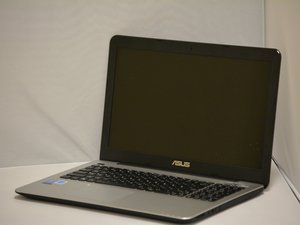

Power Button does not click after re-assembly
After putting the top on, the power button doesn’t click. It clicks fine until i clamp all the plastic clips around it in. Screwing it in or anything like that does not help either. Nothing seems to be in the way of the button either
좋은 질문입니까?
점수
0

 5
5  8
8  1
1 
Just a thought. If switch uses mounting screws, maybe try putting some plastic washers between the heads and the computers frame to see if that makes a difference. My stance for my own personal equipment, if a solution works, it works and that is good enough for me. :-)
prop man 의