
 1
1 Why won’t my MacBook Pro turn on?
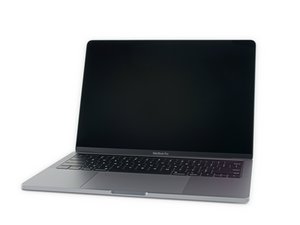
Hi, I’ve just recently started having this problem. I got my 2019 MacBook Pro in August and it’s now September and I’m already having problems with it which is incredibly frustrating. I’ve been having certain problems.
- “Your computer has restarted because of a problem” However when I run diagnostics and first aid, there seems to be no problem? I’ve already reinstalled MacOS and it’s still going back to this.
- If the Mac actually manages to miraculously come on, when I put in my password a loading bar appears and it gets stuck on 100 percent.
- Sometimes the Mac charges, sometimes it doesn’t
- If I restart the laptop, sometimes it just stays off and doesn’t respond.
The trackpad still clicks so I know it’s on. I’ve tried pretty much everything including the NVRAM and SMC resets and I still get the error “your computer was restarted because of a problem” Help!!!
좋은 질문 입니까?
점수
2

 331
331  971
971 
