
주요 콘텐츠로 건너뛰기
수리 커뮤니티 가입 - 계정 만들기

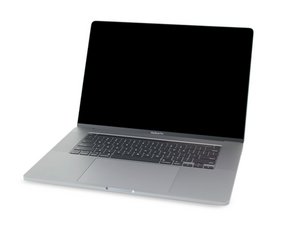
2019년 11월에 출시된 MacBook Pro 16''의 수리 안내서 및 분해 정보입니다. 모델 A2141, EMC 3347.

Replacement battery not recognized

I just replaced my battery in my 16-inch 2019 MBP. I've reset SMC and PRAM. Device only stays on while adaptor is plugged in. Coconut battery shows no battery installed. TG Pro shows fans running at max with nominal temps. Battery doesn't show up in control center. Is this a bad iFixit battery?

Block Image
Block Image
Block Image
답변되었습니다! 답변 보기 저도 같은 문제가 있습니다

좋은 질문입니까?

점수 1
댓글 달기

답변 1개

선택된 해법

It sounds like the BMU cable is not connected or is damaged. Review Steps 10 - 14 in this guide MacBook Pro 16" 2019 배터리 교체. Make sure the ZIF connector latches are set and the ribbon cable is fully and squarely inserted.

If you need to replace the cable the Apple P/N is 923-03932 - BMU Flex Cable

이 답변이 도움이 되었나요?

점수 0

댓글 2개:

Looks like a damaged connector on the BMU cable, thanks for the help.

@clnearing - Sometimes the latch comes off flying to the winds. See if you can find it as it’s easy to snap back on, otherwise you’ll need to get a replacement connector to steal the latch from to put on your systems connector.

댓글 달기

답변을 추가하세요

clnearing 영원히 감사할 것입니다.
조회 통계:

지난 24시간: 0

지난 7일: 2

지난 30일: 25

전체 시간: 296
