
 3
3 Can't remove the front display!
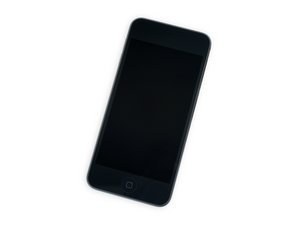
It seems impossible to remove the front display! I used the iOpener repeatedly, a heat gun, all to no avail. I bought a new display and all the tools to replace it, but I can't get started. The adhesive just doesn't want to budge! Help!
좋은 질문입니까?
점수
1


OK I got it open now. It took 3-4 days of working t it. Hint to others: The display started to separate slightly on the side, at about 3/4 " above the bottom. I was able to get a razor blade between the display and the frame and slid it down to the bottom, then pulling it across the borttom cutting the adhesive. Now it is on to the rest of the work! DBS
David Swanson 의
@davidswans58182 Congratulations!
Theo Grefalda 의