
 4
4  1
1  1
1 Microphone not picking up voice
recently I did a teardown to replace the trackpad, and today I could not get my audio to work on a Zoom call, which sent me down a troubleshooting path. The result is that the computer will produce sound, or register that it is producing sound, if it involves a vibration of the laptop itself, such as a tap, keystrokes, vibration of the table its resting on. I used Quicktime to confirm this. Speakers work fine. The issue is the microphone, likely its connection.
I'm assuming that I did not reconnect one of the cables properly on reassembly, so will be opening it back up, and it would be helpful if I had a sense of which cable to look at when I had it open, as the prior teardown was extensive, delicate, and time-consuming.
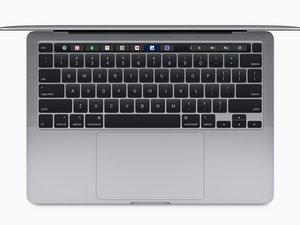
I used three different teardown guides as there isn't one specifically for this model (1st Gen M1 13" MBP, late 2020). The main teardown guide I used is this: MacBook Pro 13" Two Thunderbolt Ports 2020 Touchbar Removal
Unfortunately not every cable connection is identified.
Is there a map of the internal [microphone] connections available for this (or similar) Macbook Pros?
좋은 질문입니까?

