소개
The guide will teach you how to replace any faulty SCSI Connections at the back of the device. It requires the case to be opened, so any warranties covering the device will be voided.
필요한 것
-
-
-
Pry all four of the plastic feet off the bottom of the enclosure using the iPod opening tool.
 FixBot에 문의하기
-
-
-
Unscrew the four screws previously covered by the feet with a Phillips #1 screwdriver.
-
-
-
Flip the device right side up.
-
Gently slide the casing upwards and off the hard drive.
-
-
-
-
Flip device upside down again.
-
Gently pry the bottom gray casing away from the device.
-
-
-
Rotate so the back of the device is facing you.
-
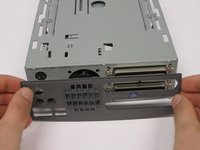
Gently pry the back casing away.
-
When the back casing is removed, the fan will become loose.
-
-
-
-
-
Flip so device is upside down.
-
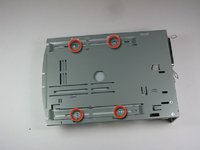
Remove 4 screws with Phillips #1 screw driver.
-
-
-
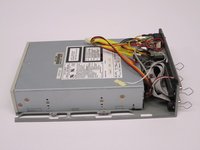
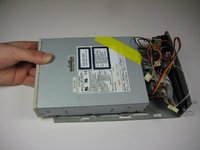
Slide the internal drive component away from the back of the device.
-
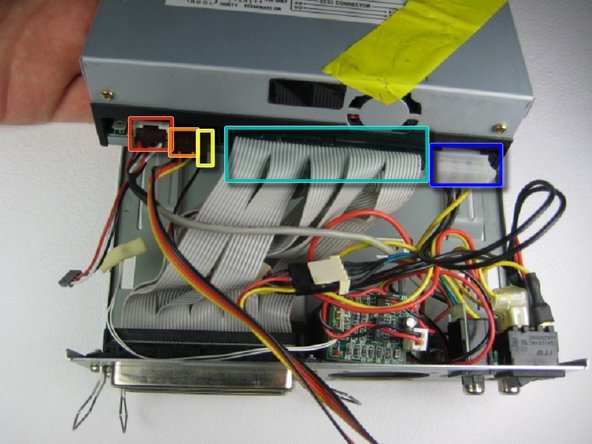
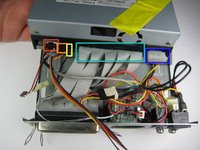
Remove the connections from the back of the internal component in the order of your choosing, we suggest left to right. The connections are:
-
Audio Connection
-
SCSI ID
-
Terminate On
-
SCSI Connection
-
DC Input (power)
-
-
-
-
-
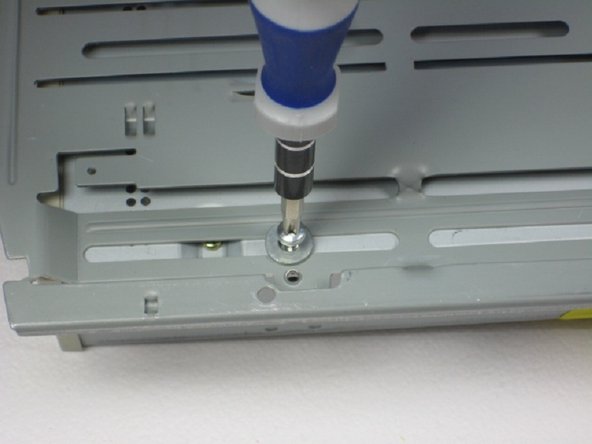
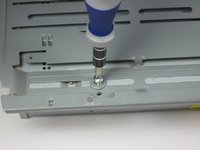
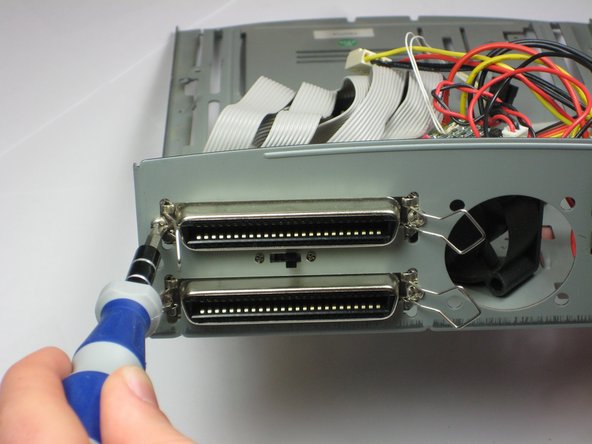
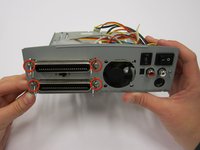
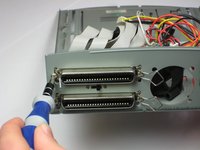
Remove the four Phillips #1 Screws from back panel.
-
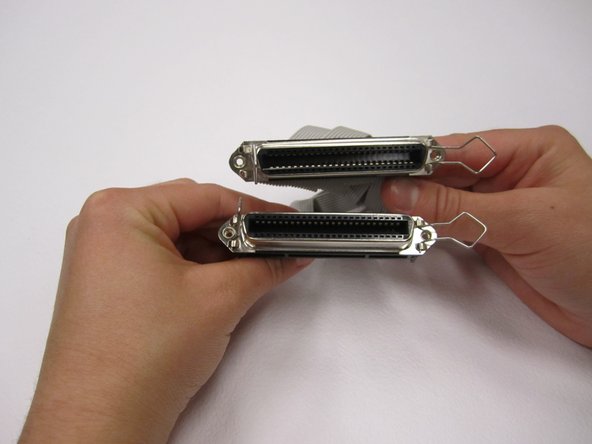
Once the screws are removed, the two connections are easily removed from the body.
-
-


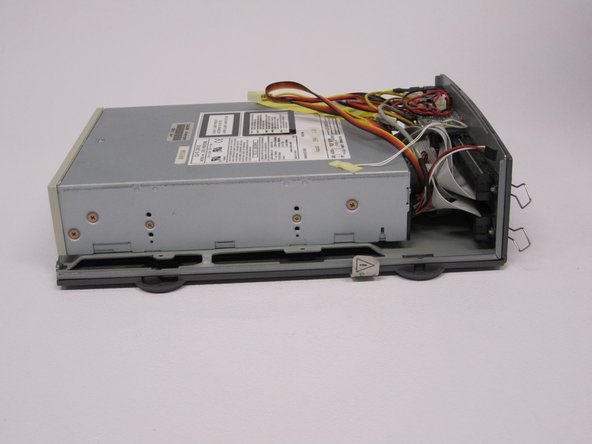


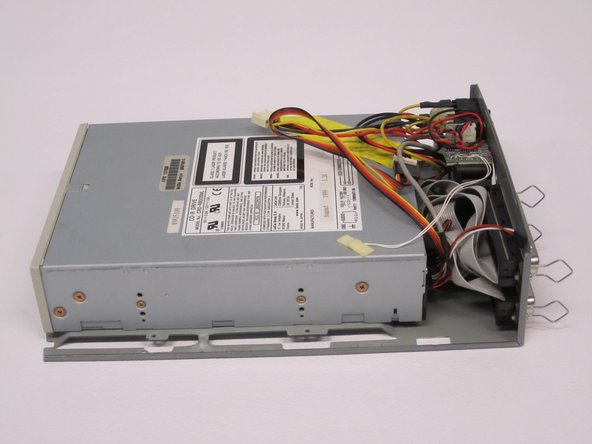



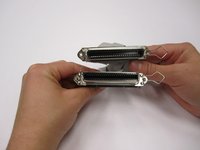
To reassemble your device, follow these instructions in reverse order.

팀

Cal Poly, Team 24-60, Amido Spring 2011 Cal Poly, Team 24-60, Amido Spring 2011 회원
CPSU-AMIDO-S11S24G60
5 회원들
안내서 12개를 작성함
