주요 콘텐츠로 건너뛰기
수리 커뮤니티 가입 - 계정 만들기

ASUS UX50V-RX05 Motherboard Replacement

필요한 것

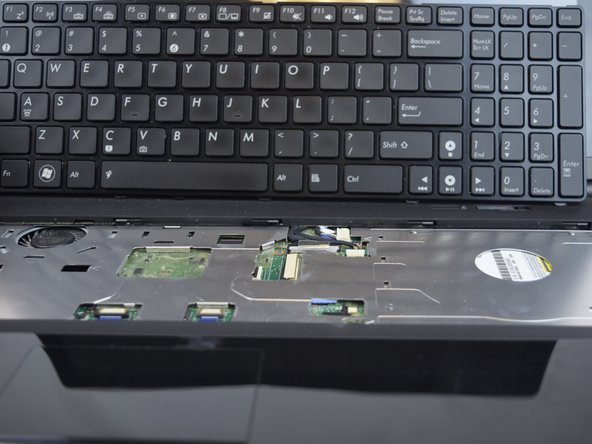
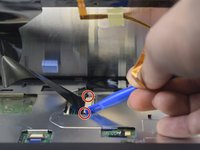
  1. ASUS UX50V-RX05 Motherboard Replacement, Keyboard: 1 단계, 이미지 3개 중 1개 ASUS UX50V-RX05 Motherboard Replacement, Keyboard: 1 단계, 이미지 3개 중 2개 ASUS UX50V-RX05 Motherboard Replacement, Keyboard: 1 단계, 이미지 3개 중 3개
    • Make sure the device is powered off and the battery is removed before beginning.

    • Use the Plastic Opening tool to pry the five slots up at the top of the keyboard.

  2. ASUS UX50V-RX05 Motherboard Replacement: 2 단계, 이미지 2개 중 1개 ASUS UX50V-RX05 Motherboard Replacement: 2 단계, 이미지 2개 중 2개
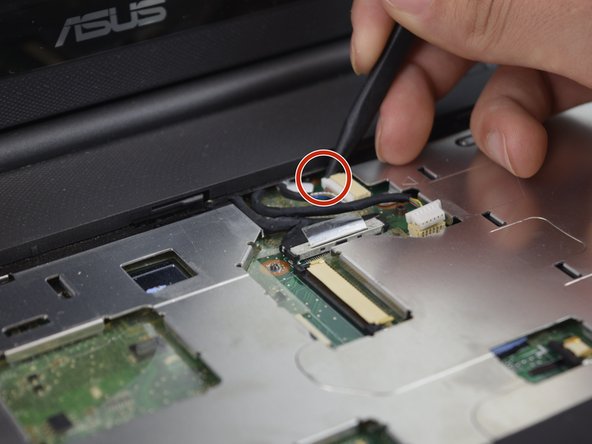
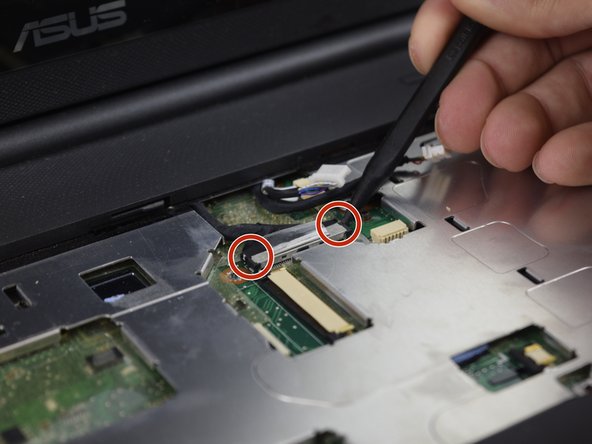
    • Lift the keyboard enough to expose the two ribbon connectors (LCD flex cable and flex band).

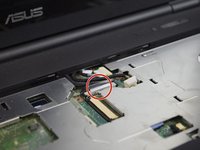
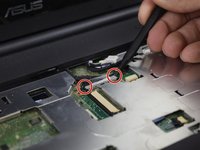
    • Use the Plastic Opening tool to push open the two black clips on each side of the connecting cords.

    • Remove the cable after pushing out the two black clips.

  3. ASUS UX50V-RX05 Motherboard Replacement: 3 단계, 이미지 2개 중 1개 ASUS UX50V-RX05 Motherboard Replacement: 3 단계, 이미지 2개 중 2개
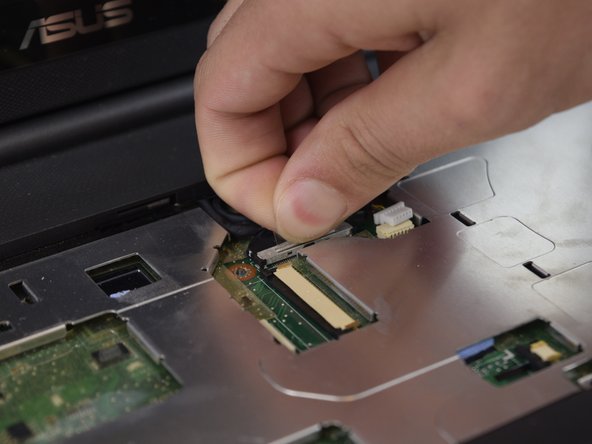
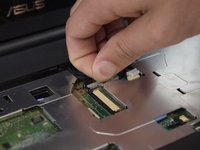
    • Push out each end of the black clip with a plastic opening tool or nylon spudger to remove the ribbon cable.

    • Remove the cable after pushing out both black clips.

    • Remove the keyboard.

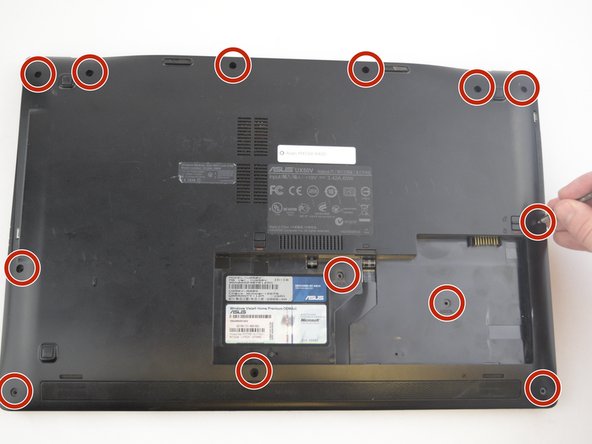
  4. ASUS UX50V-RX05 Motherboard Replacement, Case Removal: 4 단계, 이미지 3개 중 1개 ASUS UX50V-RX05 Motherboard Replacement, Case Removal: 4 단계, 이미지 3개 중 2개 ASUS UX50V-RX05 Motherboard Replacement, Case Removal: 4 단계, 이미지 3개 중 3개
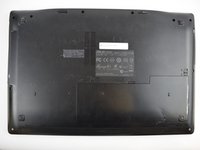
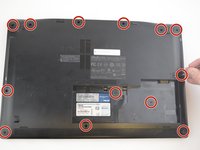
    • Remove the thirteen 5 mm J0 screws from the back of the laptop.

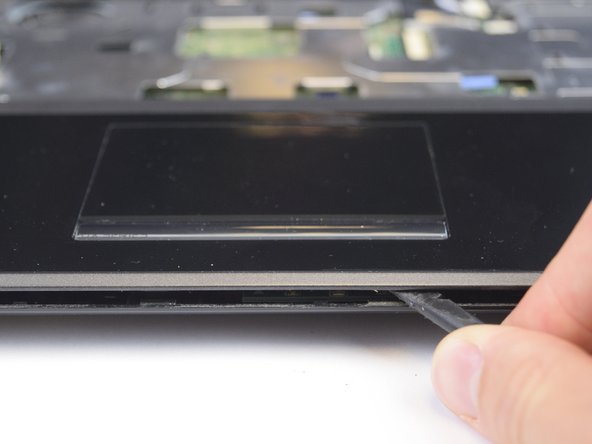
    • With the keyboard removed, use the spudger tool to pry around the edge of the laptop until it is free.

  5. ASUS UX50V-RX05 Motherboard Replacement: 5 단계, 이미지 2개 중 1개 ASUS UX50V-RX05 Motherboard Replacement: 5 단계, 이미지 2개 중 2개
    • Use the spudger tool to unplug the two cords from the body by pushing on the tabs on both sides of the plug.

  6. ASUS UX50V-RX05 Motherboard Replacement: 6 단계, 이미지 3개 중 1개 ASUS UX50V-RX05 Motherboard Replacement: 6 단계, 이미지 3개 중 2개 ASUS UX50V-RX05 Motherboard Replacement: 6 단계, 이미지 3개 중 3개
    • With the previous two cords unplugged and out of the way, you can work on unplugging the black cord.

    • Use your fingers to pull up on the clear tab, or use the spudger tool to push out both sides of the connector.

  7. ASUS UX50V-RX05 Motherboard Replacement: 7 단계, 이미지 1개 중 1개
    • Carefully lift and remove the plastic cover to avoid damaging anything.

  8. ASUS UX50V-RX05 Motherboard Replacement, Optical Drive: 8 단계, 이미지 2개 중 1개 ASUS UX50V-RX05 Motherboard Replacement, Optical Drive: 8 단계, 이미지 2개 중 2개
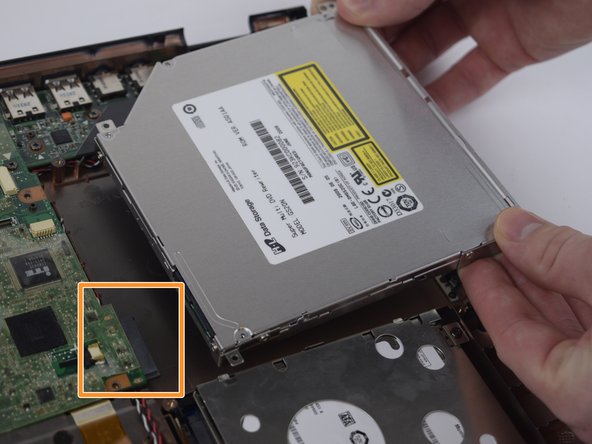
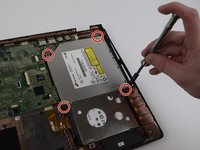
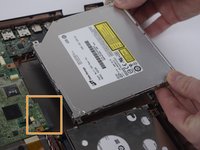
    • Remove the four 5 mm J0 screws surrounding the Optical Drive.

    • Remove the optical drive by pulling it out and away from the connector.

  9. ASUS UX50V-RX05 Motherboard Replacement, Motherboard: 9 단계, 이미지 3개 중 1개 ASUS UX50V-RX05 Motherboard Replacement, Motherboard: 9 단계, 이미지 3개 중 2개 ASUS UX50V-RX05 Motherboard Replacement, Motherboard: 9 단계, 이미지 3개 중 3개
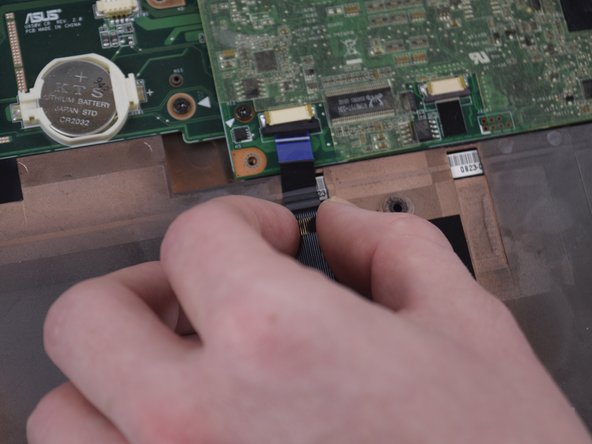
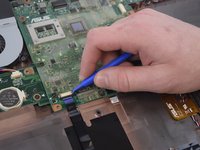
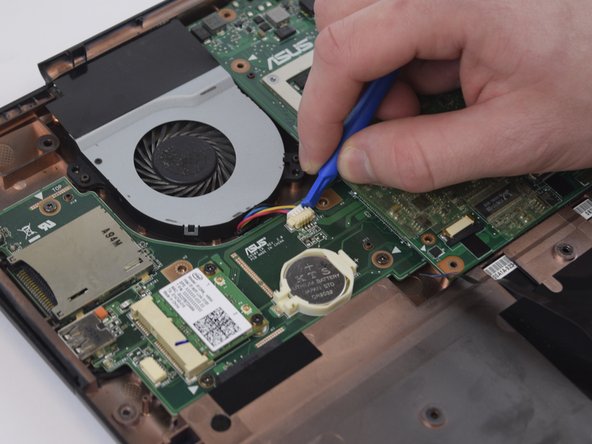
    • Use the Plastic Opening Tool to unplug the blue cord on the Motherboard.

  10. ASUS UX50V-RX05 Motherboard Replacement: 10 단계, 이미지 2개 중 1개 ASUS UX50V-RX05 Motherboard Replacement: 10 단계, 이미지 2개 중 2개
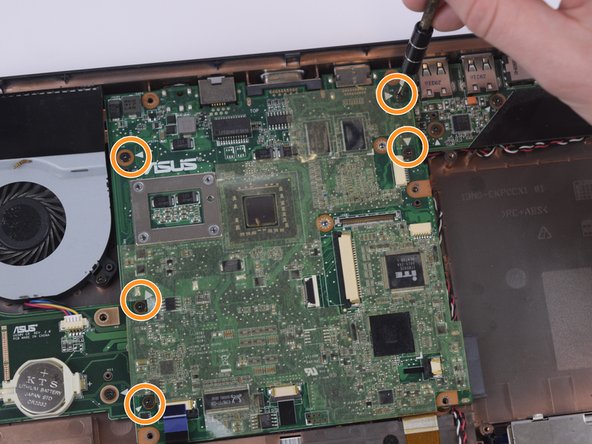
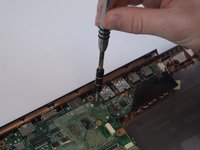
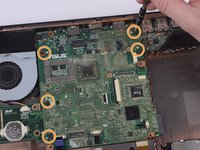
    • Remove the five 4 mm Phillips head 5 mm long screws that have white arrows pointing to them with the screwdriver.

  11. ASUS UX50V-RX05 Motherboard Replacement: 11 단계, 이미지 3개 중 1개 ASUS UX50V-RX05 Motherboard Replacement: 11 단계, 이미지 3개 중 2개 ASUS UX50V-RX05 Motherboard Replacement: 11 단계, 이미지 3개 중 3개
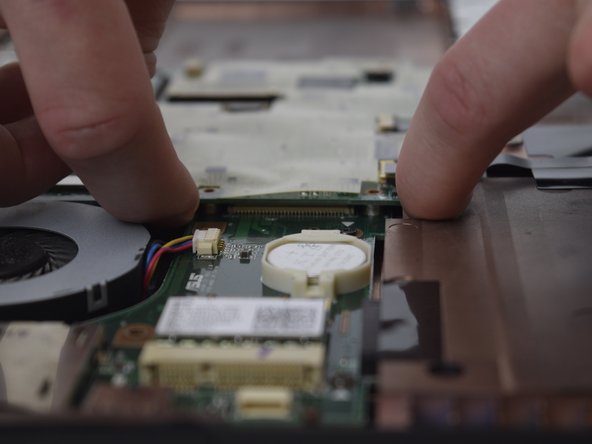
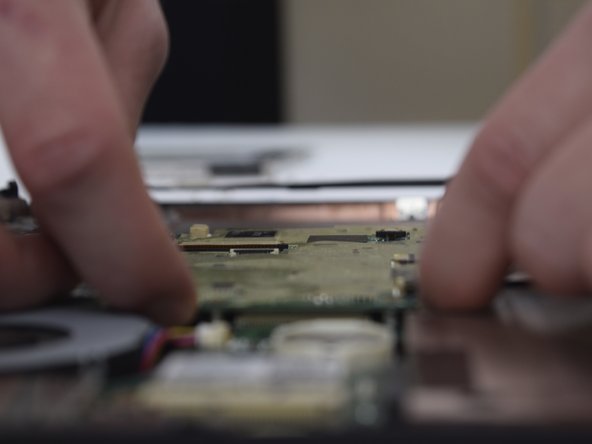
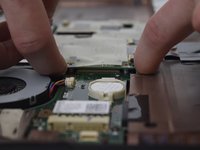
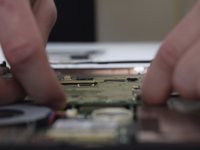
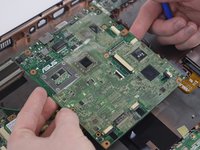
    • Lift the Motherboard with your fingers by reaching underneath the Motherboard and prying.

  12. ASUS UX50V-RX05 Motherboard Replacement: 12 단계, 이미지 3개 중 1개 ASUS UX50V-RX05 Motherboard Replacement: 12 단계, 이미지 3개 중 2개 ASUS UX50V-RX05 Motherboard Replacement: 12 단계, 이미지 3개 중 3개
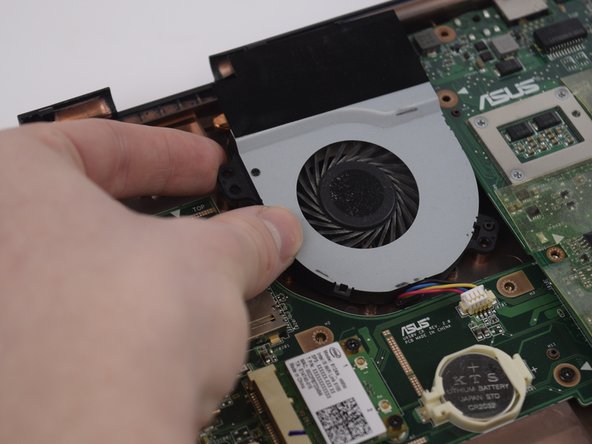
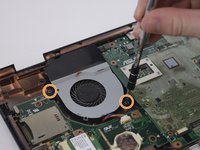
    • Remove the two 4 mm Phillips head 5 mm long screws from the fan using the screwdriver.

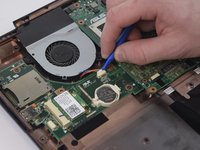
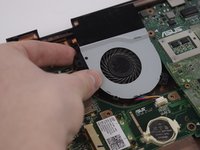
    • Using the Spudger, carefully remove the white connector and lift the fan out of the casing.

  13. ASUS UX50V-RX05 Motherboard Replacement: 13 단계, 이미지 3개 중 1개 ASUS UX50V-RX05 Motherboard Replacement: 13 단계, 이미지 3개 중 2개 ASUS UX50V-RX05 Motherboard Replacement: 13 단계, 이미지 3개 중 3개
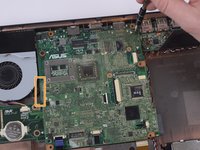
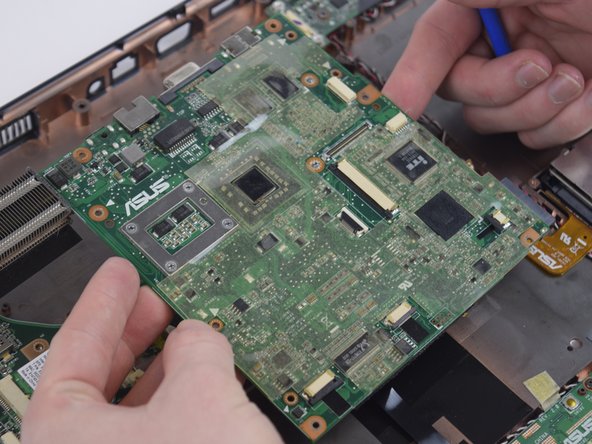
    • Slowly lift the motherboard up towards you being careful as to not rip any cords out of the bottom.

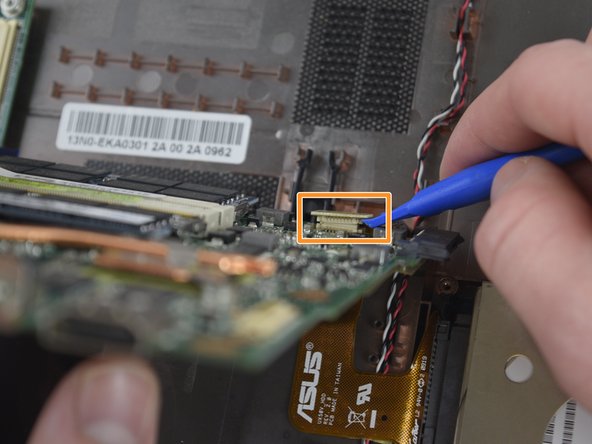
    • Using the Spudger, remove the connector towards the bottom of the motherboard.

    • Remove the motherboard from the casing.

결론

To reassemble your device, follow these instructions in reverse order.

다른 2명이 해당 안내서를 완성하였습니다.

작성자

1다른 기여자 명과 함께

James

회원 가입일: 02/14/17

663 평판

안내서 6개를 작성함

USF Tampa, Team 20-2, Remmell Spring 2017 USF Tampa, Team 20-2, Remmell Spring 2017 회원

USFT-REMMELL-S17S20G2

4 회원들

안내서 6개를 작성함

1가이드 댓글

From your knowledge is that mother board from the asus ux50v upgrade-able? is the processor integrated into the board?

A Snow - 답글
댓글 쓰기

조회 통계:

지난 24시간: 0

지난 7일: 6

지난 30일: 24

전체 시간: 731