소개
This guide will show you how to remove/replace a malfunctioning or broken Optical Drive (also known as a CD/DVD Drive) on the ASUS UX50V-RX05 laptop.
필요한 것
-
-
Use the Plastic Opening tool to pry the five slots up at the top of the keyboard.
 FixBot에 문의하기
-
-
-
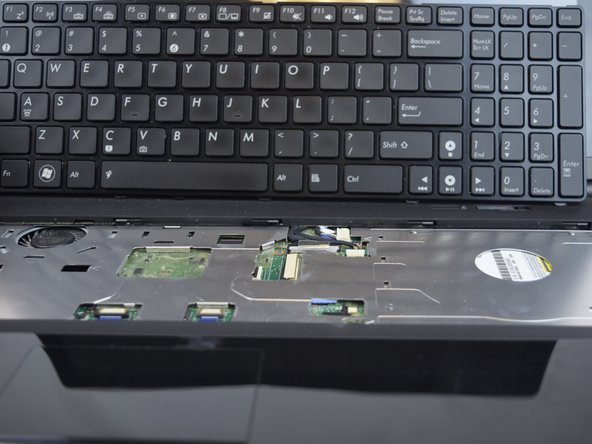
Lift the keyboard enough to expose the two ribbon connectors (LCD flex cable and flex band).
-
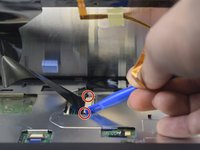
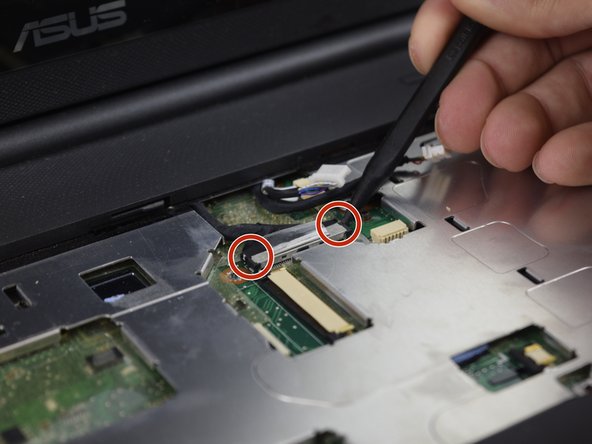
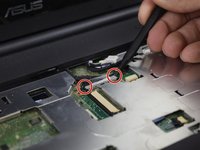
Use the Plastic Opening tool to push open the two black clips on each side of the connecting cords.
-
Remove the cable after pushing out the two black clips.
-
-
-
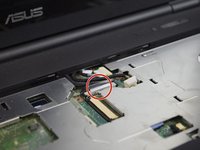
Push out each end of the black clip with a plastic opening tool or nylon spudger to remove the ribbon cable.
-
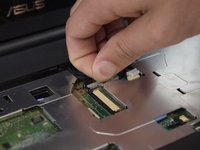
Remove the cable after pushing out both black clips.
-
Remove the keyboard.
-
-
-
-
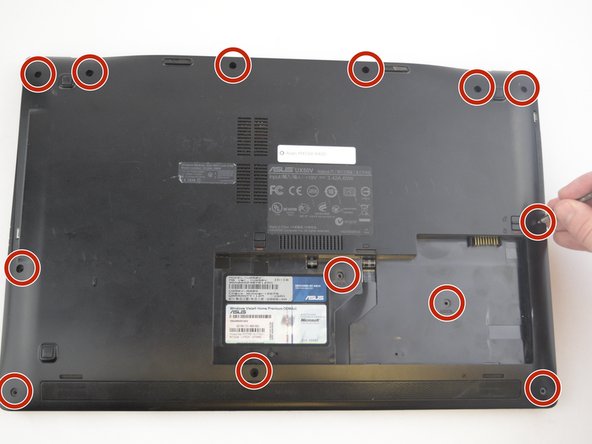
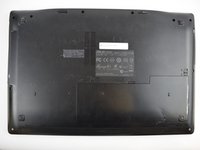
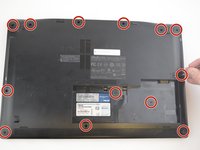
Remove the thirteen 5 mm J0 screws from the back of the laptop.
-
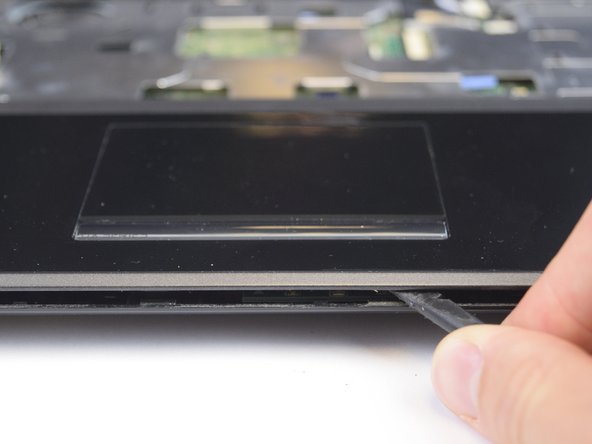
With the keyboard removed, use the spudger tool to pry around the edge of the laptop until it is free.
-
-
-
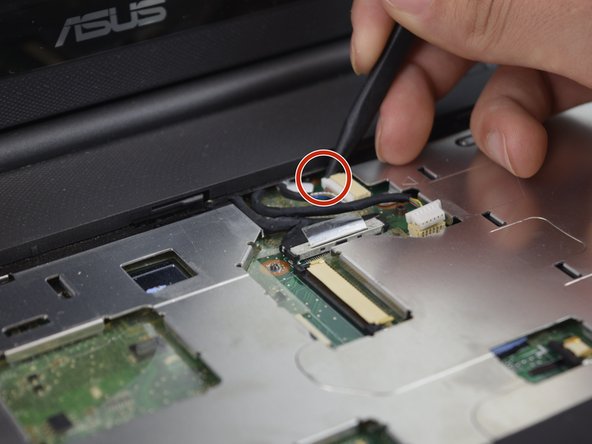
Use the spudger tool to unplug the two cords from the body by pushing on the tabs on both sides of the plug.
-
-
-
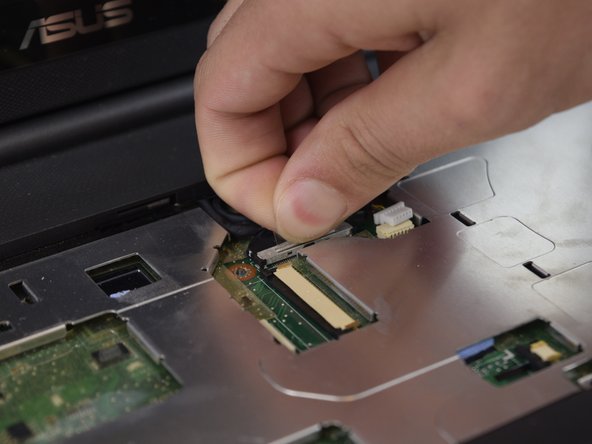
With the previous two cords unplugged and out of the way, you can work on unplugging the black cord.
-
Use your fingers to pull up on the clear tab, or use the spudger tool to push out both sides of the connector.
-
-
-
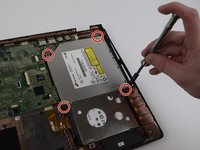
Remove the four 5 mm J0 screws surrounding the Optical Drive.
-
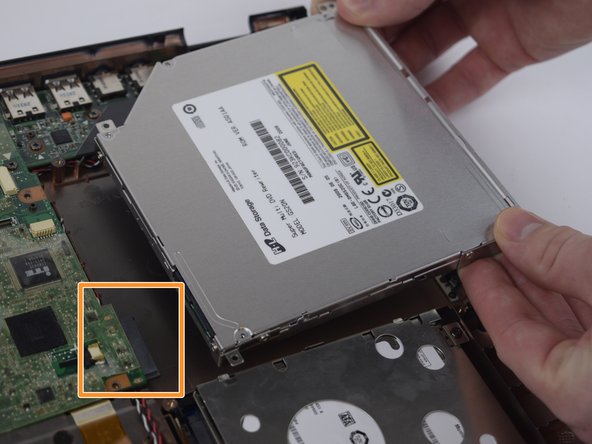
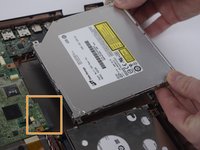
Remove the optical drive by pulling it out and away from the connector.
-







To reassemble your device, follow these instructions in reverse order.

팀

USF Tampa, Team 20-2, Remmell Spring 2017 USF Tampa, Team 20-2, Remmell Spring 2017 회원
USFT-REMMELL-S17S20G2
4 회원들
안내서 6개를 작성함
