소개
This guide will help you if you experience difficulty hearing from the ATT CL2940 handset. The issue may be with the handset cord. Use this guide to remove the cord and reattach it to determine if it was not plugged in securely. If this does not fix the problem, try replacing the old cord with a new one.
-
-
Pinch the clip on the plug and pull the cord from the base in order to release the cord.
-
-
-
-
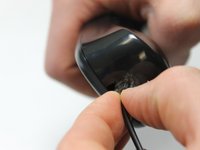
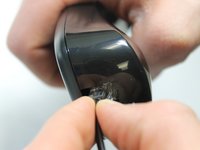
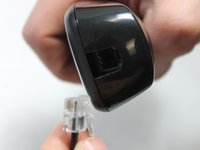
Pinch the clip on the plug and pull away from the handset in order to release the cord.
-


 FixBot에 문의하기


To reassemble your device, follow these instructions in reverse order.
다른 한 분이 해당 안내서를 완성하였습니다.

팀

IUPUI, Team 1-1, Harley Spring 2016 IUPUI, Team 1-1, Harley Spring 2016 회원
IUPUI-HARLEY-S16S1G1
4 회원들
안내서 20개를 작성함
