주요 콘텐츠로 건너뛰기
수리 커뮤니티 가입 - 계정 만들기

Aiptek DZO-V58N Lens Replacement

필요한 것

    1. Aiptek DZO-V58N Lens Replacement, Battery: 1 단계, 이미지 1개 중 1개
      • Locate the battery compartment on the back of the camera. It is the panel with the plastic ridges for simple removal.

      • Slide the battery compartment cover down off of the camera body.

      댓글 쓰기

    2. Aiptek DZO-V58N Lens Replacement: 2 단계, 이미지 1개 중 1개
      • Pry up the battery from the bottom using a finger and remove the batter from the case.

      댓글 쓰기

    1. Aiptek DZO-V58N Lens Replacement, Lens Protector: 3 단계, 이미지 1개 중 1개
      • Remove the lanyard by pulling the grey lace through the black string loop.

      • Pull black string loop through the silver bracket.

      댓글 쓰기

    2. Aiptek DZO-V58N Lens Replacement: 4 단계, 이미지 1개 중 1개
      • Use a plastic opening tool to pry off the black control cover.

      • The face plates are glued, so use force to pry the face plates from the camera body.

      댓글 쓰기

    3. Aiptek DZO-V58N Lens Replacement: 5 단계, 이미지 1개 중 1개
      • Use a plastic opening tool to pry off the ridged back face plate and the black button.

      • The face plates are glued, so use force to pry the face plates from the camera body.

      • The button is loose and should come off with little or no effort.

      댓글 쓰기

    4. Aiptek DZO-V58N Lens Replacement: 6 단계, 이미지 1개 중 1개
      • Use a plastic opening tool to pry off the silver face plate.

      • The face plates are glued, so use force to pry the face plates from the camera body.

      댓글 쓰기

    5. Aiptek DZO-V58N Lens Replacement: 7 단계, 이미지 3개 중 1개 Aiptek DZO-V58N Lens Replacement: 7 단계, 이미지 3개 중 2개 Aiptek DZO-V58N Lens Replacement: 7 단계, 이미지 3개 중 3개
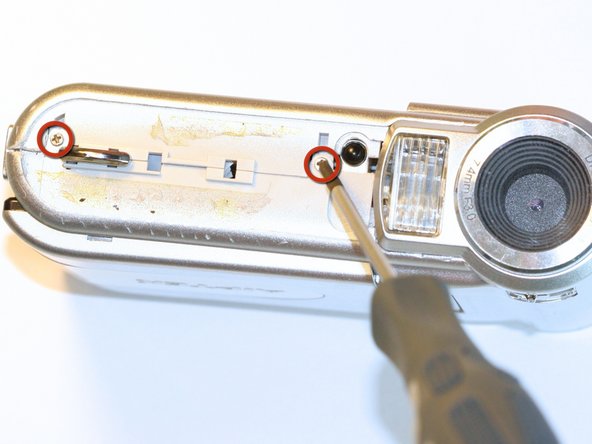
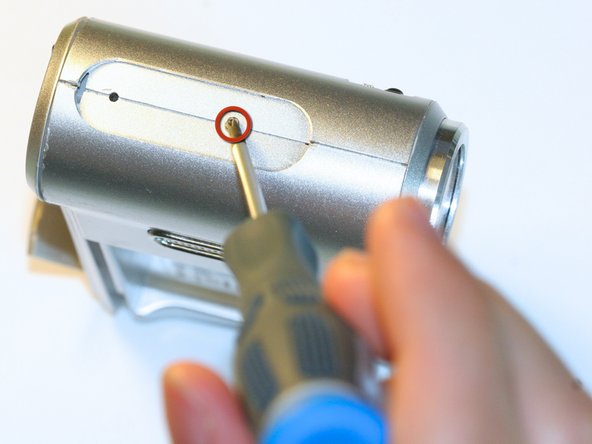
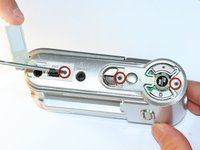
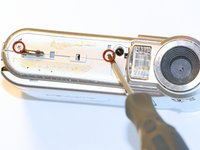
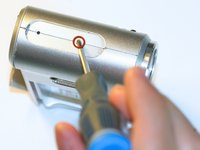
      • Open the USB cover to expose the small machine screw.

      • Use the Phillips #00 screwdriver to unscrew the six 0.5cm machine case screws (distributed around the camera body).

      • These small screws are easy to lose. Place the removed screws in an organized container to avoid losing them.

      댓글 쓰기

    6. Aiptek DZO-V58N Lens Replacement: 8 단계, 이미지 1개 중 1개
      • Pull off the side control panel.

      댓글 쓰기

    7. Aiptek DZO-V58N Lens Replacement: 9 단계, 이미지 2개 중 1개 Aiptek DZO-V58N Lens Replacement: 9 단계, 이미지 2개 중 2개
      이 단계에 사용된 도구:
      Tweezers
      $4.99
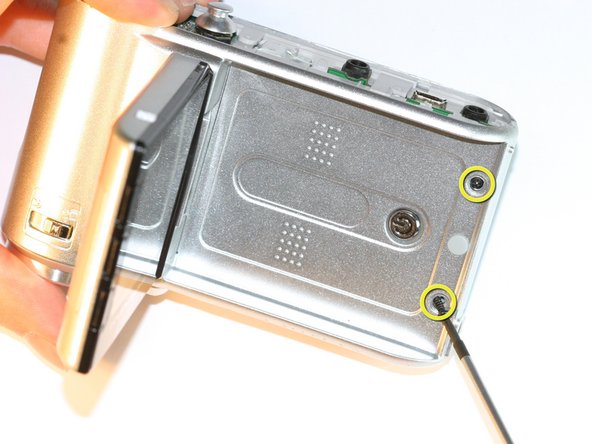
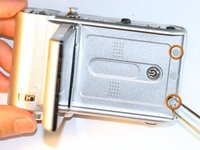
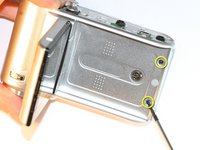
      • Flip open the screen by pulling the loose end of the screen away from the case.

      • Use tweezers to remove the two outside rubber dots to reveal the two 0.5cm machine screws.

      • Use the #00 Phillips Screwdriver to remove both screws.

      댓글 쓰기

    8. Aiptek DZO-V58N Lens Replacement: 10 단계, 이미지 2개 중 1개 Aiptek DZO-V58N Lens Replacement: 10 단계, 이미지 2개 중 2개
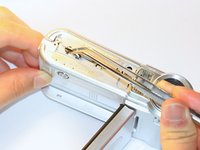
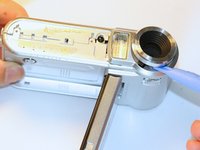
      • Pull the body apart from the bottom of device just enough to make space to remove the silver plastic strap holder.

      • Use tweezers to remove the silver plastic strap holder.

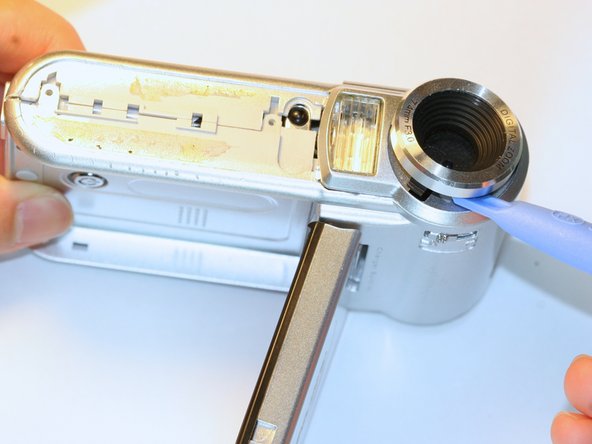
      • Use a plastic opening tool to pry off the lens protector.

      댓글 쓰기

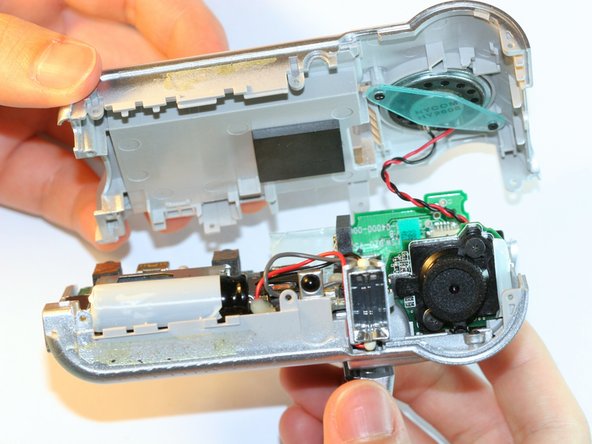
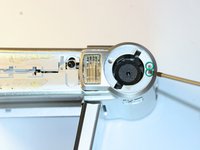
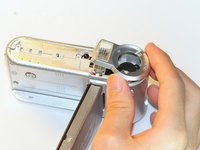
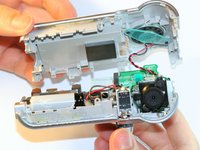
    1. Aiptek DZO-V58N Lens Replacement, Lens: 11 단계, 이미지 3개 중 1개 Aiptek DZO-V58N Lens Replacement, Lens: 11 단계, 이미지 3개 중 2개 Aiptek DZO-V58N Lens Replacement, Lens: 11 단계, 이미지 3개 중 3개
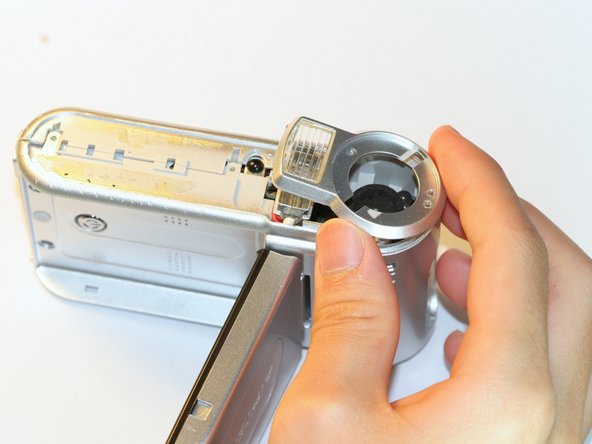
      • Unscrew the two silver 0.5cm machine screws with the #00 Phillips screwdriver.

      • Lift off the lens protector housing.

      • Pull apart the two halves of the camera body.

      • Do not pull the two halves apart too far because the wires may detach.

      댓글 쓰기

    2. Aiptek DZO-V58N Lens Replacement: 12 단계, 이미지 1개 중 1개
      • Unscrew both black machine screws holding the lens in place with the #00 Phillips screwdriver.

      댓글 쓰기

    3. Aiptek DZO-V58N Lens Replacement: 13 단계, 이미지 1개 중 1개
      • Carefully remove the compressed springs underneath each of the two screws that were removed in the previous step.

      • Be careful not to lose the springs. The springs are in compression and will launch from the camera if not held onto.

      댓글 쓰기

    4. Aiptek DZO-V58N Lens Replacement: 14 단계, 이미지 1개 중 1개
      • Lift off the lens.

      댓글 쓰기

결론

To reassemble your device, follow these instructions in reverse order.

취소: 해당 안내서를 완성하지 않았습니다.

작성자

3다른 기여자 명과 함께

Zachary Yun

회원 가입일: 04/03/12

28 평판

안내서 5개를 작성함

Cal Poly, Team 5-5, Forte Spring 2012 Cal Poly, Team 5-5, Forte Spring 2012 회원

CPSU-FORTE-S12S5G5

5 회원들

안내서 15개를 작성함

0가이드 댓글

댓글 쓰기

조회 통계:

지난 24시간: 2

지난 7일: 10

지난 30일: 29

전체 시간: 945