주요 콘텐츠로 건너뛰기
수리 커뮤니티 가입 - 계정 만들기

Alienware M14xR2 RAM Replacement

필요한 것

  1. Alienware M14xR2 RAM Replacement, Battery: 1 단계, 이미지 1개 중 1개
    • Turn the computer off.

    • Disconnect the charging cable from the computer.

    • Failure to unplug the charging cable could result in electric shock and serious injury.

    • Flip the computer upside down.

    댓글 쓰기

  2. Alienware M14xR2 RAM Replacement: 2 단계, 이미지 3개 중 1개 Alienware M14xR2 RAM Replacement: 2 단계, 이미지 3개 중 2개 Alienware M14xR2 RAM Replacement: 2 단계, 이미지 3개 중 3개
    • Loosen the two 6.35 mm size 1 Phillips screws on the back cover.

    • The two screws are spring loaded and will not separate from the cover.

    • Slide the back cover towards you and then lift upwards to remove.

    댓글 쓰기

  3. Alienware M14xR2 RAM Replacement: 3 단계, 이미지 1개 중 1개
    • Loosen the two 6.35 mm size 1 Philips screws attaching the battery to the laptop.

    • The two screws are clipped into the battery and will not detach.

    댓글 쓰기

  4. Alienware M14xR2 RAM Replacement: 4 단계, 이미지 3개 중 1개 Alienware M14xR2 RAM Replacement: 4 단계, 이미지 3개 중 2개 Alienware M14xR2 RAM Replacement: 4 단계, 이미지 3개 중 3개
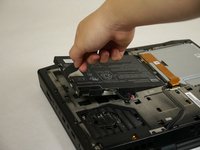
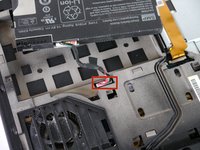
    • Pull up on the black tab on the battery to reveal the connection between the battery and laptop.

    • Pull up on the white connector to disconnect it from the laptop.

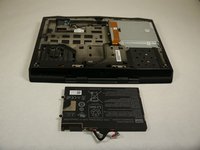
    • The battery is now free to remove from the laptop and can be set aside.

    댓글 쓰기

  5. Alienware M14xR2 RAM Replacement, Optical Drive: 5 단계, 이미지 3개 중 1개 Alienware M14xR2 RAM Replacement, Optical Drive: 5 단계, 이미지 3개 중 2개 Alienware M14xR2 RAM Replacement, Optical Drive: 5 단계, 이미지 3개 중 3개
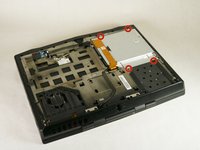
    • Unscrew the four 6.35 mm size 1 screws.

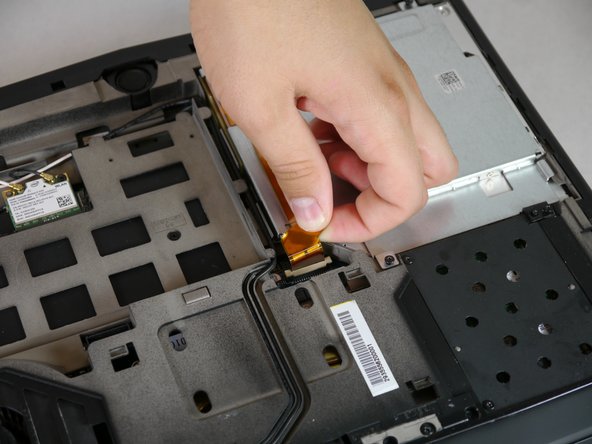
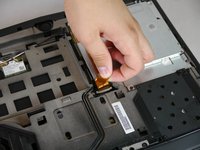
    • Pull up on the end of the orange tab to detach it from the white connector.

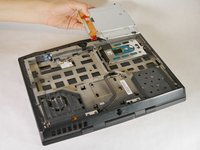
    • Lift the optical drive up and out of the laptop and set it aside.

    댓글 쓰기

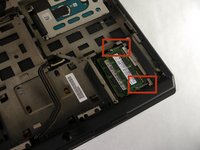
  6. Alienware M14xR2 RAM Replacement, RAM: 6 단계, 이미지 3개 중 1개 Alienware M14xR2 RAM Replacement, RAM: 6 단계, 이미지 3개 중 2개 Alienware M14xR2 RAM Replacement, RAM: 6 단계, 이미지 3개 중 3개
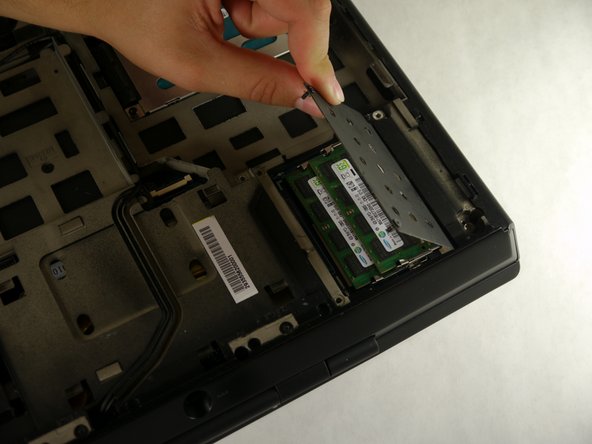
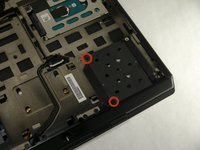
    • Unscrew the two 6.35 mm size 1 screws.

    • Lift up and remove the panel covering the RAM sticks.

    댓글 쓰기

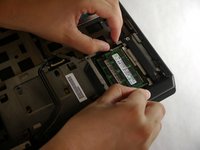
  7. Alienware M14xR2 RAM Replacement: 7 단계, 이미지 2개 중 1개 Alienware M14xR2 RAM Replacement: 7 단계, 이미지 2개 중 2개
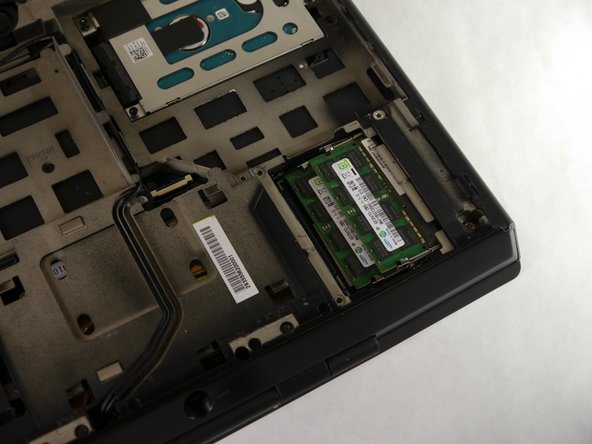
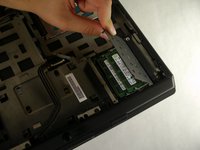
    • Push outward on both prongs that secure the RAM sticks in place.

    • The RAM sticks will rise upward when released from the prongs.

    댓글 쓰기

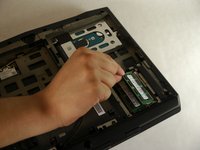
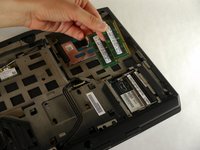
  8. Alienware M14xR2 RAM Replacement: 8 단계, 이미지 2개 중 1개 Alienware M14xR2 RAM Replacement: 8 단계, 이미지 2개 중 2개
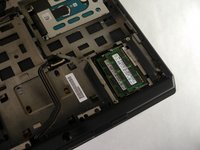
    • Grab and pull the RAM sticks up and out of their casing and set them aside.

    댓글 쓰기

결론

To reassemble your device, follow these instructions in reverse order.

취소: 해당 안내서를 완성하지 않았습니다.

다른 4명이 해당 안내서를 완성하였습니다.

작성자

4다른 기여자 명과 함께

Eugene Park

회원 가입일: 09/30/13

195 평판

안내서 1개를 작성함

Cal Poly, Team 13-4, Forte Fall 2013 Cal Poly, Team 13-4, Forte Fall 2013 회원

CPSU-FORTE-F13S13G4

5 회원들

안내서 6개를 작성함

3가이드 댓글

How max is the ram upgrade compatible with the m14x ifixit?!

doantuan85 - 답글 공유

I meaned r1 model

doantuan85 - 답글 공유

Yo, man! If my RAM slot is damaged somehow, is there any possibility to change/repair it? It won't detect a RAM card, keeps beeping 4 times at the start.

tasanov - 답글 공유

댓글 쓰기

조회 통계:

지난 24시간: 2

지난 7일: 5

지난 30일: 30

전체 시간: 2,685