주요 콘텐츠로 건너뛰기
수리 커뮤니티 가입 - 계정 만들기

Alienware M17x Display Assembly Replacement

필요한 것

  1. Alienware M17x Display Assembly Replacement, Battery: 1 단계, 이미지 2개 중 1개 Alienware M17x Display Assembly Replacement, Battery: 1 단계, 이미지 2개 중 2개
    • Turn off your laptop before starting.

    • Flip the laptop over so the model stickers face the ceiling.

  2. Alienware M17x Display Assembly Replacement: 2 단계, 이미지 1개 중 1개
    • Remove the two 3.5 mm Phillips #0 screws holding the cover in place.

    • Slide cover forward then carefully lift up.

  3. Alienware M17x Display Assembly Replacement: 3 단계, 이미지 1개 중 1개
    • Remove the two 5.5 mm Phillips #0 screws holding the battery in place.

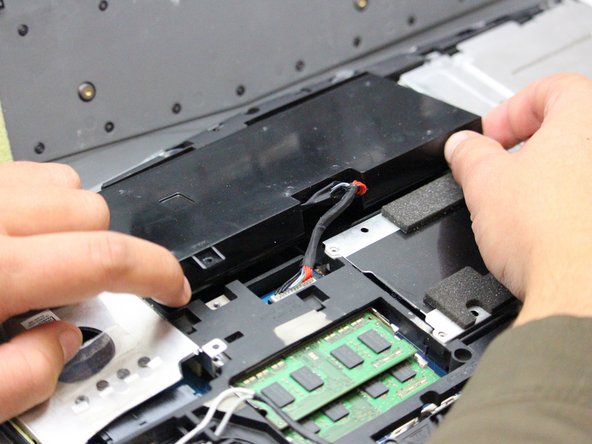
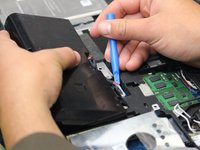
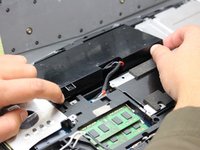
  4. Alienware M17x Display Assembly Replacement: 4 단계, 이미지 2개 중 1개 Alienware M17x Display Assembly Replacement: 4 단계, 이미지 2개 중 2개
    • Carefully use the Plastic Opening Tool to unplug the battery.

    • Lift the battery up and out to remove.

  5. Alienware M17x Display Assembly Replacement, Display Assembly: 5 단계, 이미지 1개 중 1개
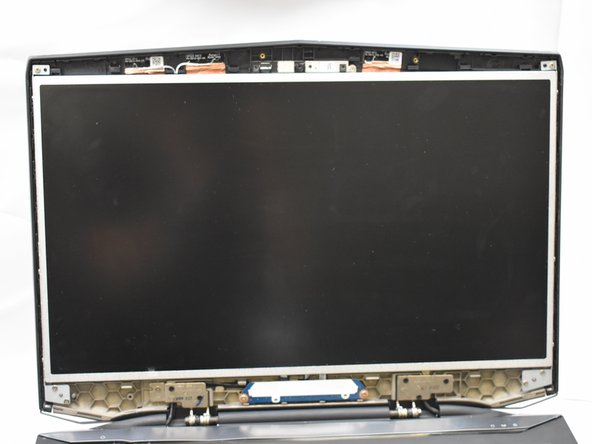
    • Flip the laptop back over so that the Alienware logo faces the ceiling then open the lid to view the screen.

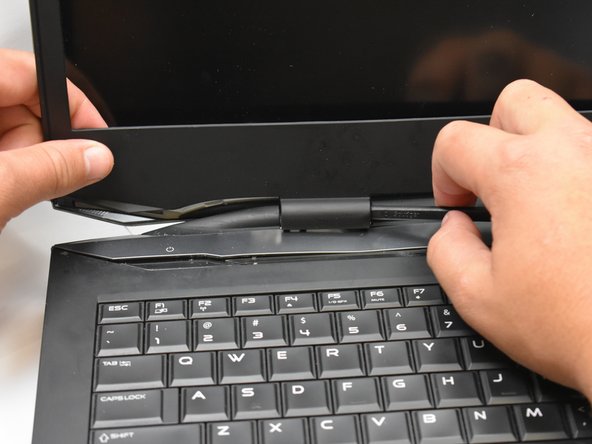
  6. Alienware M17x Display Assembly Replacement: 6 단계, 이미지 3개 중 1개 Alienware M17x Display Assembly Replacement: 6 단계, 이미지 3개 중 2개 Alienware M17x Display Assembly Replacement: 6 단계, 이미지 3개 중 3개
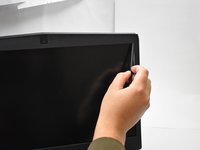
    • Use a spudger as a lever to pry the black plastic siding off of the frame starting on either of the top corners.

    • Use the spudger to remove the siding from the bottom of the frame near the hinges.

    • Carefully lift the black plastic siding up and out of the hinged area making sure not to break the fragile sides.

  7. Alienware M17x Display Assembly Replacement: 7 단계, 이미지 2개 중 1개 Alienware M17x Display Assembly Replacement: 7 단계, 이미지 2개 중 2개
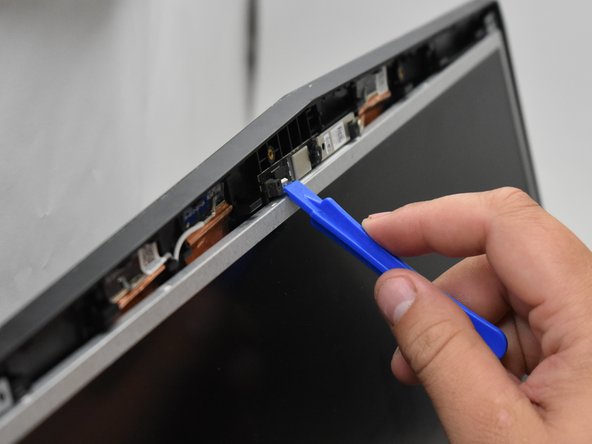
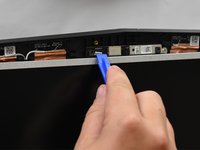
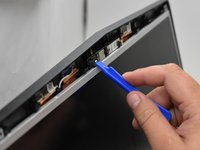
    • Use the plastic opening tool to disconnect the screen from the top mount.

  8. Alienware M17x Display Assembly Replacement: 8 단계, 이미지 1개 중 1개
    • Avoid directly touching the connectors with anything other than plastic tools to avoid damaging the internal components.

  9. Alienware M17x Display Assembly Replacement: 9 단계, 이미지 1개 중 1개
    • Tilt the screen forward to expose the connecting wires.

    • Disconnect said wires to then lift the display assembly out of the frame.

결론

To reassemble your device, follow these instructions in reverse order.

다른 한 분이 해당 안내서를 완성하였습니다.

작성자

1다른 기여자 명과 함께

Mosier Locke

회원 가입일: 09/27/18

783 평판

안내서 5개를 작성함

0가이드 댓글

댓글 쓰기

조회 통계:

지난 24시간: 0

지난 7일: 4

지난 30일: 14

전체 시간: 805