주요 콘텐츠로 건너뛰기

Amazon Echo Motherboard Replacement

필요한 것

  1. Amazon Echo Motherboard Replacement, Power and Speaker Driver Board: 1 단계, 이미지 1개 중 1개
    • Power off and unplug your Echo before disassembly. Failure to do so could result in injury or damage to the device.

    • Peel off the rubber footing from the bottom of the Echo.

    • Do not pull the rubber footing too hard, as it could stretch out of shape. Use a spudger to help remove the foot if you have any trouble.

  2. Amazon Echo Motherboard Replacement: 2 단계, 이미지 3개 중 1개 Amazon Echo Motherboard Replacement: 2 단계, 이미지 3개 중 2개 Amazon Echo Motherboard Replacement: 2 단계, 이미지 3개 중 3개
    • Remove the four 42.8 mm T10 Torx screws from the bottom of the Echo.

  3. Amazon Echo Motherboard Replacement: 3 단계, 이미지 1개 중 1개
    • Slowly lift the plate containing the board. Be careful not to disconnect any of the wires.

  4. Amazon Echo Motherboard Replacement: 4 단계, 이미지 1개 중 1개
    이 단계에 사용된 도구:
    Tweezers
    $4.99
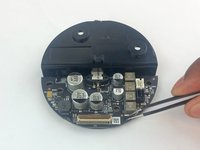
    • Using tweezers, carefully disconnect the two red and black cables from their sockets on the board.

    • Tugging on the wires may damage the device. Pull from the plastic connectors instead.

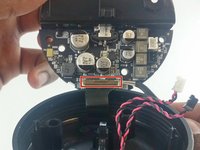
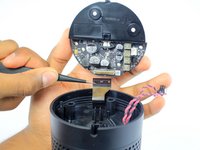
  5. Amazon Echo Motherboard Replacement: 5 단계, 이미지 2개 중 1개 Amazon Echo Motherboard Replacement: 5 단계, 이미지 2개 중 2개
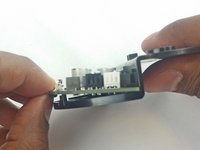
    • Lift the brown plastic latch on the ZIF connector securing the driver board ribbon cable.

    • Pull the ribbon cable from its connector. The plate and board should now be free from the Echo.

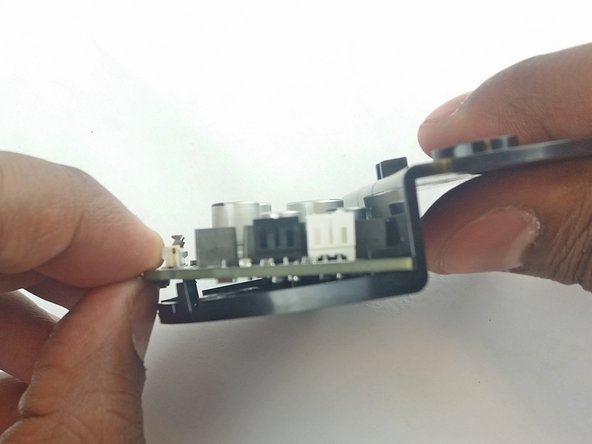
  6. Amazon Echo Motherboard Replacement: 6 단계, 이미지 3개 중 1개 Amazon Echo Motherboard Replacement: 6 단계, 이미지 3개 중 2개 Amazon Echo Motherboard Replacement: 6 단계, 이미지 3개 중 3개
    • Using the spudger, pull back the two plastic clips on the plate.

    • Lift the board up and pull it away from the plate.

  7. Amazon Echo Motherboard Replacement, Motherboard: 7 단계, 이미지 2개 중 1개 Amazon Echo Motherboard Replacement, Motherboard: 7 단계, 이미지 2개 중 2개
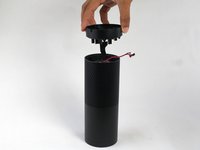
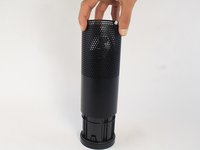
    • Remove the plastic plate from the bottom of the device. Then remove the plastic shrouding.

  8. Amazon Echo Motherboard Replacement: 8 단계, 이미지 1개 중 1개
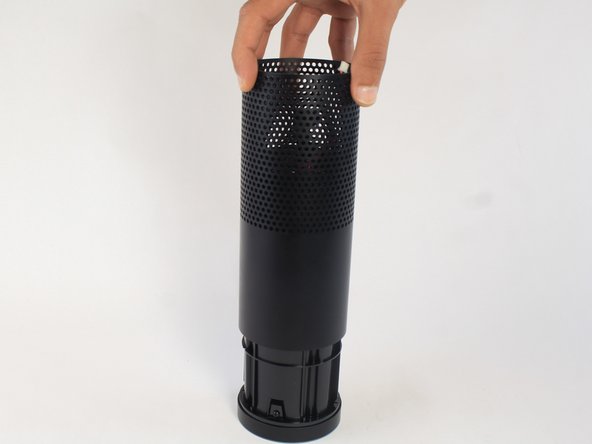
    • Peel off the black fabric wrapped around the device.

    • Be careful not to rip the fabric. Use a spudger to help remove the adhesive if you have any trouble.

  9. Amazon Echo Motherboard Replacement: 9 단계, 이미지 2개 중 1개 Amazon Echo Motherboard Replacement: 9 단계, 이미지 2개 중 2개
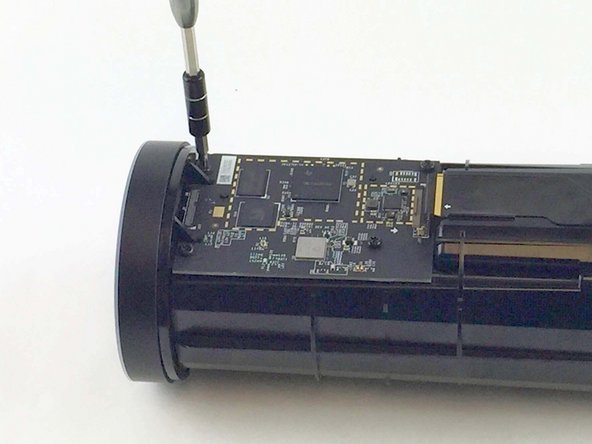
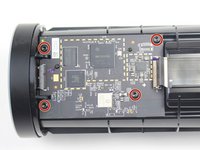
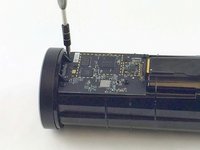
    • Remove the four 9.7 mm T10 screws.

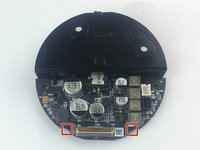
  10. Amazon Echo Motherboard Replacement: 10 단계, 이미지 3개 중 1개 Amazon Echo Motherboard Replacement: 10 단계, 이미지 3개 중 2개 Amazon Echo Motherboard Replacement: 10 단계, 이미지 3개 중 3개
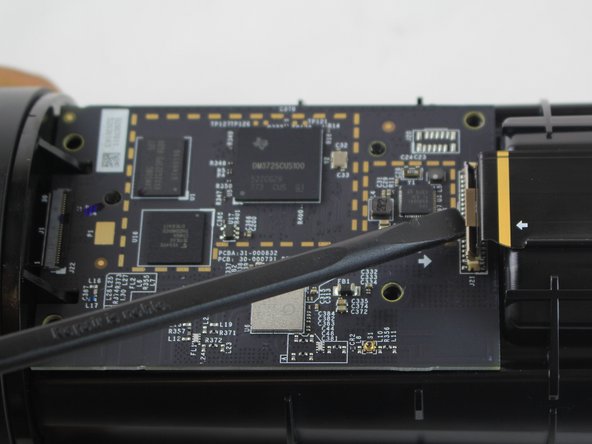
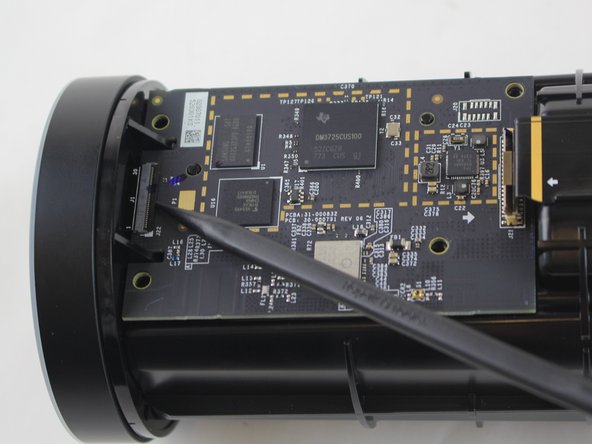
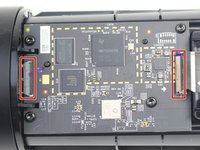
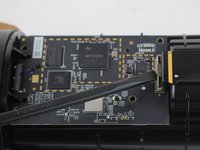
    • Lift the brown and black plastic latches securing the ZIF connectors at each end of the motherboard.

    • Pull the two ribbon cables from their connectors on the motherboard.

  11. Amazon Echo Motherboard Replacement: 11 단계, 이미지 1개 중 1개
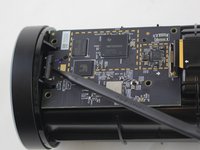
    • Lift the motherboard up from the Echo.

결론

To reassemble your device, follow these instructions in reverse order.

다른 5명이 해당 안내서를 완성하였습니다.

작성자

2다른 기여자 명과 함께

Alexander Albert

회원 가입일: 02/04/16

1,169 평판

안내서 6개를 작성함

USF Tampa, Team 3-3, Wollert Spring 2016 USF Tampa, Team 3-3, Wollert Spring 2016 회원

USFT-WOLLERT-S16S3G3

4 회원들

안내서 12개를 작성함

11가이드 댓글

Where can you get the mmotherboard

Glen Seay - 답글

same question. where do i get replacement motherboard?

akn978s - 답글

This is how to remove the motherboard not how to replace it....geez

adairt - 답글

There is a reason why people look for information on how to remove it; and that is … TO REPLACE IT! So, where can you get a replacement?

arcsnsparks2000 - 답글

So no place to buy the motherboard, iv striped it down but can’t buy the board anywhere

mark crewe - 답글

댓글 쓰기

조회 통계:

지난 24시간: 1

지난 7일: 20

지난 30일: 85

전체 시간: 15,700