소개
If the microphone in your Amazon Echo Show 15 (model H6Y2A5) is not picking up your voice in calls, distorting your audio, or is giving a heavy feedback loop, use this guide to replace it.
The microphone on an Amazon Echo Show 15 plays a crucial role in picking up sound and providing users with excellent communication. Issues with unresponsive microphones can disrupt the user experience.
Before diving into the replacement process, ensure your device is completely powered off and disconnected from any external power sources. This guide provides a step-by-step walkthrough to address microphone replacement and restore optimal functionality to your Amazon Echo Show 15.
필요한 것
-
-
-
Remove the four white stickers on your device's back panel.
-
Due to the strong adhesive supporting the stickers, we recommend heating them up to make removal easier.
 FixBot에 문의하기
-
-
-
Unscrew the four 50 mm screws with a T3 Torx screwdriver.
-
Pop the sides and remove the back panel of the device.
-
-
-
-
-
-
Remove the five 2 mm screws with a Torx T5 screwdriver.
-
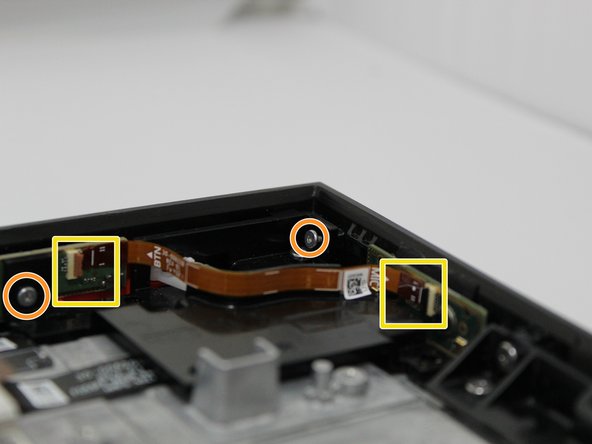
Remove the two 5 mm with a Torx T3 screwdriver.
-
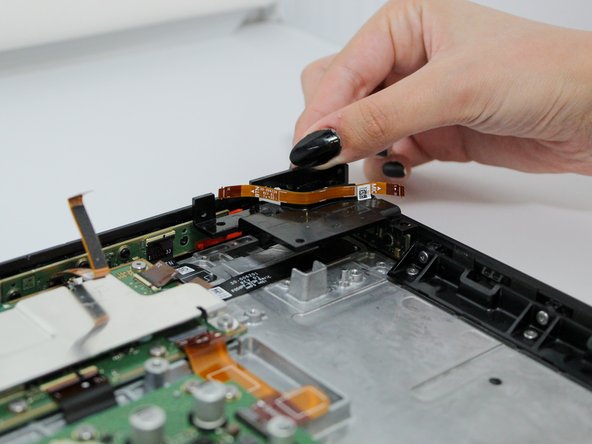
Remove both ends of the connector from the main device.
-
Remove the black panel.
-
-
-
-
-
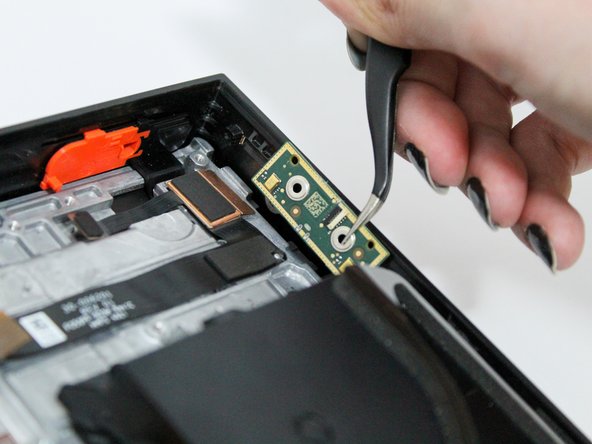
Locate the microphone panel on the top right hand corner.
-
Remove the two 3 mm screws with a Torx T3 screwdriver.
-
-


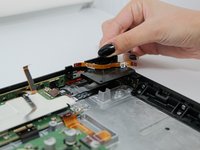

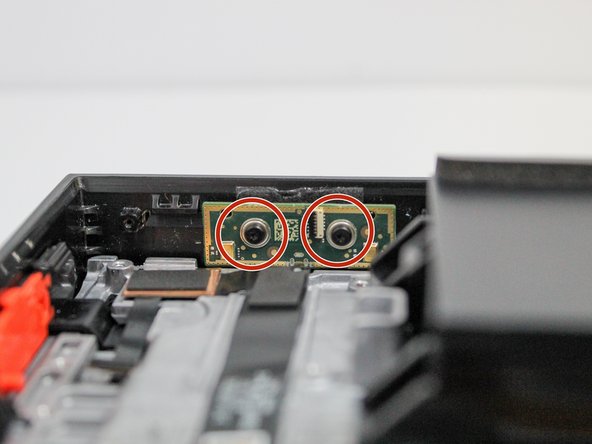
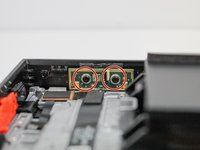


To reassemble your device, follow these instructions in reverse order.

팀

Utah Tech University, Team 1-4, McMurrin Fall 2023 Utah Tech University, Team 1-4, McMurrin Fall 2023 회원
UTAHTECH-MCMURRIN-F23S1G4
3 회원들
안내서 14개를 작성함
2가이드 댓글
Great tutorial. One question though, where do you get the new microphone?
Hi what is the other wire on the top that displays mic as well ?
Eddy Elias - 답글 공유
