소개
If the Rear Camera of your Amazon Fire HD 8 12th Generation is taking fuzzy, unclear pictures, or won't even take pictures at all and it's just showing a black screen, then use to guide to take apart and replace your camera lenses. The cause of this could be many reasons, including overuse, physical mishandling, or even a software glitch.
Before changing the camera, you are going to have to take the case off. A prerequisite on how to do this will be in the guide down below. Also, you need to make sure you have the correct replacement camera to change out with the old one. To do this, you will need to make sure you have the correct model number of the tablet. For reference the model number is RS2P8T. Replacing the camera is a very simple process and shouldn't require much time and technical skill.
Follow the guide below to complete the camera reinstallation.
필요한 것
-
-
-
Put picks around the corner and move them along the edge to pry the case off.
-
Once there is separation between the case and the screen, place a pick in between the screen and on the corner of the back case.
 FixBot에 문의하기
-
-
-
With the corners lifted, take the opening tool and pry each corner off.
-
Repeat this for the corner diagonal from the initial corner.
-
Once both corners are pried off, gently take the back case off the device.
-
-
-
-
-
-
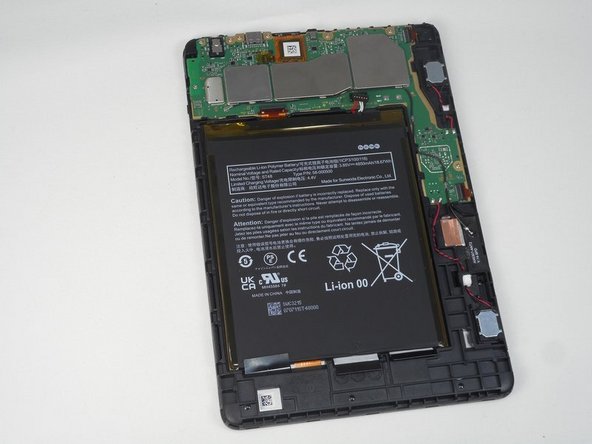
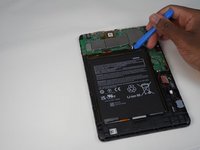
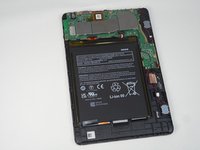
Using the iFixit opening tool, disconnect the battery from the circuit board.
-
-
-
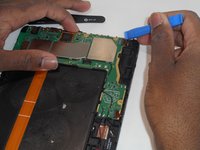
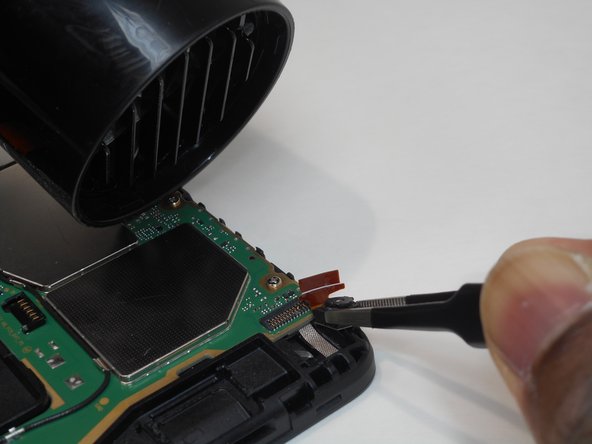
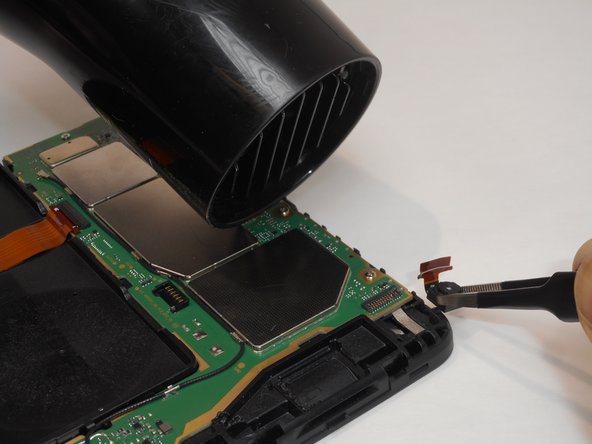
Disconnect the camera from the motherboard by unplugging the orange wiring.
-
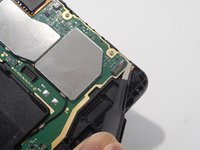
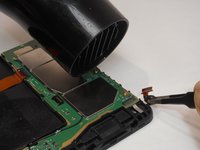
Heat the area of the back camera up loosening the glue holding it in place.
-
-
이 단계에 사용된 도구:Tweezers$4.99
-
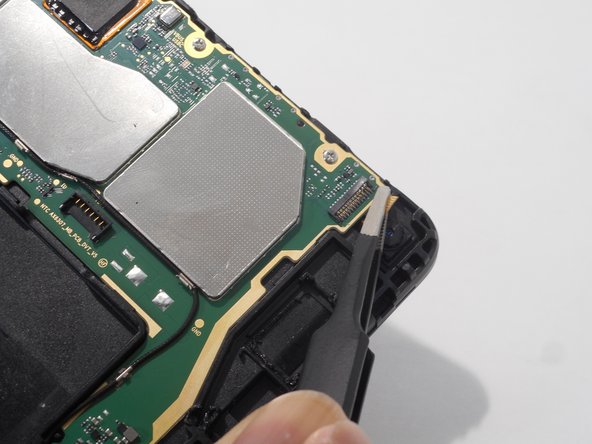
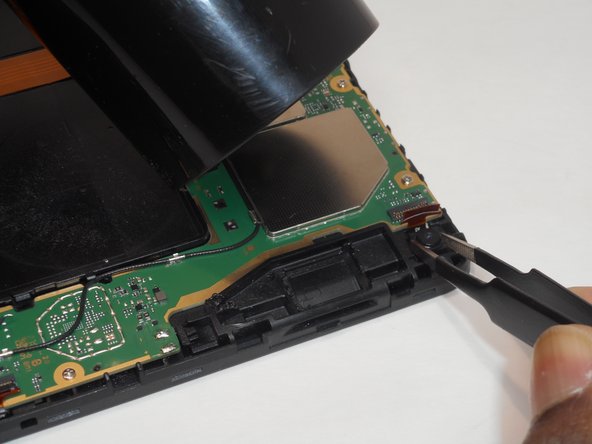
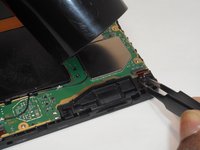
Once disconnected from the motherboard and heated up, use tweezers to remove the old camera.
-
-





To reassemble your device, follow these instructions in reverse order.

팀

University of Memphis, Team 1-1, Sneed Fall 2023 University of Memphis, Team 1-1, Sneed Fall 2023 회원
UM-SNEED-F23S1G1
4 회원들
안내서 7개를 작성함
