소개
This guide demonstrates how to safely dissassemble a Android tablet Nobis NB09 in order to replace broken or non-functional buttons.
필요한 것
-
-
Use a screwdriver to remove the two 00 Phillips screws on the right side of the tablet.
 FixBot에 문의하기
-
-
-
-
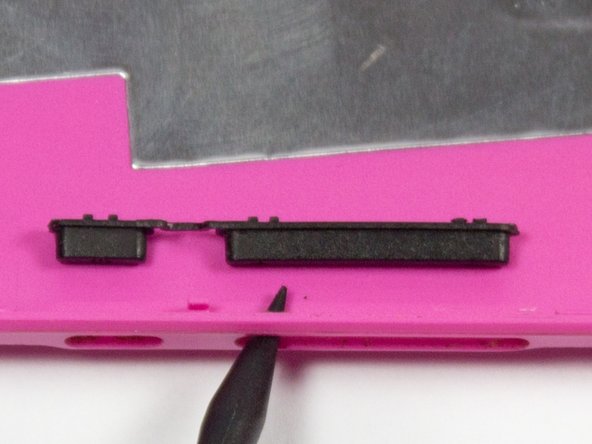
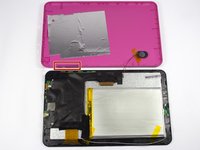
The buttons are located on the bottom left hand corner of pink back plate. Simply pop old buttons out with spudger or similar tool.
-


To reassemble your device, follow these instructions in reverse order.
다른 한 분이 해당 안내서를 완성하였습니다.

팀

UMass Dartmouth, Team 7-1, Cichon Spring 2015 UMass Dartmouth, Team 7-1, Cichon Spring 2015 회원
UMASSD-CICHON-S15S7G1
4 회원들
안내서 12개를 작성함
