소개
This guide will teach you how to open the laptop with a screwdriver, identify and safely remove the broken WiFi card, and replace it with a working one.
필요한 것
-
-
Place the laptop face down with the battery facing away from you.
-
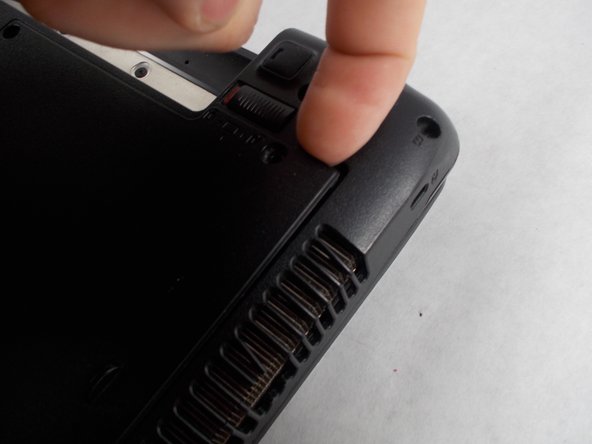
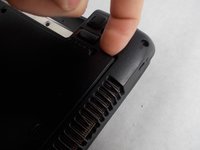
Locate the two buttons next to the battery.
-
Slide the right slider to the unlocked (red) position.
 FixBot에 문의하기
-
-
-
Hold the left button to the left.
-
Slide the battery with your other hand away from you and it should disconnect.
-
-
-
-
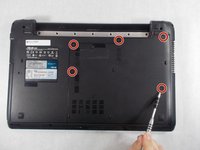
Remove the five Phillips # 0 screws from the back panel.
-
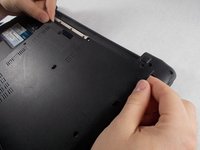
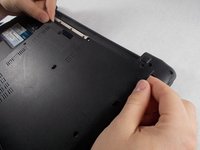
Using your finger or a plastic spudger start to carefully pry up the back planel.
-
-
-
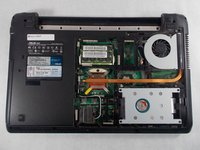
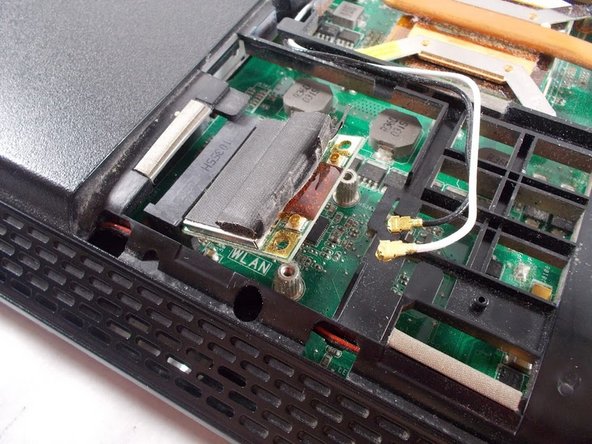
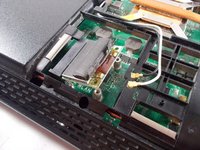
First, find the Wi-Fi card
-
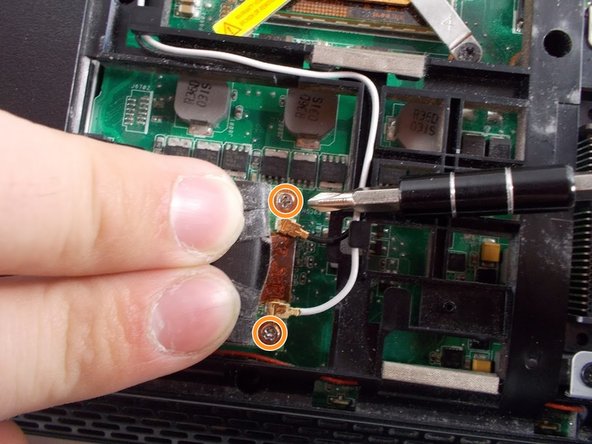
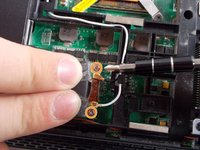
Move the protective flap back and use a Phillips size 0 screw driver to remove the two screws.
-
-
-
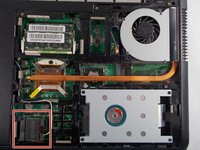
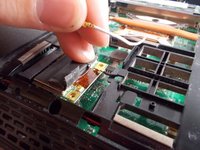
First remove both of the wires from the WiFi card.
-
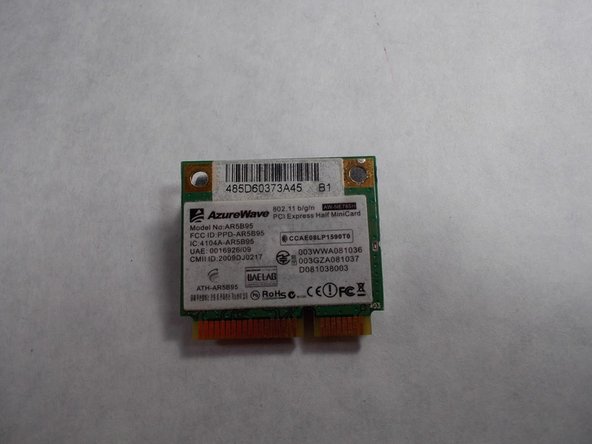
Lift the WiFi card up and remove it.
-







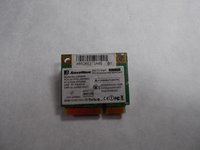
To reassemble your device, follow these instructions in reverse order.
다른 2명이 해당 안내서를 완성하였습니다.

팀

UMass Dartmouth, Team S5-G1, Botvin Spring 2017 UMass Dartmouth, Team S5-G1, Botvin Spring 2017 회원
UMASSD-BOTVIN-S17S5G1
4 회원들
안내서 7개를 작성함
