주요 콘텐츠로 건너뛰기
수리 커뮤니티 가입 - 계정 만들기

Asus Q325U CPU Fan Replacement

필요한 것

  1. Asus Q325U CPU Fan Replacement, Back Panel: 1 단계, 이미지 3개 중 1개 Asus Q325U CPU Fan Replacement, Back Panel: 1 단계, 이미지 3개 중 2개 Asus Q325U CPU Fan Replacement, Back Panel: 1 단계, 이미지 3개 중 3개
    • Remove the ten 5mm screws using a T5 Torx screwdriver.

    댓글 쓰기

  2. Asus Q325U CPU Fan Replacement: 2 단계, 이미지 3개 중 1개 Asus Q325U CPU Fan Replacement: 2 단계, 이미지 3개 중 2개 Asus Q325U CPU Fan Replacement: 2 단계, 이미지 3개 중 3개
    • Lift the back panel upward using the suction tool.

    댓글 쓰기

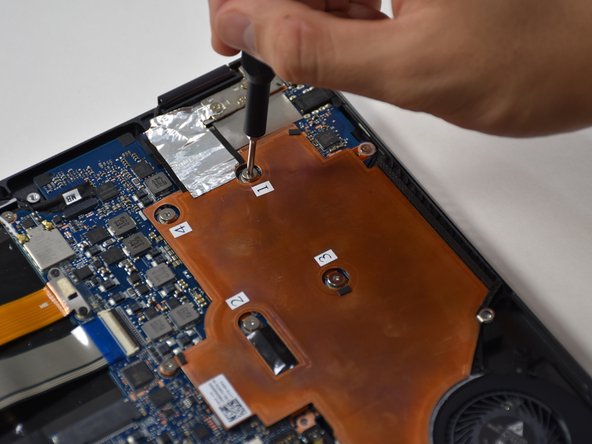
  3. Asus Q325U CPU Fan Replacement, Copper Plate: 3 단계, 이미지 2개 중 1개 Asus Q325U CPU Fan Replacement, Copper Plate: 3 단계, 이미지 2개 중 2개
    • Remove the six 3mm screws using a Phillips #00.

    댓글 쓰기

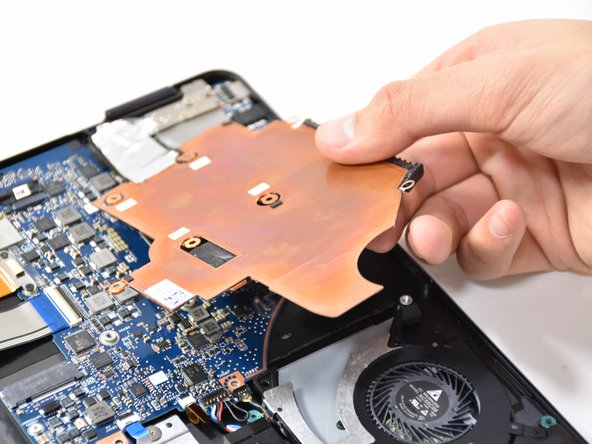
  4. Asus Q325U CPU Fan Replacement: 4 단계, 이미지 2개 중 1개 Asus Q325U CPU Fan Replacement: 4 단계, 이미지 2개 중 2개
    • Use the plastic opening tool to lift up the edge. Pull upward on the edge.

    댓글 쓰기

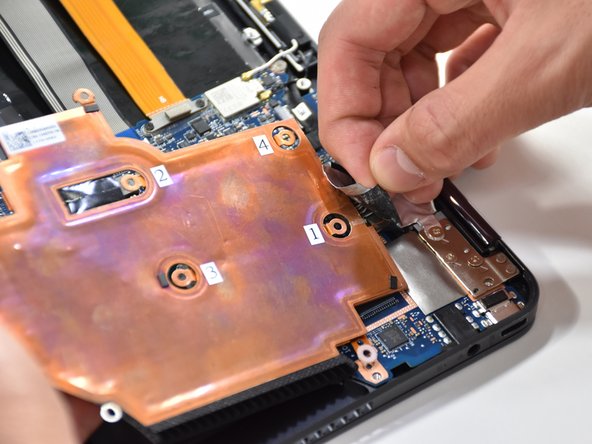
  5. Asus Q325U CPU Fan Replacement: 5 단계, 이미지 2개 중 1개 Asus Q325U CPU Fan Replacement: 5 단계, 이미지 2개 중 2개
    • On the other side of the plate, remove the tape.

    댓글 쓰기

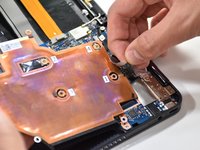
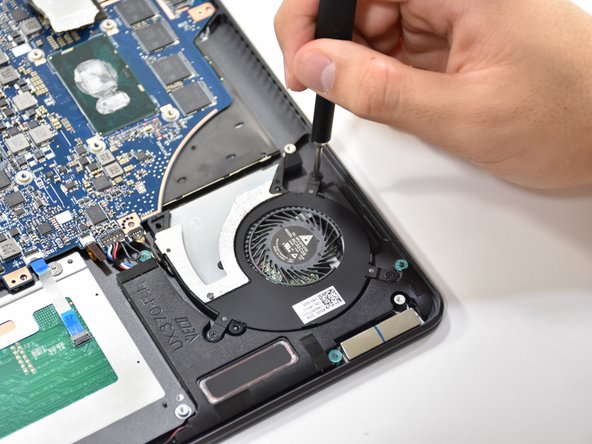
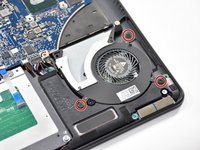
  6. Asus Q325U CPU Fan Replacement, CPU Fan: 6 단계, 이미지 2개 중 1개 Asus Q325U CPU Fan Replacement, CPU Fan: 6 단계, 이미지 2개 중 2개
    • Remove the three 3.7 mm screws using a Phillips #00 screwdriver.

    댓글 쓰기

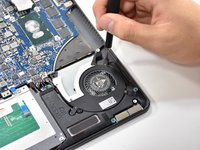
  7. Asus Q325U CPU Fan Replacement: 7 단계, 이미지 1개 중 1개
    • Detach the black wire and plug shown using a tweezer.

    댓글 쓰기

  8. Asus Q325U CPU Fan Replacement: 8 단계, 이미지 1개 중 1개
    • Grab CPU fan by its edge and gently pull upwards to remove.

    댓글 쓰기

결론

To reassemble your device, follow these instructions in reverse order.

취소: 해당 안내서를 완성하지 않았습니다.

다른 2명이 해당 안내서를 완성하였습니다.

작성자

3다른 기여자 명과 함께

Matthew Slawson

회원 가입일: 01/29/19

271 평판

안내서 2개를 작성함

Cal Poly, Team S19-G1, White Winter 2019 Cal Poly, Team S19-G1, White Winter 2019 회원

CPSU-WHITE-W19S19G1

3 회원들

안내서 6개를 작성함

0가이드 댓글

댓글 쓰기

조회 통계:

지난 24시간: 0

지난 7일: 0

지난 30일: 18

전체 시간: 1,062