소개
This guide explains the required steps and tools needed to remove the motherboard of the ASUS Q534U laptop. The motherboard is the main circuit board of a computer which allows all of the computer’s components to work together. If the motherboard is not working properly, then the computer will typically give you a black screen and not operate at all. In this case, the motherboard needs to be replaced. Removal of the motherboard is the first step in replacing a defective motherboard.
Read all steps ahead of time so you know what to expect. Before removing the motherboard, you should backup all your important information, then shutdown Windows and disconnect the power cord before proceeding.
필요한 것
-
-
Remove ten screws with the T5 driver.
-
Use the opening tool to carefully pry off the back case.
 FixBot에 문의하기
-
-
-
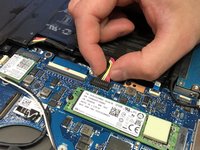
Using the iFixit opening tool, gently pry the CPU fan connector out of the socket.
-
-
-
Move the black cable located around the CPU fan out of the holder.
-
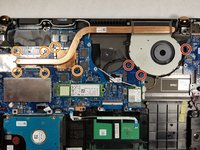
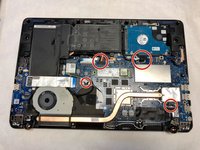
Remove the following 9 screws:
-
Three Phillips screws
-
Six Phillips screws
-
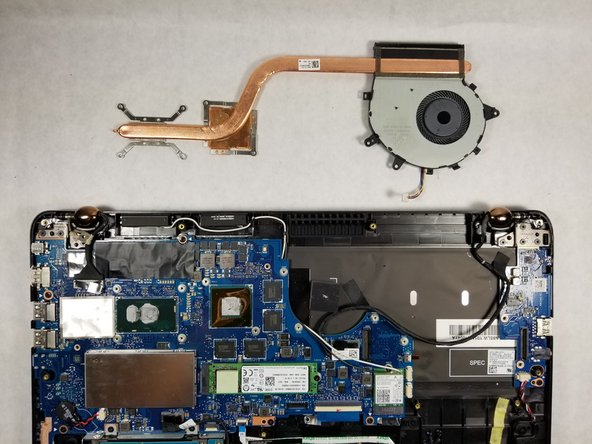
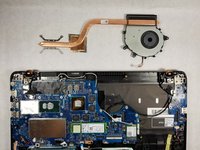
Gently pull vertically on the CPU fan/ heat sink assembly until it is free.
-
-
-
-
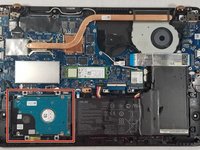
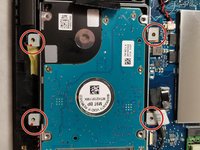
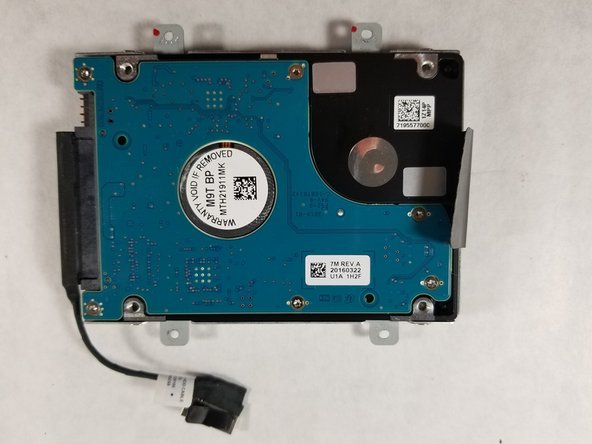
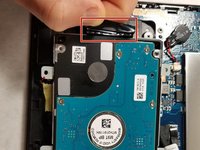
Using a Phillips #00 screwdriver remove the four screws of the metal casing
-
Remove the hard disk from the metal casing
-
-
-
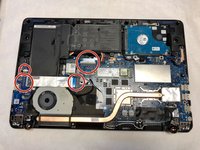
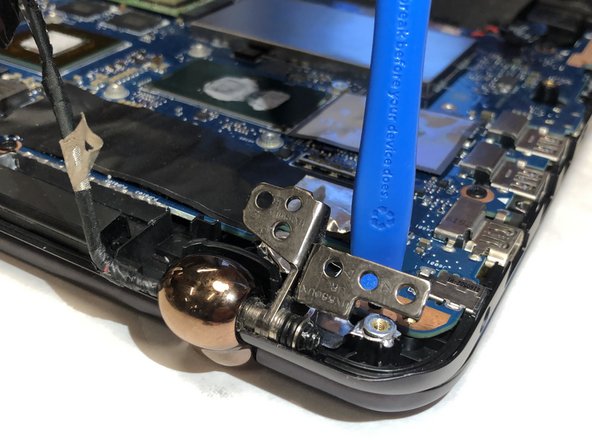
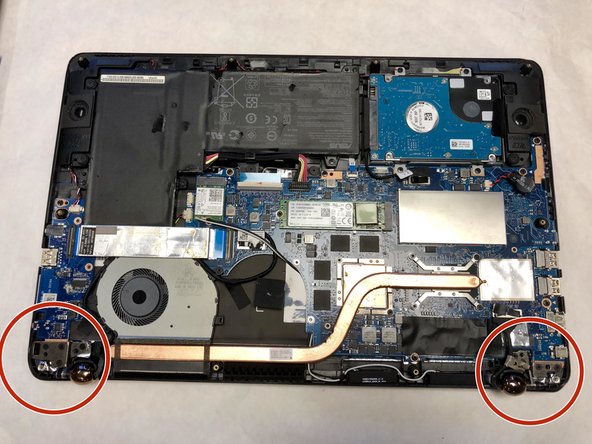
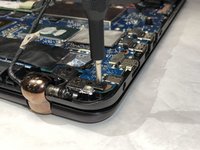
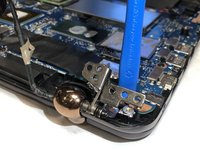
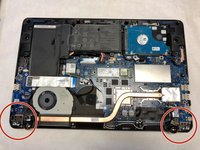
Remove the screws holding the hinges down on both sides of the device.
-
A pry tool might be needed to lift the hinge.
-







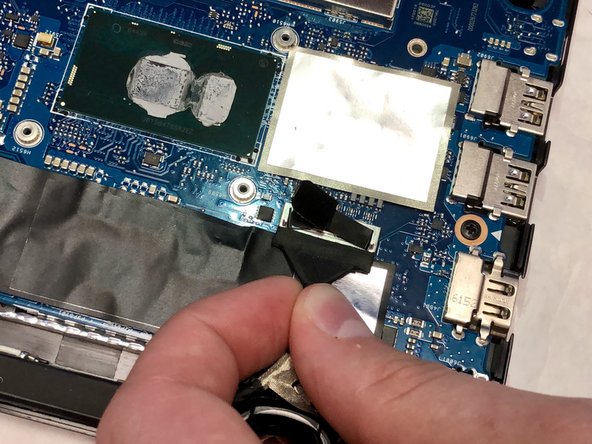

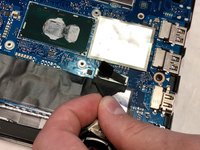

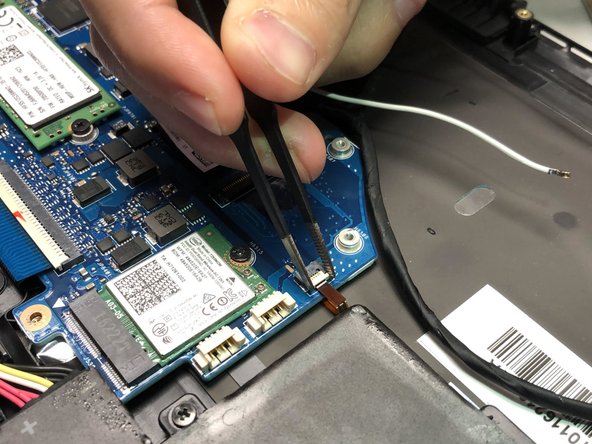
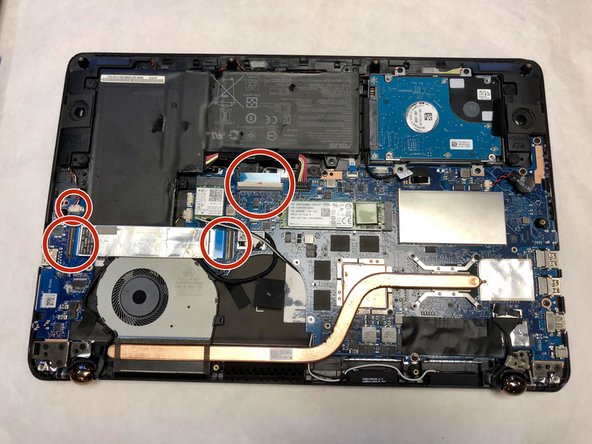


To reassemble your device, follow these instructions in reverse order.
다른 2명이 해당 안내서를 완성하였습니다.

팀

IUPUI, Team S1-G9, Hovde Fall 2019 IUPUI, Team S1-G9, Hovde Fall 2019 회원
IUPUI-HOVDE-F19S1G9
4 회원들
안내서 2개를 작성함
