소개
This guide is intended to show how to remove a damaged screen from the laptop. Reversing the steps will describe the steps needed to replace the laptop with a new screen.
필요한 것
-
-
Unscrew the 10 screws around the edge of the back panel. Eight of the screws are 0.0793mm T5 , two of them are 0.0793 JIS #0.
 FixBot에 문의하기
-
-
-
Use the plastic opening tool to pry the back panel off the base of the laptop.
-
-
-
-
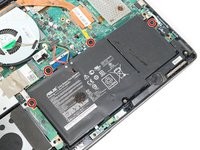
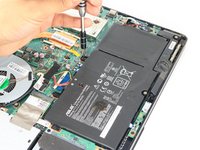
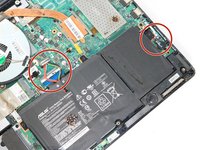
Un-clip both wire clips on the upper and right side of the battery.
-
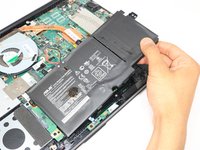
Lift the battery out of the device.
-
-
-
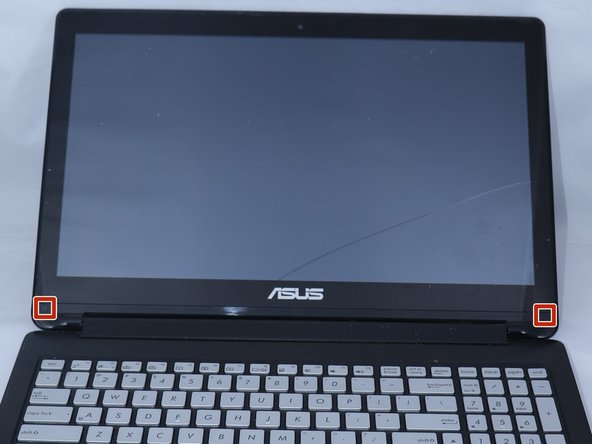
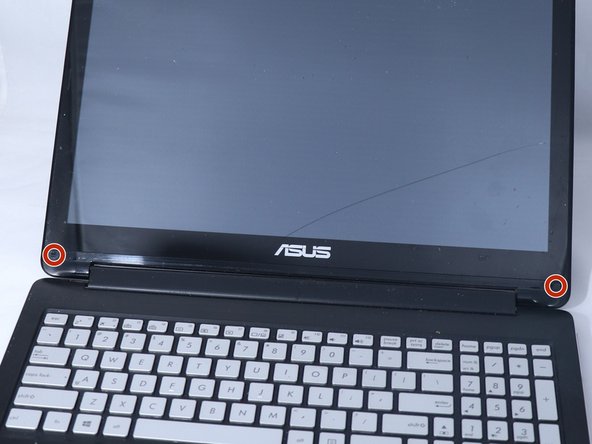
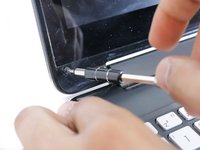
Use the metal spudger to gently lift the two plastic squares off the screen.
-
-
-
Use the plastic opening tool to pry the front edges of the screen off of the back.
-











To reassemble your device, follow these instructions in reverse order.
다른 4명이 해당 안내서를 완성하였습니다.

팀

Eastern Washington University, Team S3-G2, Rowley Spring 2018 Eastern Washington University, Team S3-G2, Rowley Spring 2018 회원
EWU-ROWLEY-S18S3G2
3 회원들
안내서 4개를 작성함
