주요 콘텐츠로 건너뛰기
수리 커뮤니티 가입 - 계정 만들기

Asus ROG Strix GL702VS Trackpad Replacement

필요한 것

  1. Asus ROG Strix GL702VS Trackpad Replacement, Back Cover: 1 단계, 이미지 1개 중 1개
    • Flip the computer so the bottom of the laptop is facing up.

  2. Asus ROG Strix GL702VS Trackpad Replacement: 2 단계, 이미지 1개 중 1개
    • Remove the ten JIS #0 screws around the edge of the laptop.

    • The two bottom screws are slightly shorter

  3. Asus ROG Strix GL702VS Trackpad Replacement: 3 단계, 이미지 2개 중 1개 Asus ROG Strix GL702VS Trackpad Replacement: 3 단계, 이미지 2개 중 2개
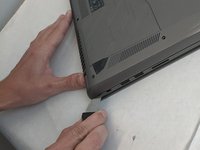
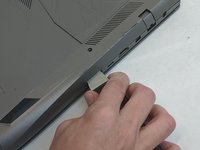
    • Use a Jimmy to carefully free each side of the bottom casing.

  4. Asus ROG Strix GL702VS Trackpad Replacement: 4 단계, 이미지 1개 중 1개
    • Lift up the back casing from the computer.

    • You may hear clicking or snapping sounds. This is just the plastic clips coming loose.

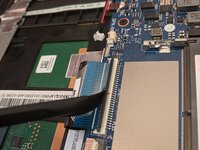
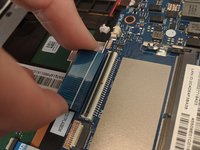
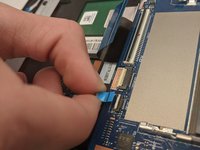
  5. Asus ROG Strix GL702VS Trackpad Replacement, Trackpad: 5 단계, 이미지 3개 중 1개 Asus ROG Strix GL702VS Trackpad Replacement, Trackpad: 5 단계, 이미지 3개 중 2개 Asus ROG Strix GL702VS Trackpad Replacement, Trackpad: 5 단계, 이미지 3개 중 3개
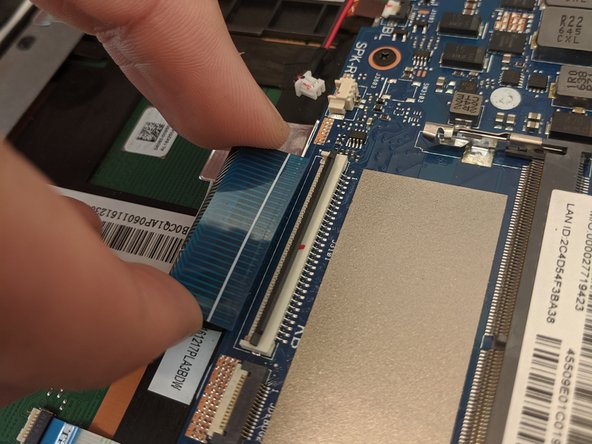
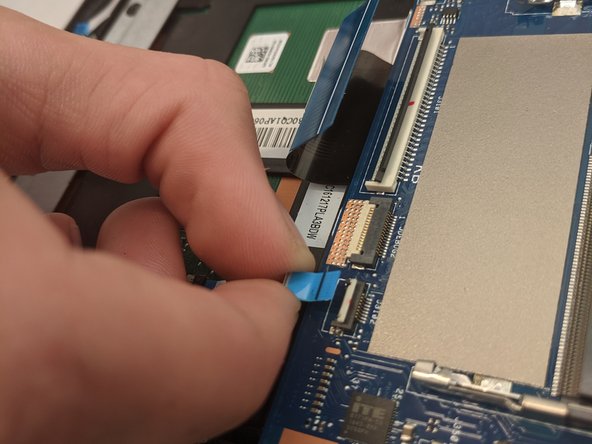
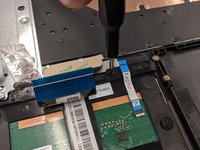
    • Disconnect the ribbon cables from the connectors at the bottom of the motherboard by lifting up the tabs with a nylon spudger tool.

    • Slide the ribbon cables out of the connectors on the motherboard.

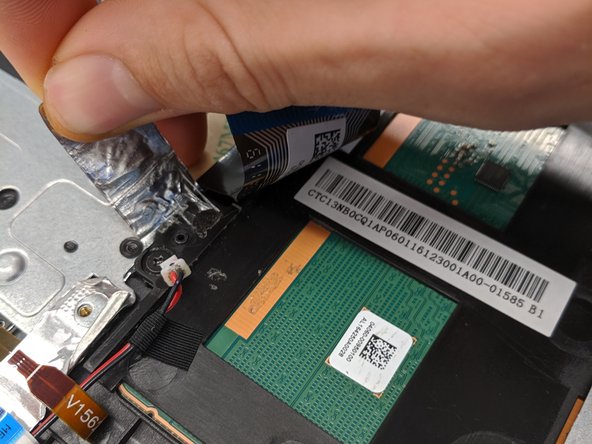
  6. Asus ROG Strix GL702VS Trackpad Replacement: 6 단계, 이미지 2개 중 1개 Asus ROG Strix GL702VS Trackpad Replacement: 6 단계, 이미지 2개 중 2개
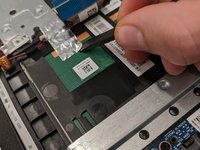
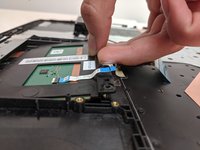
    • Remove the covering foil holding the trackpad into place.

    • Completely peel the foil back to ensure it does not interfere with the following processes.

  7. Asus ROG Strix GL702VS Trackpad Replacement: 7 단계, 이미지 2개 중 1개 Asus ROG Strix GL702VS Trackpad Replacement: 7 단계, 이미지 2개 중 2개
    이 단계에 사용된 도구:
    Tweezers
    $4.99
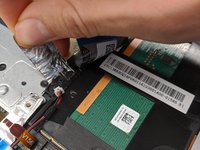
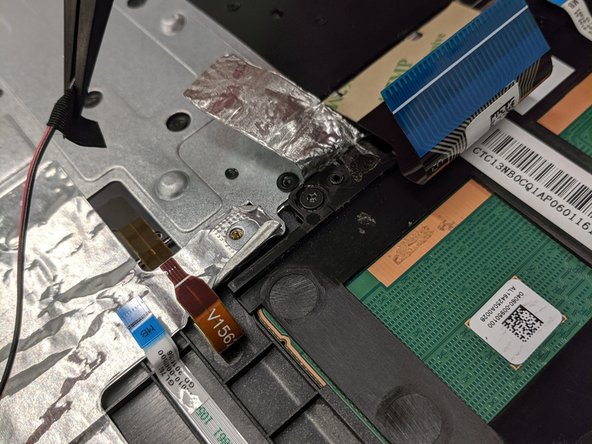
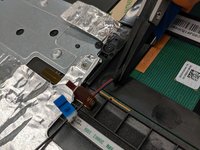
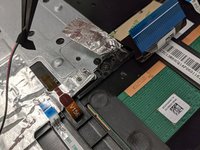
    • Lift up speaker cable that is laying overtop using a pair of tweezers.

    • Do not to overextend the wire since you may accidently pull the wire out.

  8. Asus ROG Strix GL702VS Trackpad Replacement: 8 단계, 이미지 3개 중 1개 Asus ROG Strix GL702VS Trackpad Replacement: 8 단계, 이미지 3개 중 2개 Asus ROG Strix GL702VS Trackpad Replacement: 8 단계, 이미지 3개 중 3개
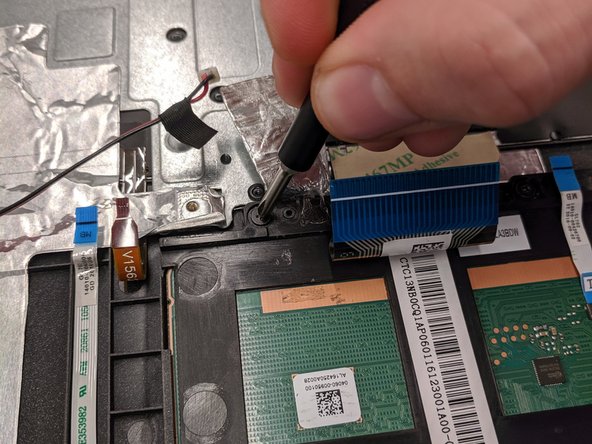
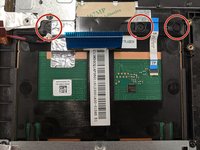
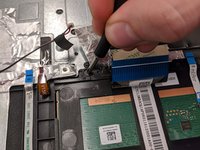
    • Remove the three 4mm JIS #0 screws that are securing the trackpad.

  9. Asus ROG Strix GL702VS Trackpad Replacement: 9 단계, 이미지 2개 중 1개 Asus ROG Strix GL702VS Trackpad Replacement: 9 단계, 이미지 2개 중 2개
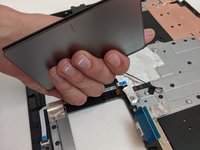
    • Once freed, slide the trackpad backwards towards the center of laptop.

    • This may require some jiggling. Lifting the laptop off your working surface may help.

    • Sliding the trackpad back in can be a bit tricky. Ensure it is fully seated before continuing reassembly.

결론

To reassemble your device, follow these instructions in reverse order.

작성자

5다른 기여자 명과 함께

Conor H Allen

회원 가입일: 09/16/19

640 평판

안내서 5개를 작성함

0가이드 댓글

댓글 쓰기

조회 통계:

지난 24시간: 7

지난 7일: 11

지난 30일: 29

전체 시간: 1,283