주요 콘텐츠로 건너뛰기
수리 커뮤니티 가입 - 계정 만들기

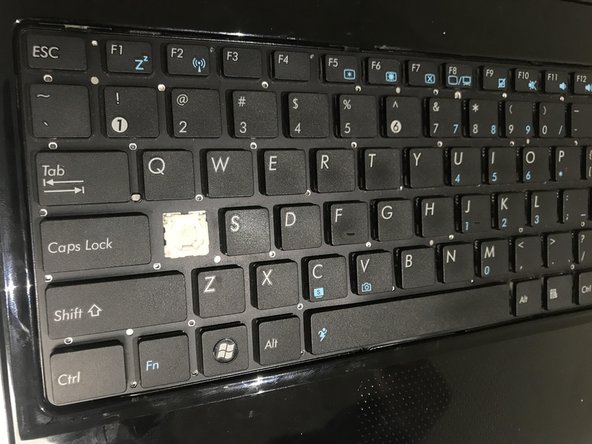
Asus UL30VT-X1 Key Replacement

필요한 것

  1. Asus UL30VT-X1 Key  Replacement, Key: 1 단계, 이미지 1개 중 1개
    • locate the two tabs on on the top right and left of the keyboard.

  2. Asus UL30VT-X1 Key  Replacement: 2 단계, 이미지 2개 중 1개 Asus UL30VT-X1 Key  Replacement: 2 단계, 이미지 2개 중 2개
    • Use the plastic opening tool to pry open the keyboard cover.

  3. Asus UL30VT-X1 Key  Replacement: 3 단계, 이미지 2개 중 1개 Asus UL30VT-X1 Key  Replacement: 3 단계, 이미지 2개 중 2개
    • Use your finger to gently pull up on individual keys until they pop off.

결론

To reassemble your device, follow these instructions in reverse order and pop the cover back into place.

작성자

1다른 기여자 명과 함께

Connor McKee

회원 가입일: 09/20/17

101 평판

안내서 1개를 작성함

0가이드 댓글

댓글 쓰기

조회 통계:

지난 24시간: 0

지난 7일: 7

지난 30일: 26

전체 시간: 298