소개
The battery of the laptop provides power for all the functions of your laptop. If your laptop's battery is broken or defective this guide will give you step by step instructions on how to replace it. Additionally, the laptop's battery should always be removed before disassembling the laptop, to avoid any possible electric shock.
필요한 것
-
-
-
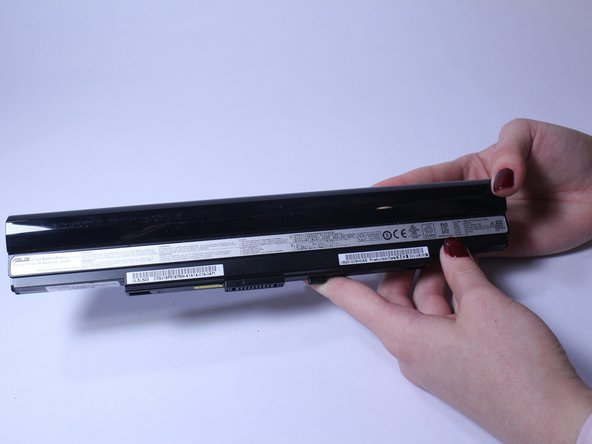
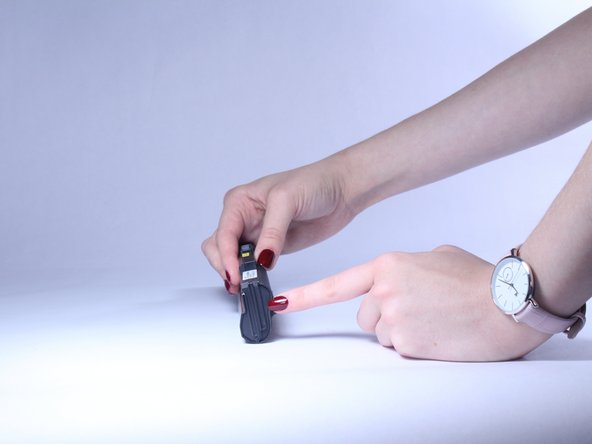
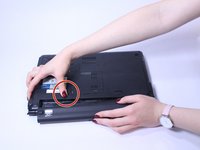
Slide the button marked with an arrow to the left. The battery should now unclick. Slide the battery away from the laptop to remove it.
-

 FixBot에 문의하기



To reassemble your device, follow these instructions in reverse order.

팀

USF Tampa, Team S2-G4, Lacy Spring 2017 USF Tampa, Team S2-G4, Lacy Spring 2017 회원
USFT-LACY-S17S2G4
3 회원들
안내서 7개를 작성함
